63
TROUBLESHOOTING
EN
INTELECT
®
RPW 2 USER MANUAL
TROUBLESHOOTING CODES
. All system messages, warning messages and fault messages that are generated by the device are self-explanatory excepting
system error.
. If System error occurs, note error code and contact DJO selling dealer or DJO Service Department
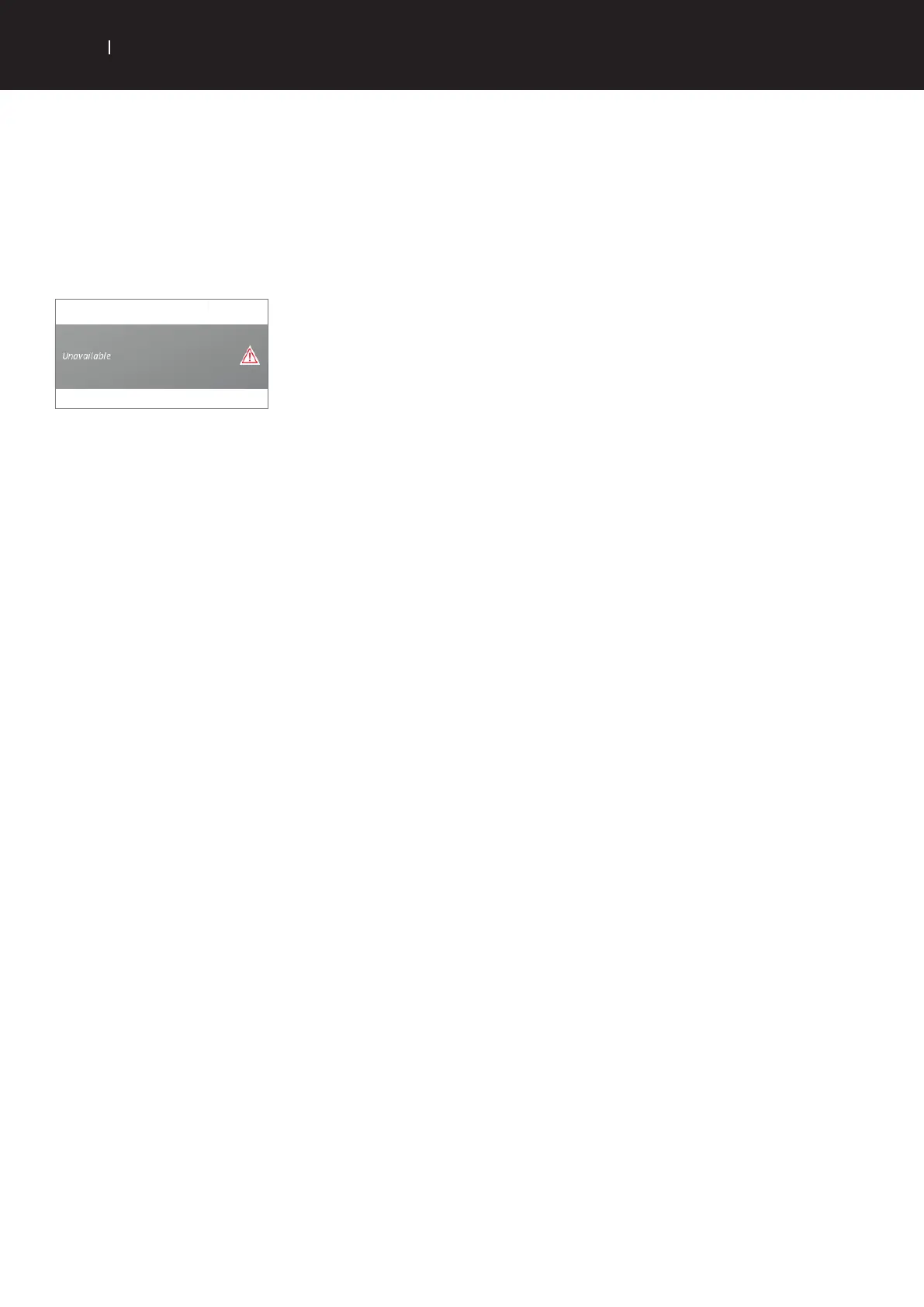
. In case a red triangle is shown, click on the triangle to get an explanation
internationalproductsupport@djoglobal.com
If the device is not powering on, display and lights do not switch on
. Check that ON/OFF button on the rear of the device is ON
. Check the power cable is connected to proper alimentation



 To Next Page
 Loading...