67
V-ACTOR HF HANDPIECE OPERATIONS, SET-UP, CLEANING, AND MAINTENANCE
EN
INTELECT
®
RPW 2 USER MANUAL
: Red dots
: Outside of
plug body
CONNECTING THE HANDPIECE
The Intelect
®
RPW has a connector for the V-ACTOR HF
®
handpiece and a designated handpiece holder on the left
hand side of the device.
To connect your V-Actor HF, please find the connectors on the
front of the device. As the handpiece holder for the V-Actor is
on the left hand side of the device it is recommended that the
connector plug on the left side is used.
• Insert the plug of the handpiece into the handpiece
connector on the Intelect RPW .
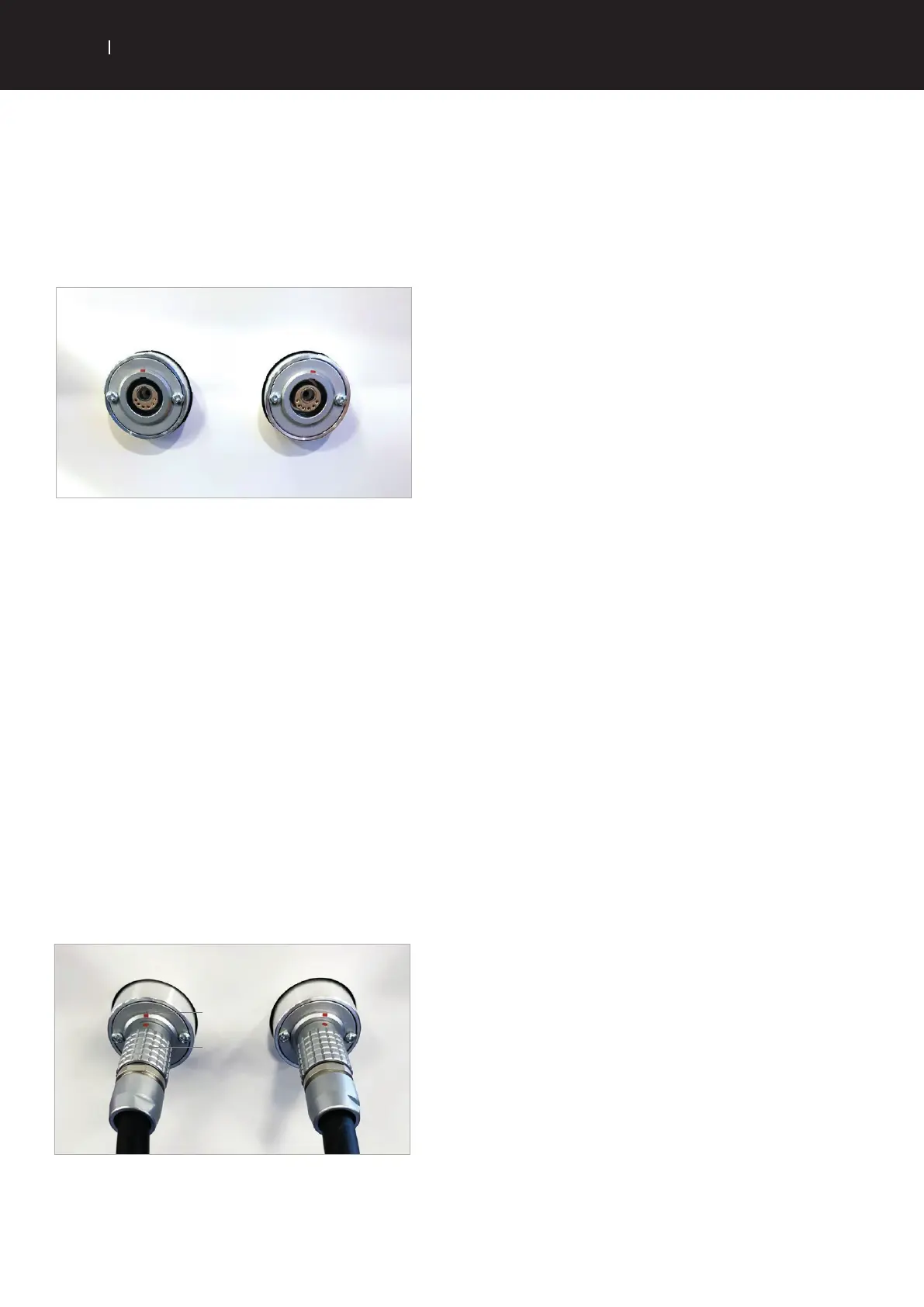
• Make sure that the red dot on the plug is aligned with the
red dot on the handpiece connector.
• Gently pushing the plug into the connector will
immediately lock the access and will prevent the
connector from disengaging automatically when the cable
is pulled.
• Place the handpiece into the handpiece holder.
• To break the connection, pull the outside of the plug body.
This first releases the locking function, allowing the plug to
be pulled out of the handpiece connector.
*V-Actor is a registered trade mark of Storz medical AG


 To Next Page
 Loading...