7-98 Infotainment System
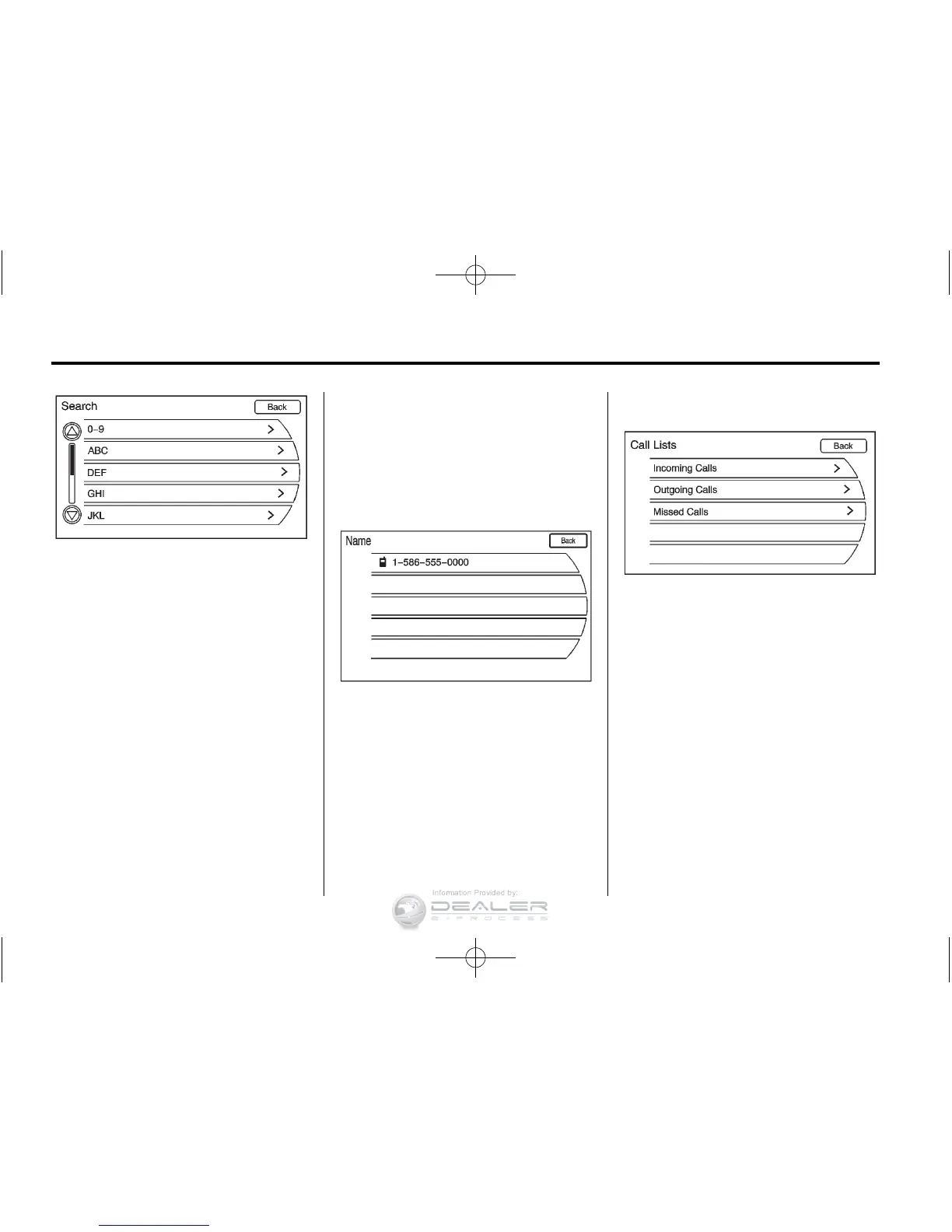
The Phone Book feature also has a
search menu that can be accessed
by pressing that option screen
button. Once the Search menu
displays, turn the TUNE/MENU
knob to scroll through the list, then
press the TUNE/MENU button to
select the desired list item. These
lists are saved in alphabetical order.
Press the TUNE/MENU knob or
press the appropriate search line
to obtain the numbers of the listed
persons or places that have been
saved.
Call Lists
The Call Lists selection from the
Phone Menu screen can be used
to show a list of incoming calls,
outgoing calls, and missed calls.
1. Press the CONFIG button.
Turn the TUNE/MENU knob
until Phone displays. Press the
MENU knob or press the Phone
screen button to display other
options.













 To Next Page