E Series User Manual
020-000515-01 Rev. 2 (03-2013)
Section 2: Introduction
2-7
2.5 LED Status Indicators
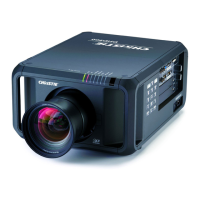
The LED status indicators are located on the rear of the projector.
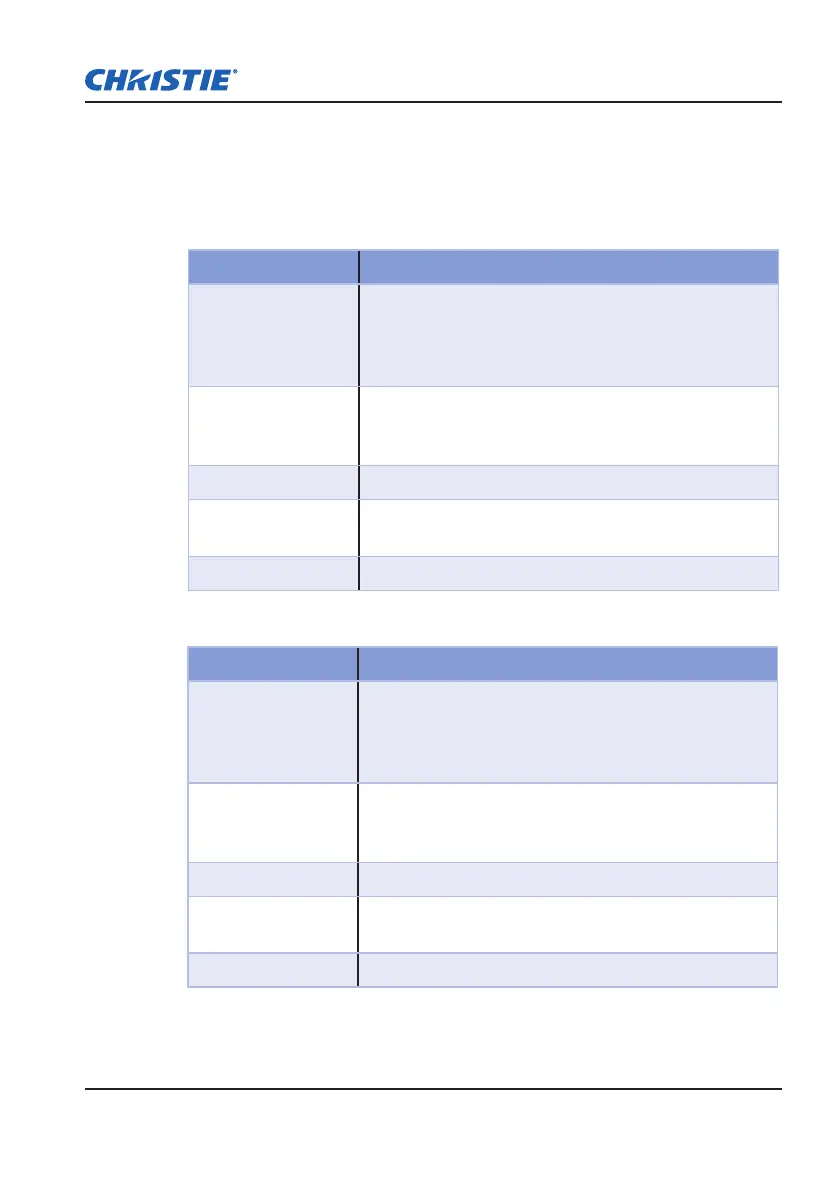
LAMP 1 LED
y
LED Status Projector State
Red (short blink)
Failed to strike lamp after 5 attempts (strike attempts will
stop).
Lamp has unexpectedly shut down (system goes into
cool down state).
Yellow (no blink)
Lamp time has expired and lamp should be replaced.
(projector also begins to display the replace lamp On
Screen Display message at startup).
Green (no blink) Lamp 1 turn ON ok
Green (short blink)
Projector is switching to Lamp 1 (Lamp 2 is off)
(selected by OSD menu “Current Lamp”: 1/ 2/ Both )
Off Lamp is off
LAMP 2 LED
y
LED Status Projector State
Red (short blink)
Failed to strike lamp after 5 attempts (strike attempts will
stop).
Lamp has unexpectedly shut down (system goes into
cool down state).
Yellow (no blink)
Lamp time has expired and lamp should be replaced.
(projector also begins to display the replace lamp OSD
message at startup).
Green (no blink) Lamp 2 turn ON ok
Green (short blink)
Projector is switching to Lamp 2 (Lamp 1 is off)
(selected by OSD menu “Current Lamp”: 1/ 2/ Both )
Off Lamp is off



 To Next Page