HIPOT Tester 19071/19072/19073 User’s Manual
2-14
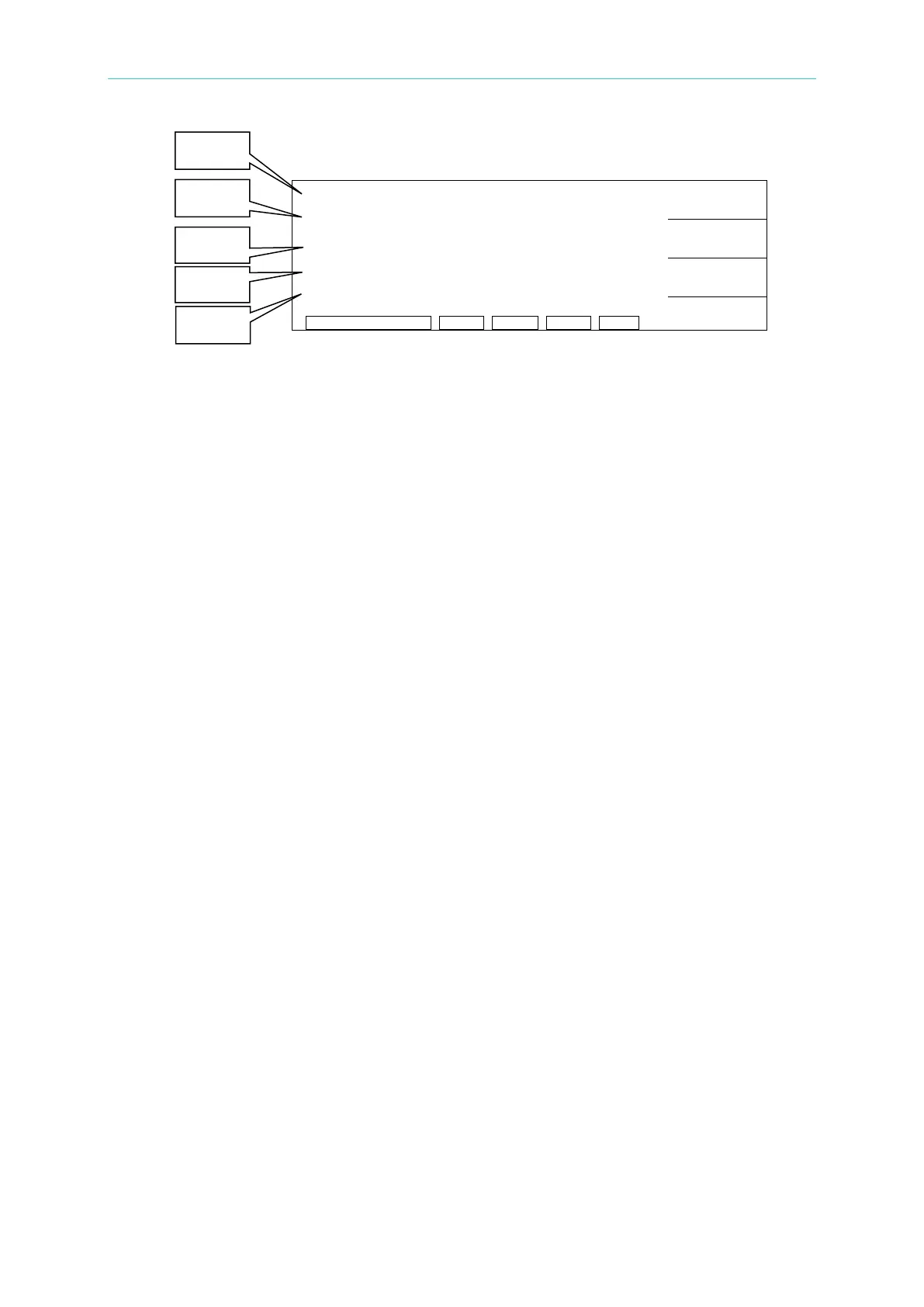
1. STEP 1/2 in “Line 1” indicates there are 2 test steps, and currently it is executing
step 1. M02 1/2 in “Line 1” indicates this test parameter set have saved into the
index 2 memory. There are 2 test steps in the memory, and currently it is executing
step 1.
2. AC in “Line 1” indicates this step is AC HiPot test mode.
3. “Line 2” indicates the output voltage set for test.
4. “Line 3” indicates the high limit for leakage current under STANDBY state in AC or
DC HiPot test mode; or the low limit for insulation resistance under STANDBY
state in IR test mode. When in TEST mode, it is the value of real leakage current
or insulation resistance.
5. “Line 4” indicates the testing time set under STANDBY state; or the remaining
testing time under TEST state.
6. “Line 5” is the “Status Line” that shows the current state or test results.
(3) Press [STOP] to enable it standby for test and the “Status Line” shows “STANDBY”.
(4) Press [START] to begin the test. It will begin to output the test voltage. The DANGER
indicator lights up and the “Status Line” shows “UNDER TEST” to warn you that it is
in test state and there is mass voltage output. “Line 2” will show the output voltage
reading, “Line 3” will show the reading of leakage current or insulation resistance,
and “Line 4” performs timing and countdown work.
(5) PASS Judgment
When all test steps are done and “Status Line” shows PASS, it indicates the DUT is a
quality product. Then the output is cut out, rear panel outputs the PASS signal and
buzzer (short beep) in the meantime.
(6) FAIL Judgment
If the measurement is abnormal, the system will judge the DUT as a failed product
and cut out the output. The rear panel outputs FAIL signal and buzzer (long beep) in
the meantime. The action continues until [STOP] key is pressed. “Status Line” will
show fail state as below. Please see page 2-16 “Description Table for Test Result”.
(7) If any errors happen and cause the [START] key to be locked, you can press [STOP]
to release it.
(8) You can press [STOP] key anytime to stop the test output in any case.
PROGRAM
PRESET
MENU
MORE..



 To Next Page