Calibration Procedure
4-3
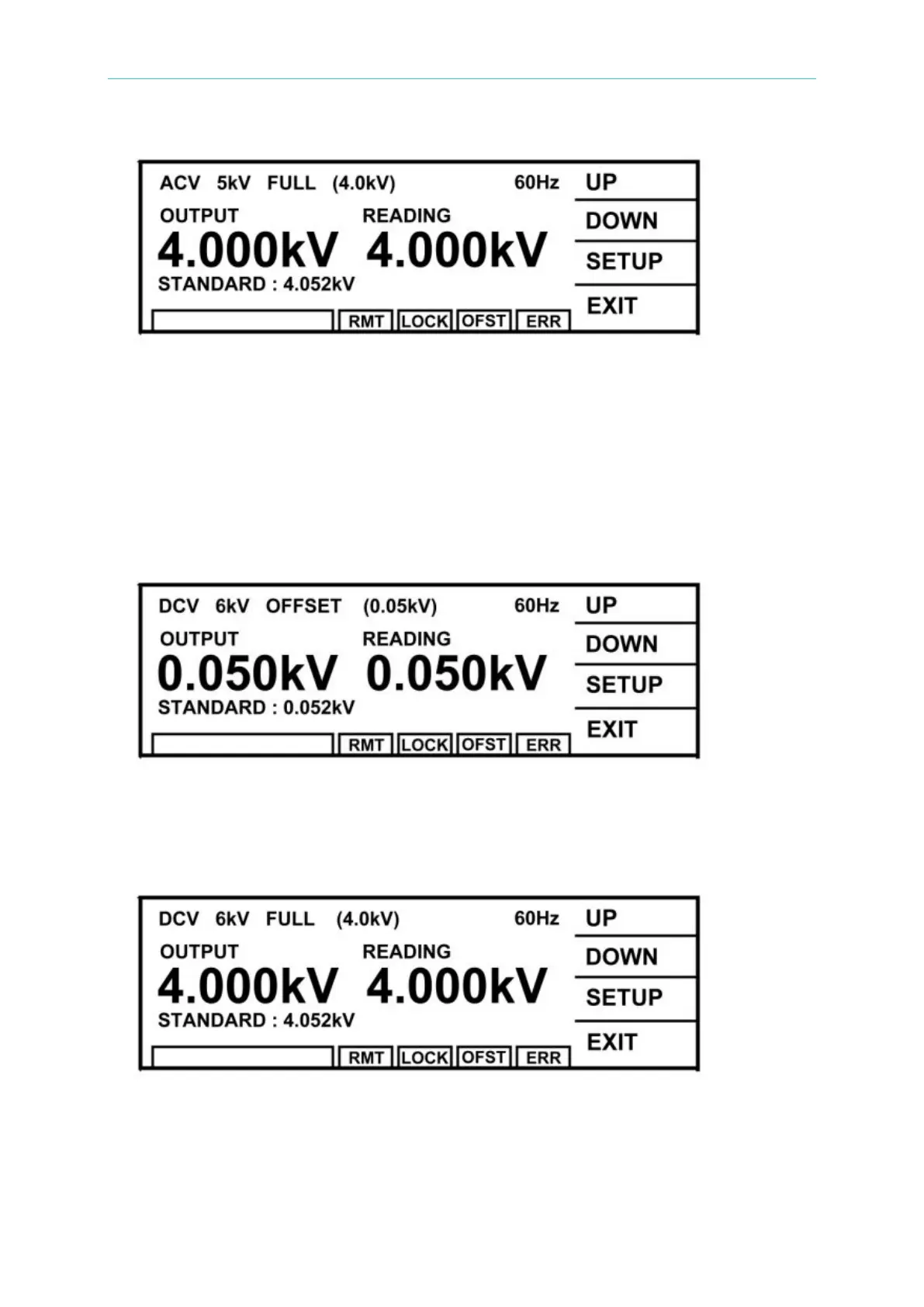
(8) Press [INC.] or [DEC.] until shows 4.052 kV and press [ENTER] for saving.
(9) Press [STOP] to stop ACV voltage full scale calibration.
4.2.3 DCV Calibration (DC/IR MODE)
(1) Press [UP] or [DOWN] to select DCV offset calibration.
(2) Connect a DC high voltage meter to HiPot tester.
(3) Press [STOP][START] to read the high voltage meter value, ex. 0. 052kV.
(4) Press [INC.][DEC.] until shows 0.052kV and then press [ENTER] for saving.
(5) Press [STOP] to stop DCV voltage offset calibration.
(6) Press [UP] to change to the next calibration item.
(7) Press [STOP][START] to read the high voltage meter value, ex. 4.052kV.
(8) Press [INC.] or [DEC.] until shows 4.052 kV and then press [ENTER] for saving.
(9) Press [STOP] to stop DCV voltage full scale calibration.



 To Next Page