Using The Rear Video USB Port
Plug in a USB drive, iPhone, iPod or mass stor-
age device and play your favorite music or
movies.
NOTE:
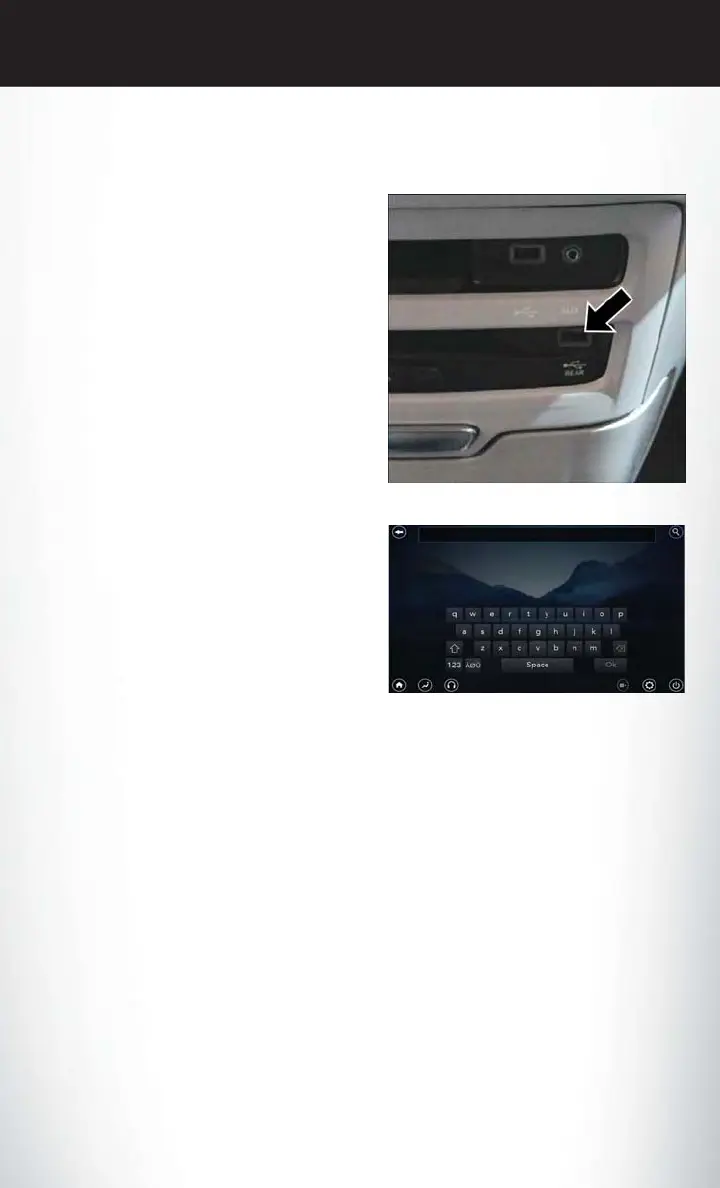
To view USB media on the rear theater screens,
insert a USB drive into the port next to the
DVD/Blu-ray disc player. The USB drive port is
located under the radio controls in the instru-
ment panel.
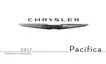
On the rear screen you can browse the content
of the USB device by going to the USB source.
Use the search feature to find your music faster.
Rear Video USB Port
Search Screen
ELECTRONICS
197













 To Next Page