WarmAir
Model 135 Manual TROUBLESHOOTING
Page 29 of 43
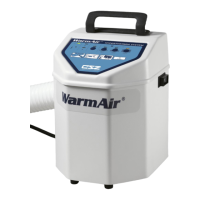
The Warming Unit turns on, but
does not blow air. Unit may
automatically trip off.
Remove filter and inspect for
obstructions. Inspect screen
area around heater for
obstructions. Clean out debris
and replace filter as necessary.
Remove top cover. Inspect
connectors and associated wire
harness connecting the motor
to the power supply as well as
incoming line voltage to power
supply. Look for loose crimps,
broken wires, or terminals that
may have pushed out of the
connector housings. Repair
using appropriate terminals
and crimping tool.
Blower wheel is obstructed.
Remove top cover and
thermistor. Remove hose and
verify that blower spins freely.
Faulty Power Supply board.
Verify connectors and
terminals are properly secured.
Verify that power supply board
has supplied line voltage and
approximately 24V DC output.
Consult with authorized CSZ
representative or replace
board.
Consult with authorized CSZ
representative or replace
board.


 To Next Page