OPERATING INSTRUCTIONS
43
SINGLE SET POINT OPERATION
To adjust the setpoint:
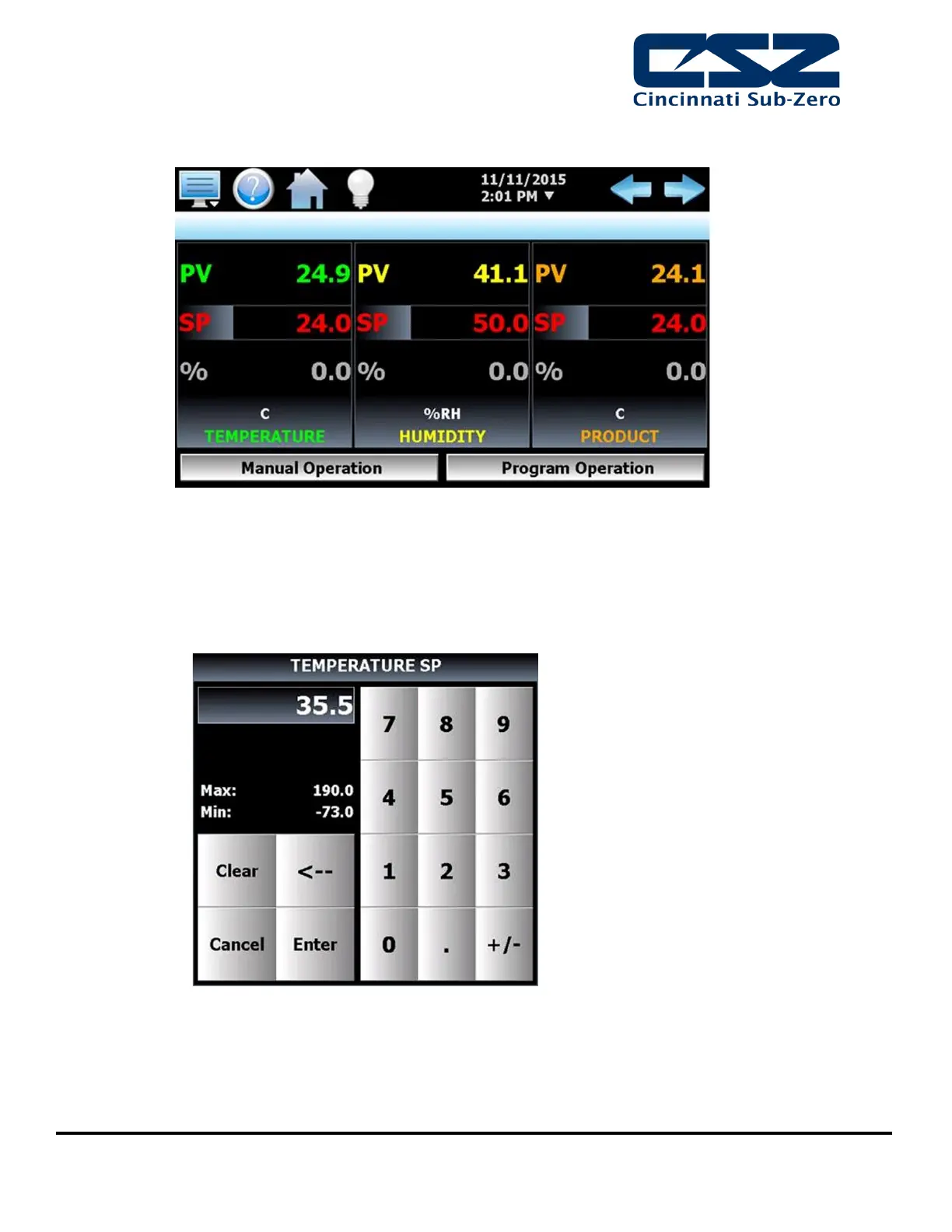
1. Select one of the loop views from the main View menu.
2. Input the setpoint temperature.
Press the numeric display for the setpoint (SP) for temperature. The setpoint adjust keypad will be
shown on the screen. Enter the desired setpoint value and press the “Enter” button.
3. Turn the Chamber event on to start the chamber, see manual event control.


 To Next Page