09.05. “maintenance”
09.06. data support
a special wash cycle is installed on some versions, including various
separate steps that can be carried out by following the display
instructions, such as for example:
to carry out the same functions as those described by point
09.01.o.;
the values of the variables composing the machine programming
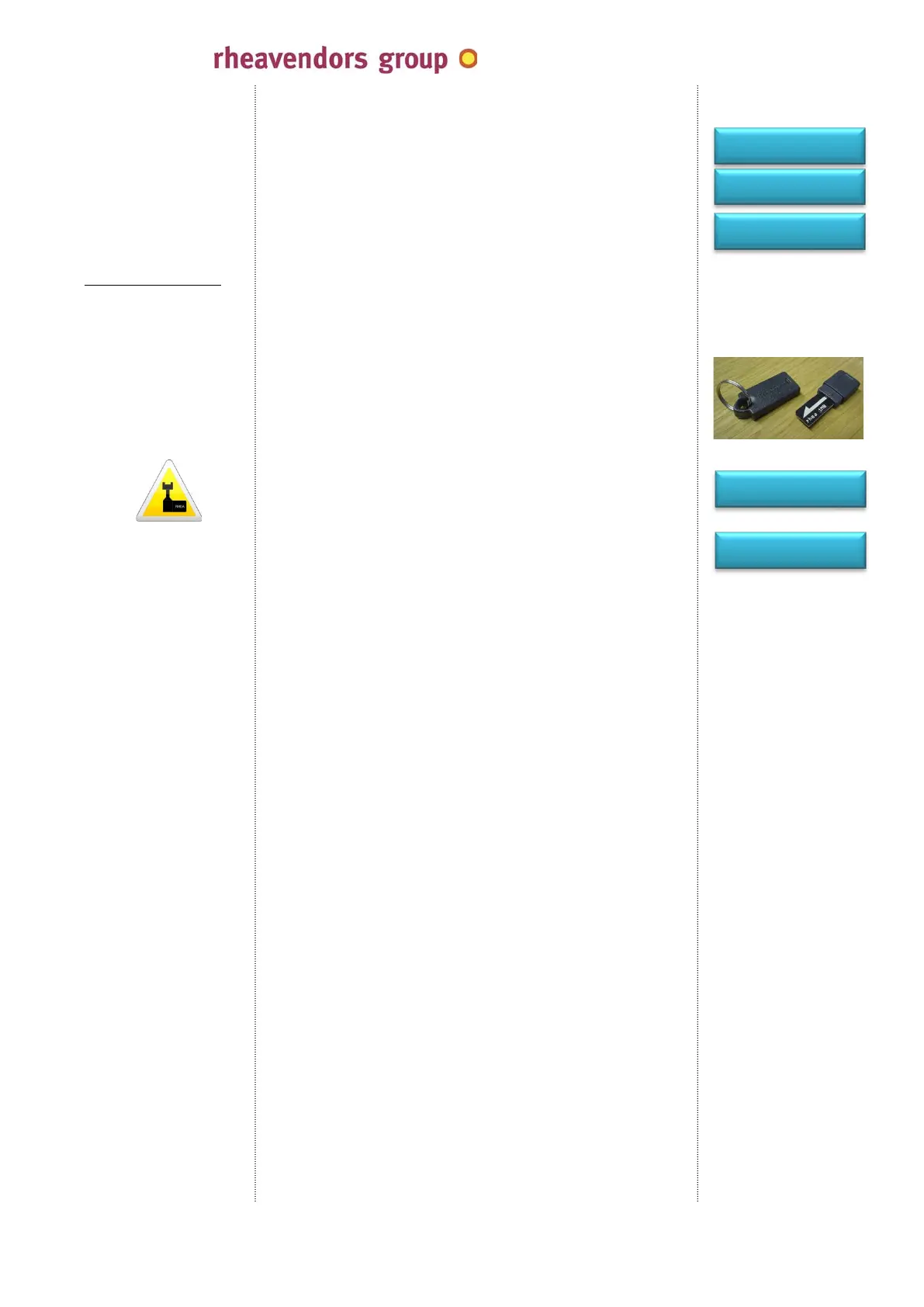
(configuration) can be transferred to an external support, i.e. the
flash key; to transfer the machine parameters to the key:
- power off the machine;
- open the door;
- insert the flash key into the apposite connector (see 05.16.);
- power on the machine by means of the service key (see 05.14.);
- the display shows:
- press “2”
- and wait for the display to show:
- power off the machine and remove the flash key;
now, the flash key contains all the parameters typical of the
machine from which they have been fetched; if you wish to
programme another vending machine with these data, the previous
procedure can be repeated by pressing key “1” instead of “2”: the
information will be transferred from the flash key to the vending
machine; both procedures will not alter the data contained in the
supports from which they have been fetched;
1 from key to VMC
2 from VMA to key
END PROGRAMMING
wait ………
P3 to continue
rising
put pastille and
push P4=START
cleaning brewer
N/N
cino eC by
MAN1010105 rel. 03 dated 12.02.2014 page no. 37 of 50 page
www.rheavendors.com tel: 0039 02 966 551 fax: 0039 02 96 55 086 e mail: rheavendors@rheavendors.com
rheavendors group's sole property


 To Next Page