08.
first power on
08.01. introduction
08.02. activity
08.03. washing
after having unpacked the vending machine, arranged it firmly in
the work place and connected or supplied it (machine A)
hydraulically and electrically, carry out some actions to operate it;
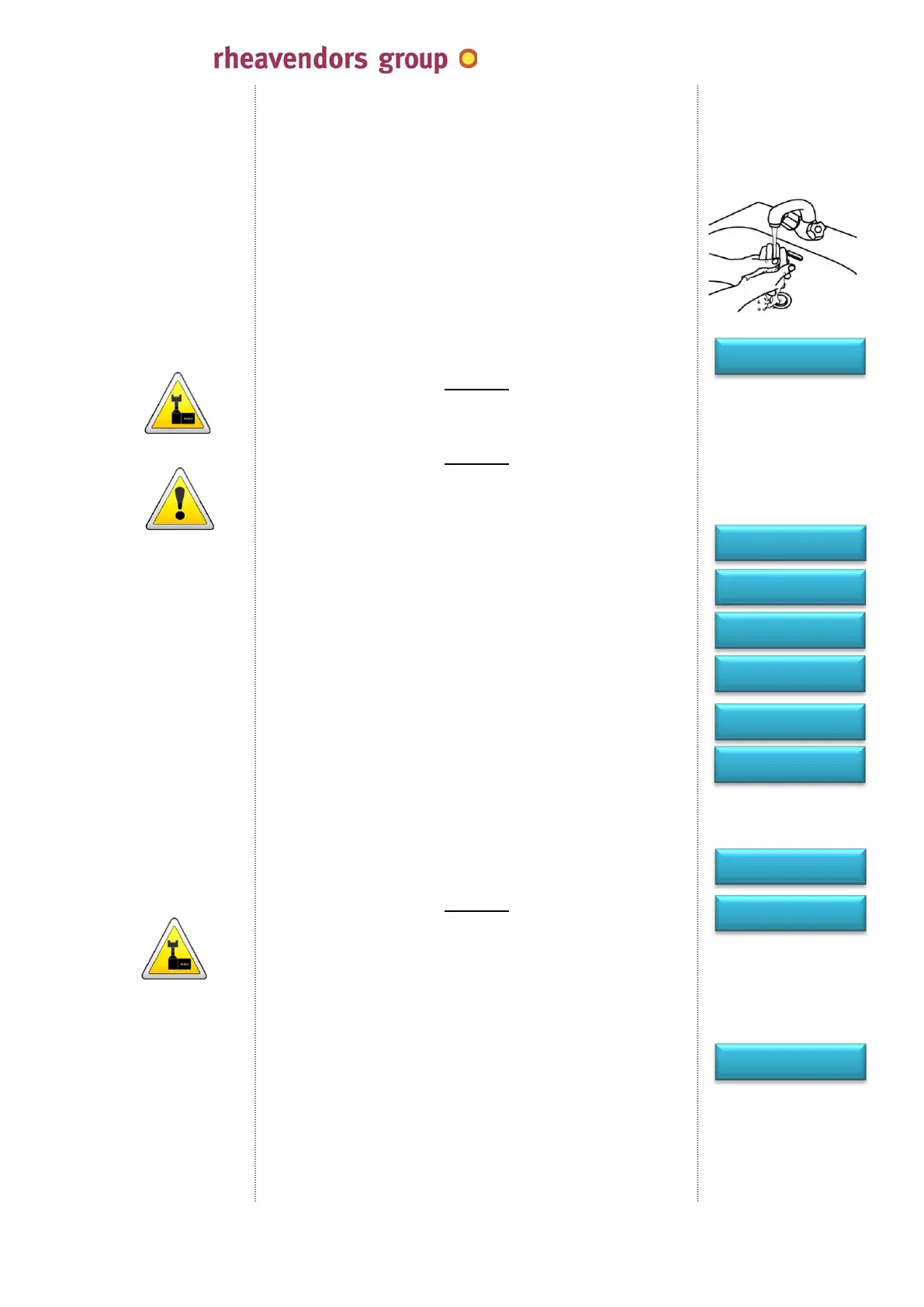
wash hands thoroughly with water and soap before
handling the machine and the products; only use potable
water to clean the components;
open the door, lift the cover, power on the main switch of the
machine (see 05.08.);
for E versions pour a small quantity of coffee beans into the coffee
hopper to avoid displaying the no coffee message; remember to
open the hopper orange blade;
attention
arrange a cup beneath the nozzles;
insert and rotate the service key into the door switch (see 05.14.);
attention
the vending machine is supplied and running to all effects; the
mobile parts of the coffee brewer will be handled; act extremely
carefully;
at the end of the assembly and final inspection, discharge the
water used for tests from the machine; at the time of the first
power on, fill in the whole water circuit; the machine will constantly
load water and display:
wait for the water to come out of the dispensing nozzles for some
seconds; the water flow will automatically stop and the display
show:
water will start heating in the pressure boiler or in the boiler to
reach the temperature value you have set up (see 09.01.e.); at the
end of this phase, the display will show the message:
transportation, storage and installation conditions can not provide
for immediate utilisation of the vending machine and it is
recommended to perform a complete wash cycle before using the
vending machine;
press the programming button (see 05.15.);
the display shows alternatively the messages:
attention
the vending machine is supplied and running to all effects; the
mobile parts of the coffee brewer will be handled; act extremely
carefully;
arrange a cup beneath the nozzles; the machine will dispense a
pre-fixed water quantity for each wash cycle;
press “4” to enable the wash cycle of the water circuit (pressure
boiler, tubes, mixing bowls, ….);
the display shows:
- in the E version, key “1” will dispense water through the coffee
brewer; selections “2” and “3” will do it respectively in the
mixing bowl for instant products and in the hot water outlet hole
to the cup; key “8=hc” will carry out the sanitary wash cycle for
the brewer (see 09.04.);
- in the E version, keys “1” and “2” will dispense water into the
two mixing bowls; key “3” in the hot water outlet hole to the cup;
no coffee beans
OFF 09
INSTALLATION
end
installation
switching on…
please wait
refilling water
wait
wait
temperature
cino eC
Espresso
1= PROGRAMMING
3= FREE VEND
2= DATA 4= CLEAN
5= MAINTENANCE
cleaning
sel. 1-2-3 8=hc
cino eC by
MAN1010105 rel. 03 dated 12.02.2014 page no. 25 of 50 page
www.rheavendors.com tel: 0039 02 966 551 fax: 0039 02 96 55 086 e mail: rheavendors@rheavendors.com
rheavendors group's sole property


 To Next Page