1-27
Cisco 860 Series, Cisco 880 Series, and Cisco 890 Series Integrated Services Routers Hardware Installation Guide
OL-16215-12
Chapter 1 Product Overview
Cisco C881, C886, and C887 Series ISRs
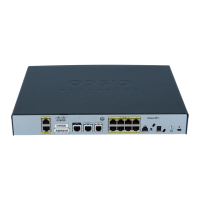
Figure 1-27 shows the back panel of the Cisco C886VAJ Router.
Figure 1-27 Back Panel of the Cisco C886VAJ Router
For information on installing Cisco C880 Series Routers, see:
http://www.cisco.com/en/US/docs/routers/access/800/860-880-890/hardware/installation/guide/2Instal
l880-860.html
Cisco C887VA Router
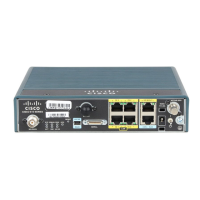
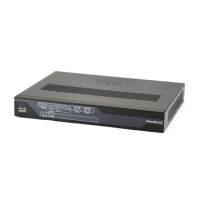
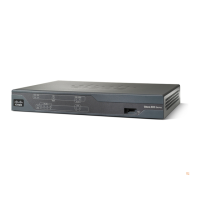
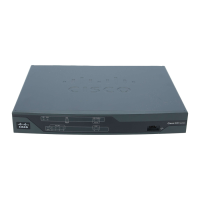
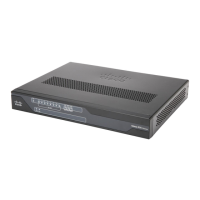
Figure 1-28 shows the front panel of the Cisco C887VA Router.
Figure 1-28 Front Panel of the Cisco C887VA Router
For detailed description about the LEDs on Cisco C880 Series Router, see the “LEDs” section on
page 1-47.
361129
VDSL/ADSLVDSL/ADSL
over ISDNover ISDN
0
0
ISDN
ISDN
FE LANFE LAN
CONSOLECONSOLE
AUXAUX
3 2 1 0
12VDC 2.
2.5-5A-5A
(POE)(POE)
RESETRESET
21 3 4 5 6 8 9 10
7
1 Primary WAN port—VDSL/ADSL over
ISDN
6 On/Off switch
2 USB port 7 Reset button
3 ISDN 8 Power connector
4 4-port 10/100 Ethernet switch 9 Earth ground connection
5 Serial port—Console or auxiliary 10 Kensington security slot
361130
CiscoCisco
800
Series
OKOK
POEOE
PPPPPP
FE FE LAN
VPN
0
1 2
3
0 1
CD
CD DATA
xDSL
xDSL
1
1 LEDs


 To Next Page
 Loading...