17
Cisco TelePresence System Codec C60/C40 and Profiles using C60/C40 Administrator guide
D14636.06 Profile C60-C40 and Codec C60-C40 Administrator Guide TC4.2, July 2011.
Copyright © 2010-2011 Cisco Systems, Inc. All rights reserved.
www.cisco.com
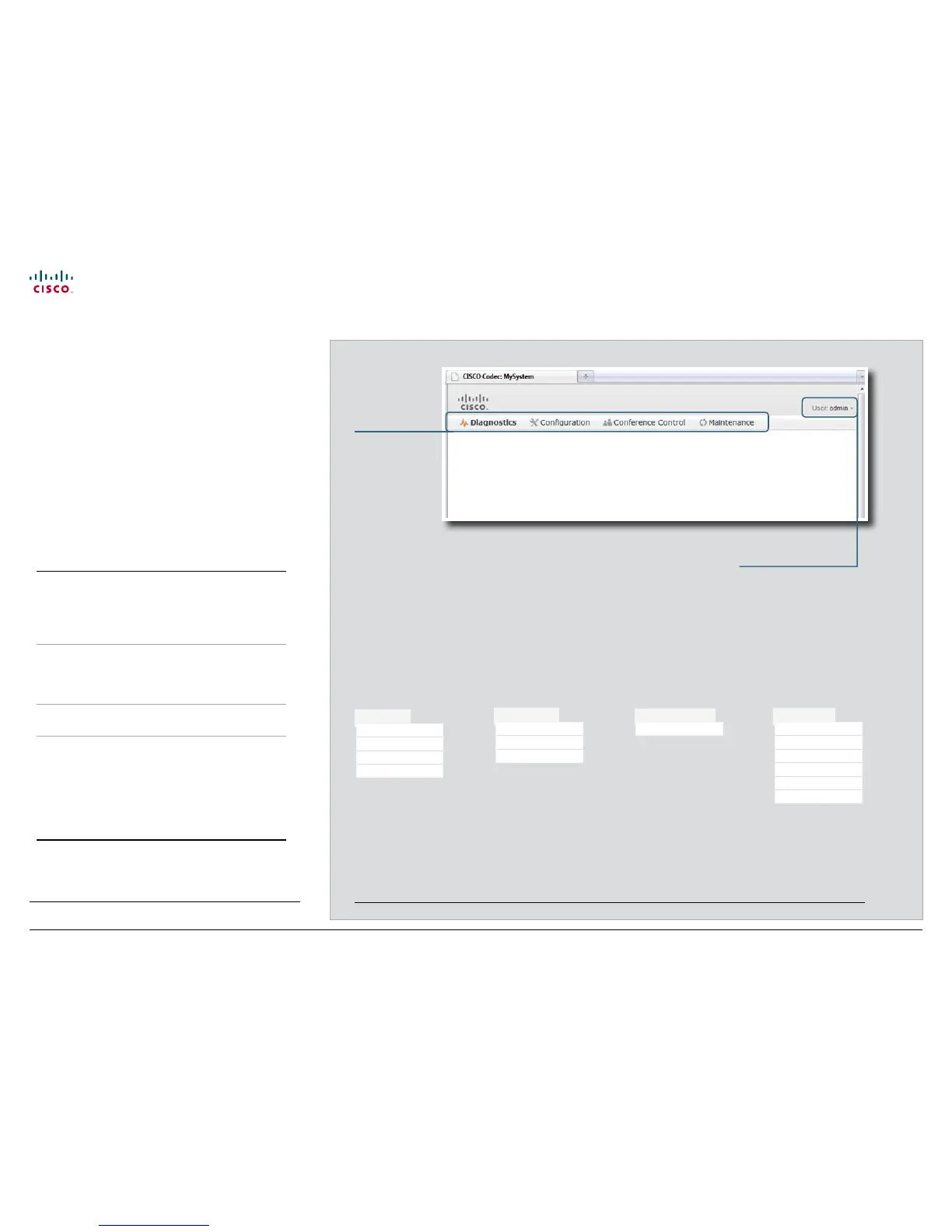
The interactive menus
When you have signed in to the system the main menu
appears near the top of the page.
When you hover the mouse over a menu item, the names of
the related sub-menus appear. When you click a sub-menu
name the corresponding web page opens. These web pages
are described on the following pages.
Menu availability and user roles
A user account possesses one or more user roles. Three user
roles are defined: ADMIN, AUDIT and USER. Note that the
default admin user holds all three roles.
1
The table below shows which menus are available for users
holding the different roles.
ADMIN AUDIT USER
Diagnostics
System Information
Logs
XML Files
Snapshot
Configuration
Advanced Configuration
Wallpaper
Sign In Banner
Conference Control
Call
Maintenance
Upgrade Software
Certificate Management
Audit Certificate
User Administration
Change Password
Restart
When you hover the mouse over a main menu item, the related sub-menus are shown.
2
Main menu
The signed in user
• Diagnostics
• Configuration
• Conference
Control
• Maintenance
Click on your user name to
change your password or
sign out.
2
The illustration lists all the sub-menus. A user not possessing all user roles will only see the sub-set relevant for his type of user.
1
You can read more about user administration and user roles in the
User administration section.
Diagnostics
System Information
Logs
XML Files
Snapshot
Configuration
Advanced Configuration
Wallpaper
Sign In Banner
Conference Control
Call
Maintenance
Upgrade Software
Certificate Management
Audit Certificate
User Administration
Change Password
Restart











 To Next Page