81
Cisco TelePresence System Codec C60/C40 and Profiles using C60/C40 Administrator guide
D14636.06 Profile C60-C40 and Codec C60-C40 Administrator Guide TC4.2, July 2011.
Copyright © 2010-2011 Cisco Systems, Inc. All rights reserved.
www.cisco.com
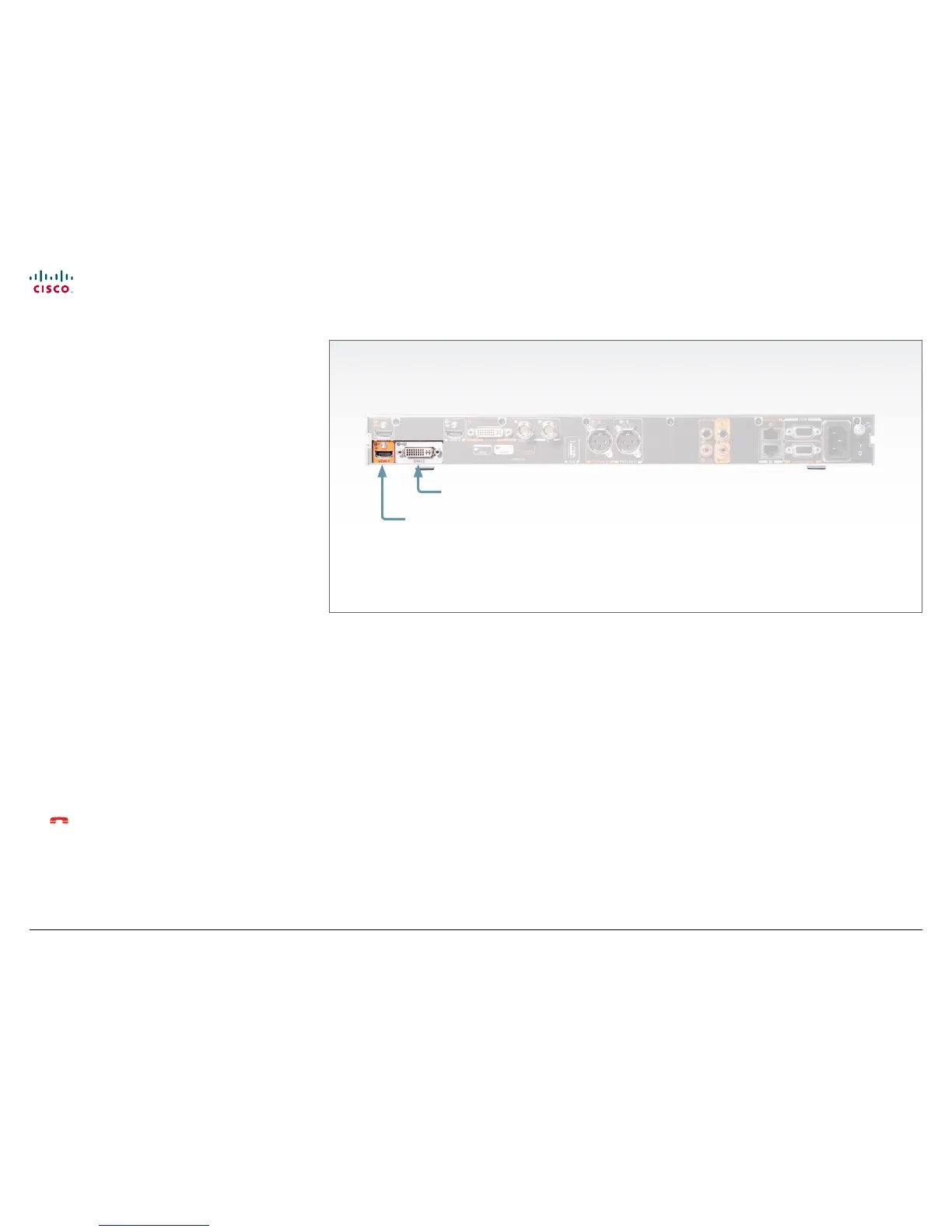
The video outputs at Codec C40
About monitors when you have a
Codec C40
The main monitor
The monitor can be connected to any of the video outputs
HDMI1 (the default connector for the main monitor) or DVI-I 2.
Connecting to HDMI 1
The HDMI 1 output is, by default, defined as the main monitor
connector. When you connect the main monitor to this output
the menu and icons (OSD - on screen display) will show on this
monitor.
Connecting to DVI-I 2
When connecting the main monitor to the DVI–I 2 output, you
must move the OSD to this output.
If you cannot see any menu on screen you must run a key
sequence on the remote control. The menu on screen, icons
and other information (OSD - on screen display) will be moved
to the selected output. At the same time, the resolution will be
set to the default value, which is 1024x768@60Hz for DVI (and
1280x720@60Hz for HDMI).
Moving the OSD using the remote control
If the main monitor is connected to DVI-I 2 video output, and the
OSD is on HDMI 1 output, you must run the following shortcut or
key sequence on the remote control.
• Disconnect * # * # 0 x # x=1 (HDMI 1) x=2 (DVI–I 2)
Example: Set DVI-I 2 as the OSD output:
– * – # – * – # – 0 – 2 – #
Dual monitors
When you want to run a dual monitor setup, connect the second
monitor to video output DVI-I 2 video output on codec.
Dual monitor configuration
Go to Advanced configuration (menu on screen or web
interface) to set the monitor to dual:
1. Navigate to Video > Output > Monitor and set the Monitor to
Dual.
HDMI 1
(the default connector for
the main monitor)
DVI-I 2
Moving the OSD using the web interface
Go to the Advanced Configuration page and navigate to
Video > OSD > Output and select the video output connector for
the main mointor.
Moving the OSD using API commands
You can also set the resolution and the OSD output by setting
up a serial port connection and run API commands. See the API
Guide for the codec for information about API commands.











 To Next Page