19
Cisco TelePresence System Codec C60/C40 and Profiles using C60/C40 Administrator guide
D14636.06 Profile C60-C40 and Codec C60-C40 Administrator Guide TC4.2, July 2011.
Copyright © 2010-2011 Cisco Systems, Inc. All rights reserved.
www.cisco.com
Log files
The log files are Cisco specific debug files which may be
requested by the Cisco support organization if you need
technical support.
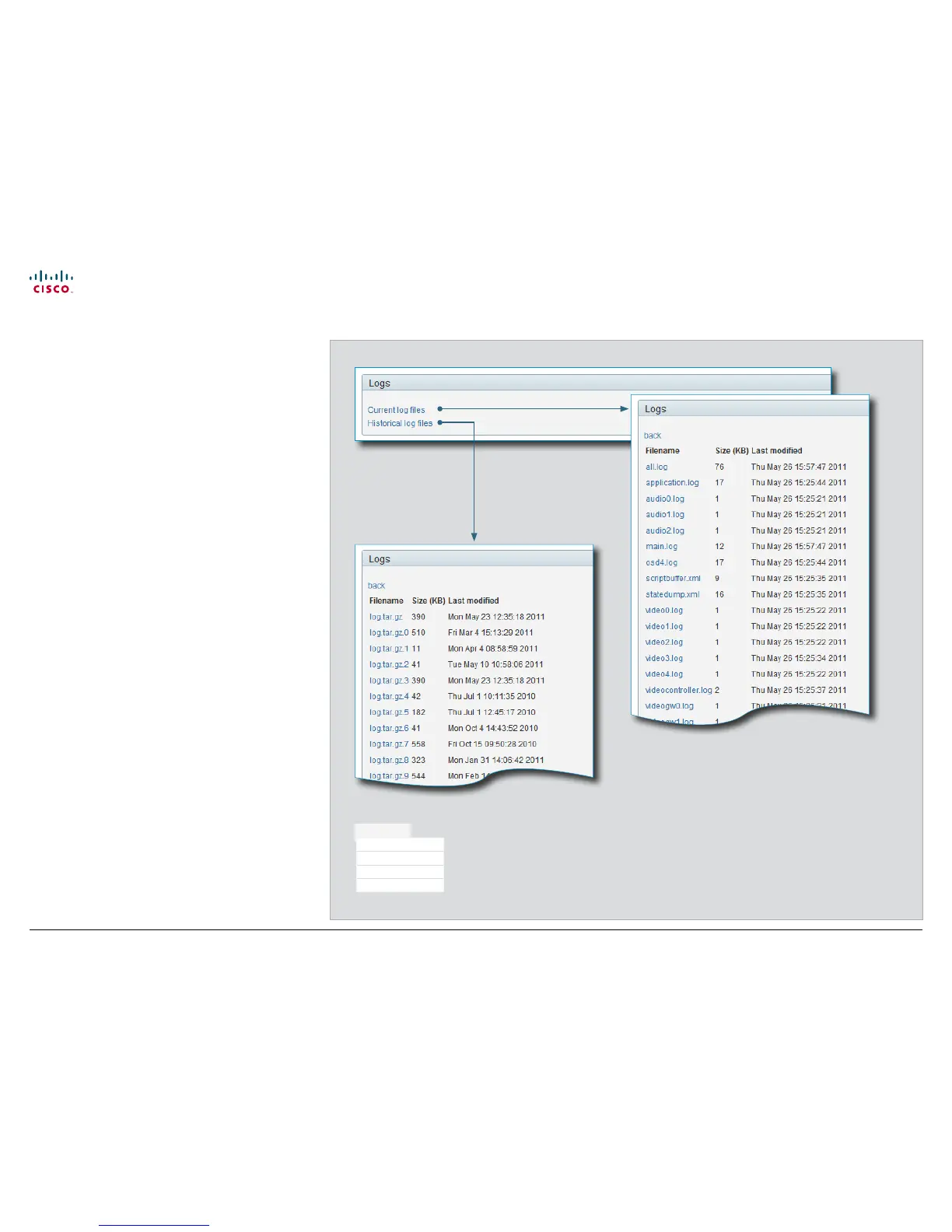
Current log files
The current log files are time stamped event log files.
Select Current log files, and click on a log file to view or save
the file (left or right click depending on your browser). Follow
the instructions in the dialog box to save or open the file.
Historical log files
These are time stamped historical log files.
Select Historical log files, and click on a log file to view or save
the file (left or right click depending on your browser). Follow
the instructions in the dialog box to save or open the file.
Diagnostics
System Information
Logs
XML Files
Snapshot











 To Next Page