24
Cisco TelePresence System Codec C60/C40 and Profiles using C60/C40 Administrator guide
D14636.06 Profile C60-C40 and Codec C60-C40 Administrator Guide TC4.2, July 2011.
Copyright © 2010-2011 Cisco Systems, Inc. All rights reserved.
www.cisco.com
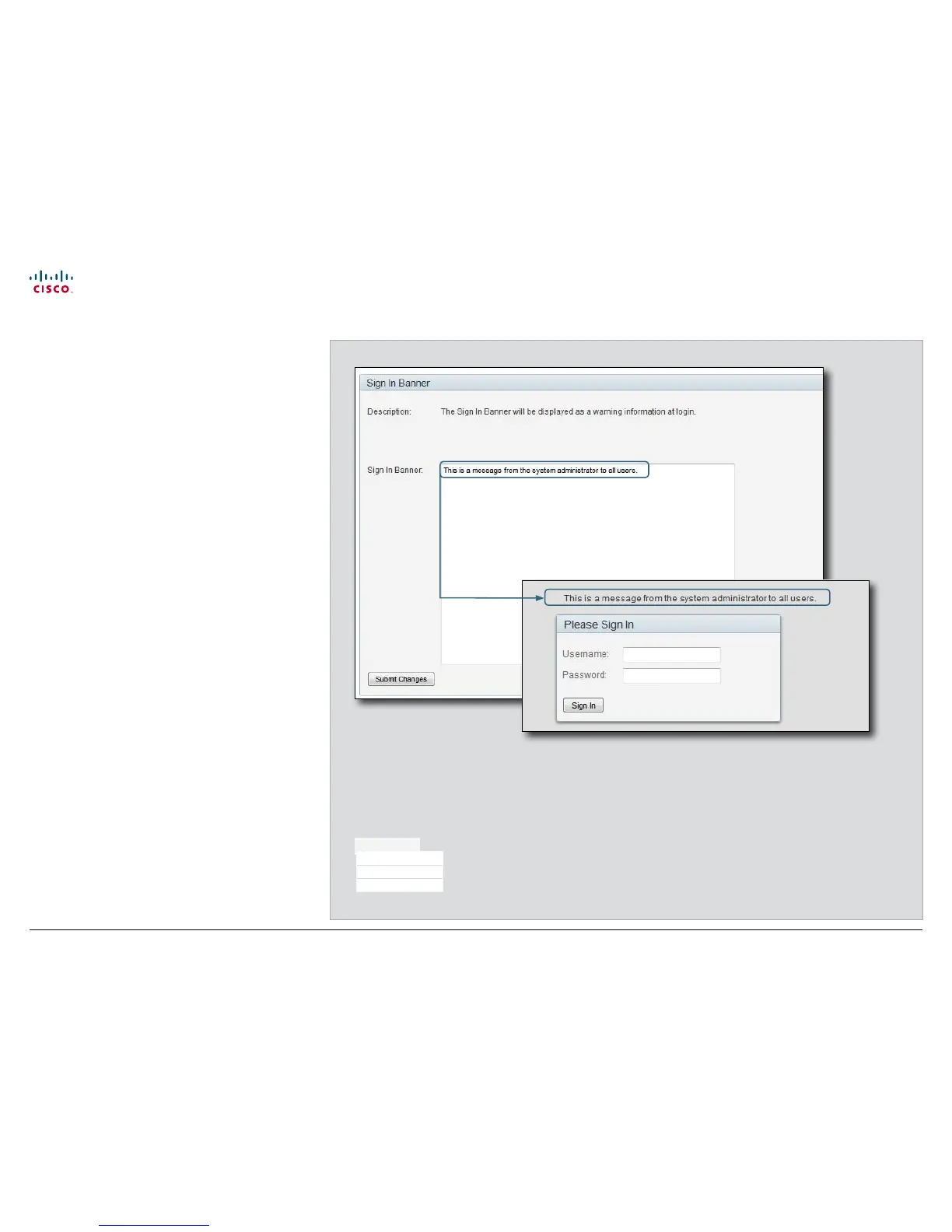
Sign in banner
If a system administrator wants to provide initial information to
all users, he can create a sign in banner. A sign in banner is a
message that is displayed to the user before signing in.
The message will be shown when the user signs in using
the menu system, the web interface or the command line
interface.
Adding a sign in banner
1. Enter the text message, which you want to present to the
user prior to signing in, in the Sign In Banner text area.
2. Press Submit Changes to activate the message.
Configuration
Advanced Configuration
Wallpaper
Sign In Banner











 To Next Page