21
Cisco TelePresence System Codec C60/C40 and Profiles using C60/C40 Administrator guide
D14636.06 Profile C60-C40 and Codec C60-C40 Administrator Guide TC4.2, July 2011.
Copyright © 2010-2011 Cisco Systems, Inc. All rights reserved.
www.cisco.com
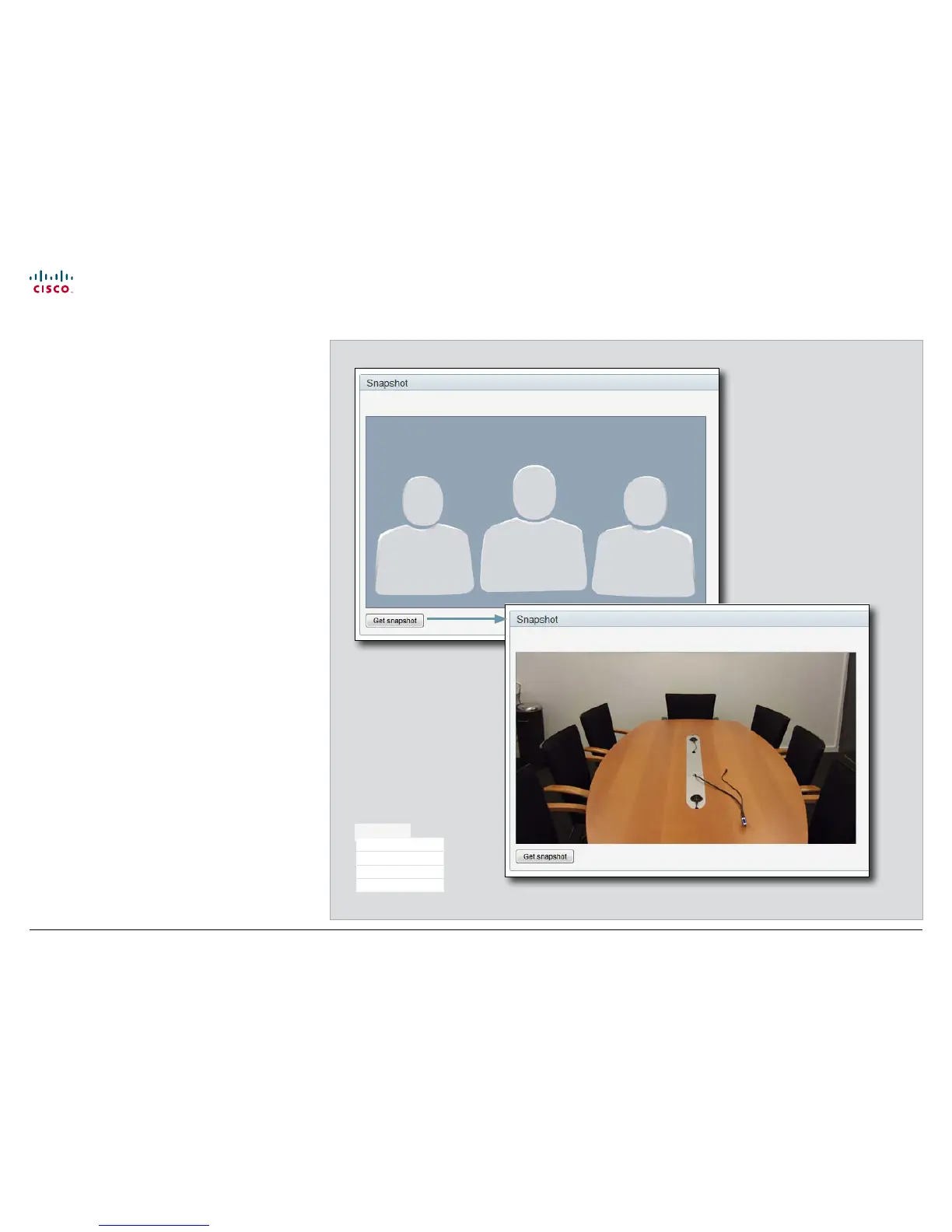
Making a snapshot
When administering the video system from a remote location,
you can use the web interface snapshot feature to check the
view of the main video input source.
This feature is disabled by default. The feature can be enabled
only when you have direct access to the codec, i.e. from the
on screen menu or by using the command line interface via
the codec serial data port.
Using the on screen menu
From the Advanced configuration menu, navigate to Video >
AllowWebSnapshots and select On to enable the snapshot
feature.
Using the command line interface
Enter the following command to enable the snapshot feature:
xConfiguration Video AllowWebSnapshots <Off/On>.
Make a snapshot
Press Get snapshot. The
snapshot will be displayed on
the web interface.
Diagnostics
System Information
Logs
XML Files
Snapshot











 To Next Page