79
Cisco TelePresence System Codec C60/C40 and Profiles using C60/C40 Administrator guide
D14636.06 Profile C60-C40 and Codec C60-C40 Administrator Guide TC4.2, July 2011.
Copyright © 2010-2011 Cisco Systems, Inc. All rights reserved.
www.cisco.com
Connecting the Cisco TelePresence
Touch controller to CodecCSeries
A C Series codec running software version TC4.1 or later can be
controlled using the Cisco TelePresence Touch controller (instead
of using the remote control).
Connecting the Touch controller
The Touch controller can be connected to the codec in two
different ways:
1. Connect the Touch controller to the codec via LAN.
The process of associating the Touch controller to the codec
is called paring.
NOTE: The codec is signalling that it is available for pairing
for 30 minutes after it is switched on.
2. Connect the Touch controller directly to the codec’s second
Ethernet connector.
NOTE: To use this mode of operation set Direct connection
to On on the codec. Go to Administrator settings > Pairing
> Direct connection using the web interface or the remote
control.
Touch controller set-up
Once the Touch controller is connected to power, the set-up
procedure begins. Follow the instructions on screen.
If you have connected the unit to the codec via LAN, you
have to select which codec to pair with. If your codec is not
in the list of available codecs displayed on the Touch screen,
you can select a codec manually by entering its IP address.
If the Touch controller needs software upgrade, new software
will be downloaded from the codec and installed on the unit
automatically as part of the set-up procedure. The Touch
controller restarts after the upgrade.
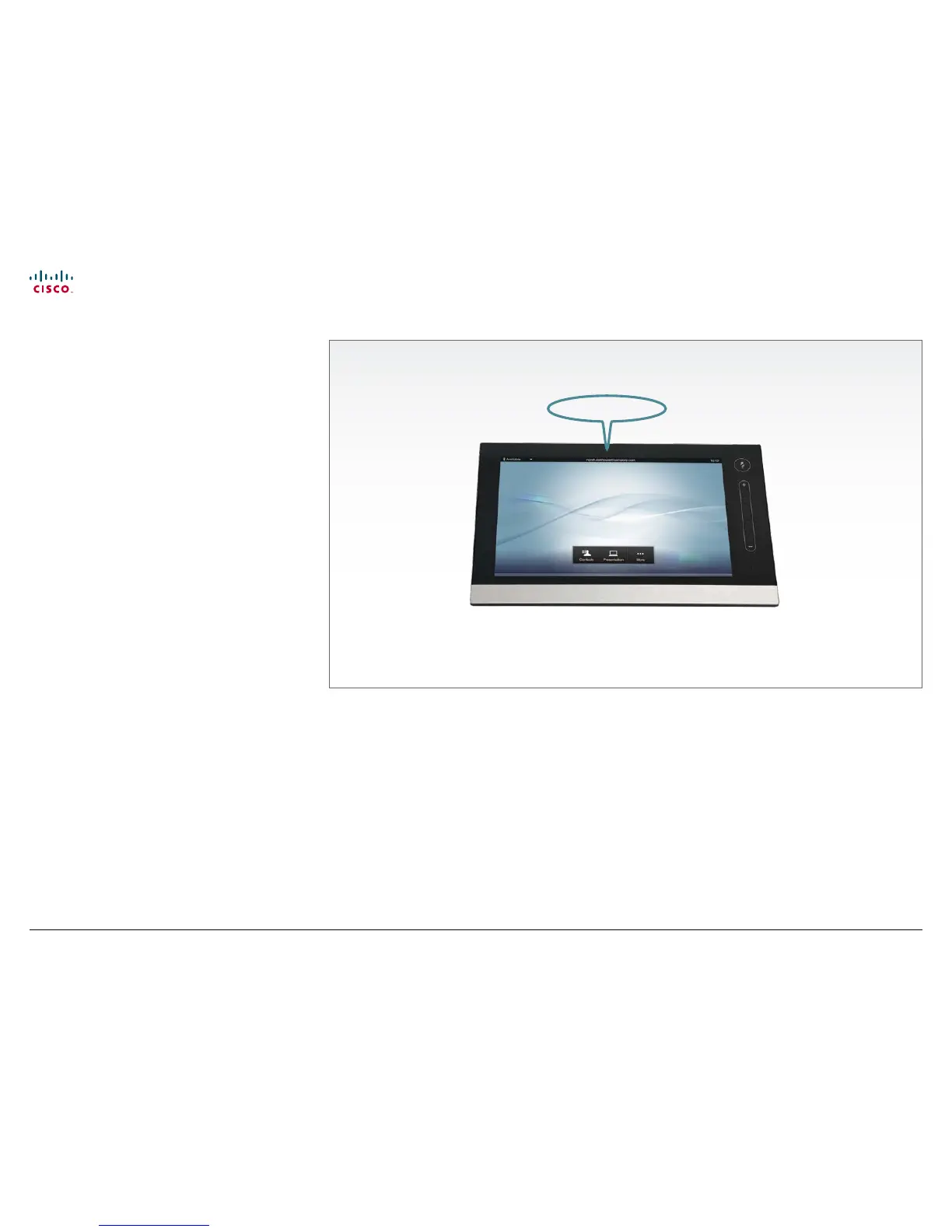
You can verify that the Touch controller is successfully paired to
your codec by checking that the codec address is displayed in
the top banner.
If you want more details on Touch installation, please read the
Cisco TelePresence Touch for C Series Installation Guide, which
you will find on the Cisco web site.
Codec address











 To Next Page