2-28
Cisco IE 3000 Switch Hardware Installation Guide
Chapter 2 Switch Installation
Installing the Switch
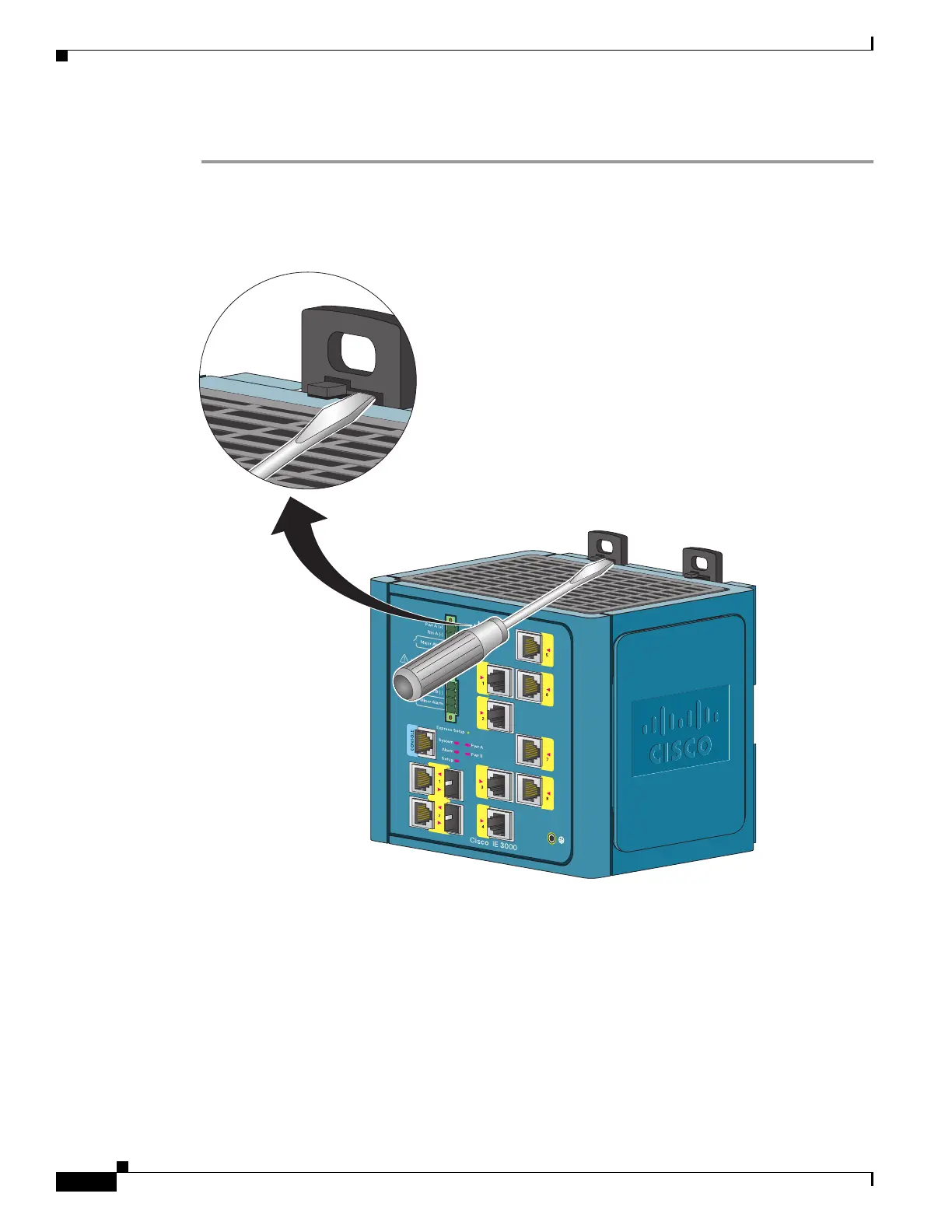
To attach the switch to a DIN rail, follow these steps.
Step 1 Use a flathead screwdriver to press in the space next to the tab on each of the latches and turn the screw
driver clockwise. See Figure 2-19.
Figure 2-19 Unlock the Switch Latch
270302



 To Next Page
 Loading...