Chapter 5 Integrating Cisco CallManager with Voice Mail Systems Using SMDI
Connecting the SMDI Links to the VG248
5-12
Cisco VG248 Analog Phone Gateway Software Configuration Guide
OL-1209-02
Connecting the SMDI Links to the VG248
SMDI is an RS-232-based serial protocol, and the VG248 has two serial ports for
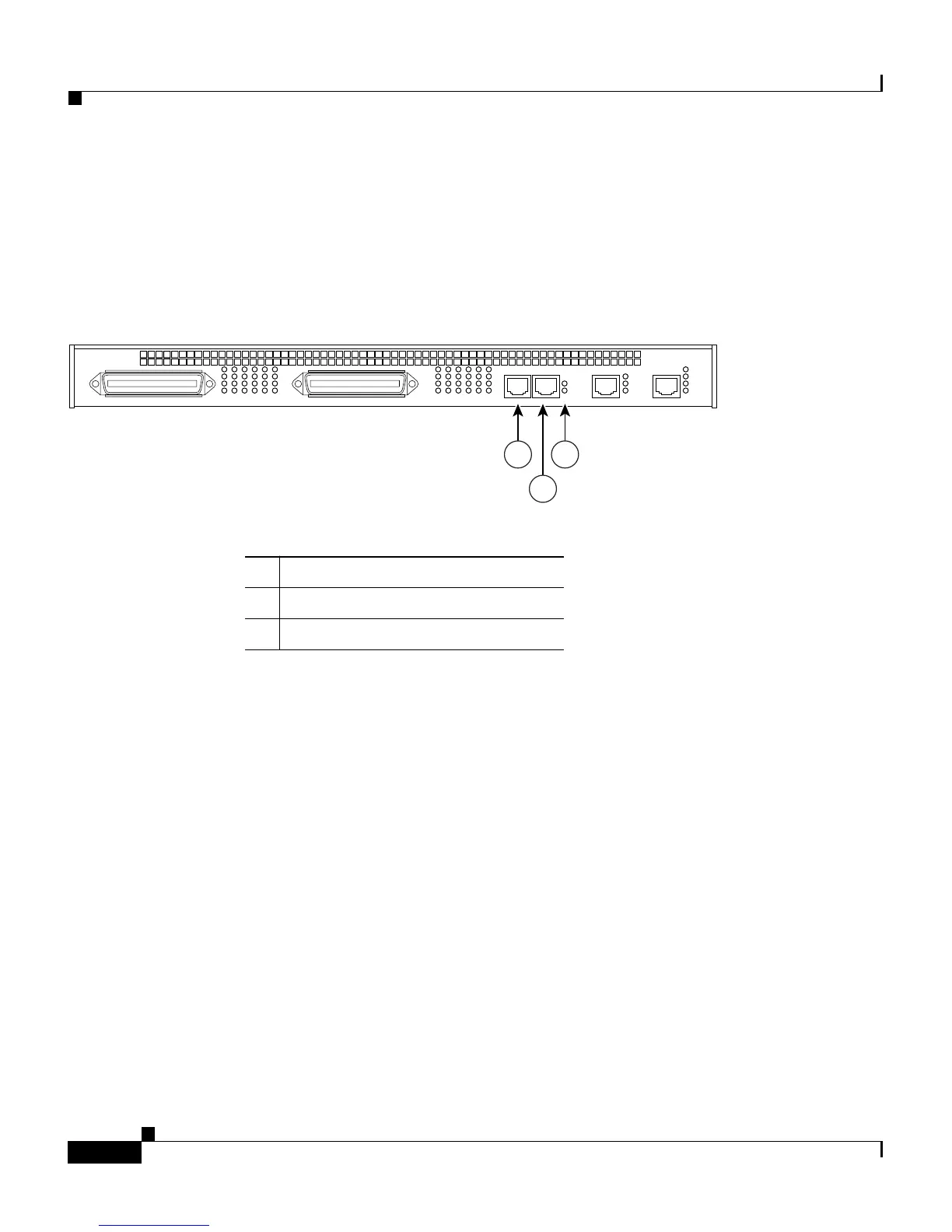
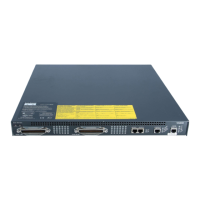
supporting SMDI connections, the Async 1 and Async 2 ports (see Figure 5-5).
Figure 5-5 VG248 SMDI Connections
Both serial ports operate at a fixed rate and format of 9600 baud, no parity, 8 data
bits, one stop bit, and no flow control. Use a standard RJ-45-to-RJ-45 rollover
serial cable (up to 50 feet in length) and an RJ-45-to-DB-9 adapter to connect the
VG248 to other SMDI devices using these ports:
• Async 1—the primary serial port used for connecting to the voice mail system
(any configuration) or SMDI source (chained or multiplexing configuration).
If you are using a single VG248 device, connect the voice mail system’s
SMDI port to the Async 1 port on the VG248. With multiple VG248 devices,
use the Async 1 port to connect to the previous VG248 device’s Async 2 port.
• Async 2—used for connecting multiple VG248 devices together. If there are
multiple VG248 devices in use, connect the Async 2 port of the first VG248
device (which is connected directly to the voice mail system via the Async 1
port) to the next VG248 device’s Async 1 port. Continue to connect all the
VG248 devices in the chain similarly. If you are connecting a legacy PBX
system to the SMDI chain, connect the Async 2 port of the last chained
VG248 device to the SMDI port of the legacy PBX.
1 Async 1
2 Async 2
3 LEDs
VG 248
Tx
Rx
100
Status
Power
Console
A1
A2
Link
10/100
BASE-TX
CONSOLE
ASYNC 1 ASYNC 2
28 32 36 40 44 48
Ports 28-48
Ports 1-24
4 8 12 16 20 24
68462
1
2
3


 To Next Page