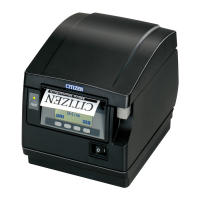
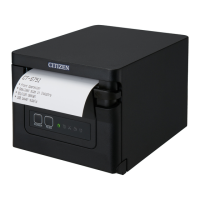
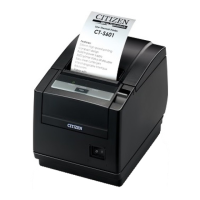
• Becarefulwhenmovingorcarryingtheprinterandwhentakingthe
printer out of the carton. The printer may cause injury or property
damage if dropped. Be sure to grip the printer housing rmly when
taking it out of the carton. Do not grip the printer by the foam
packing material which may break, causing the printer to drop.
• Whenopeningthecover,openitalltheway.Ifonlypartwayopen
the cover could slam shut, possibly causing injury.
• Becarefuloftheedgeofthecoverwhenthecoverisopened.Itmay
cause injury or property damage.
•Becarefuloftheedgesofthemetalplatesasinjuryorproperty
damage is possible.
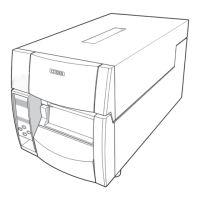
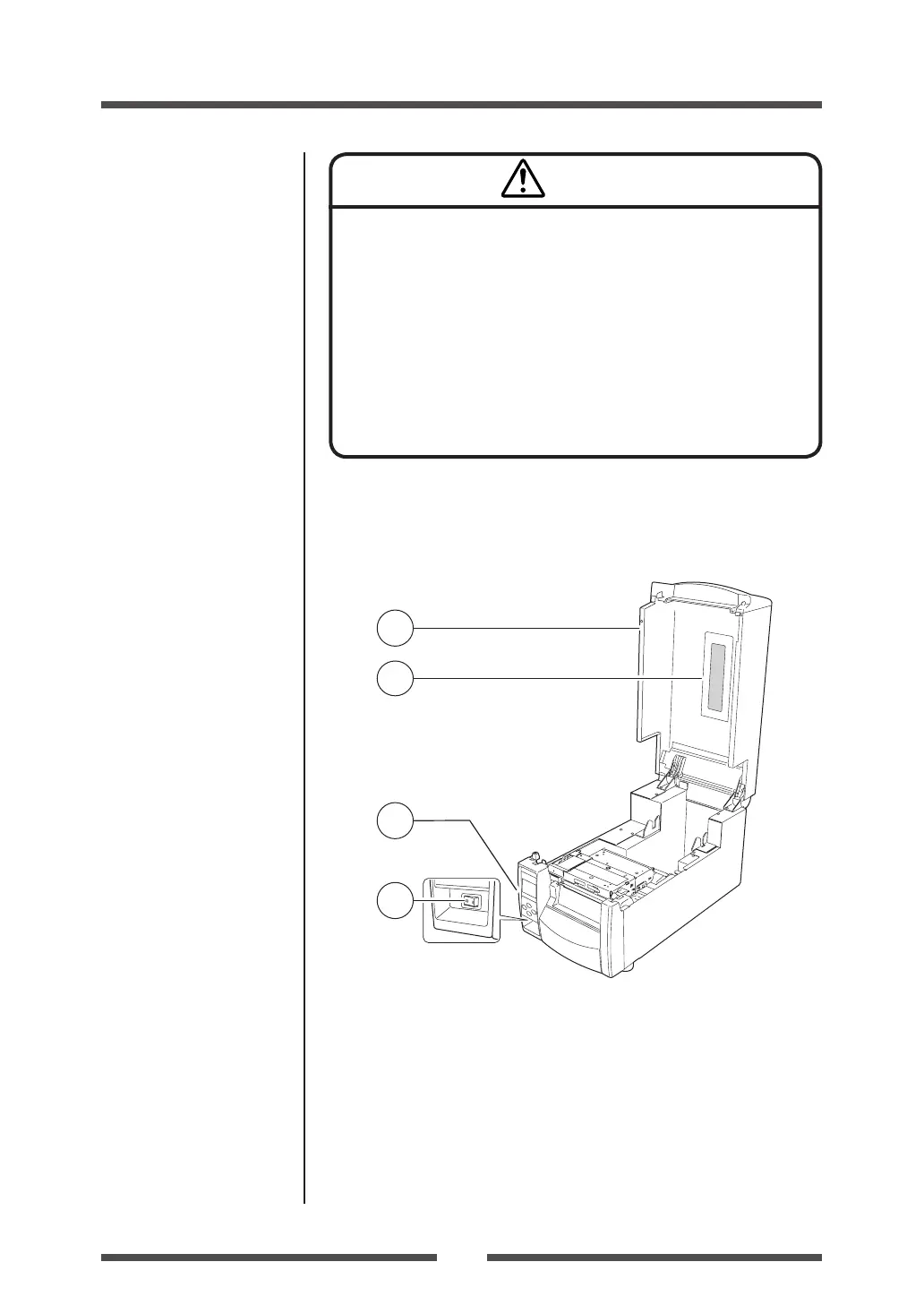
Part Names and Functions
Inside the printer
1
Top cover
Is opened vertically to set media.
2
Operation panel
This is used to make changes and adjustments to the printer and its
conguration.
3
Top cover window
The amount of media remaining can be checked through this window.
4
Power switch
This is the power switch for the printer.
Power ON/OFF (p.19)
Operation Panel (p.15)
Caution


 To Next Page
 Loading...