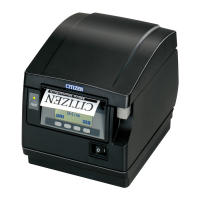
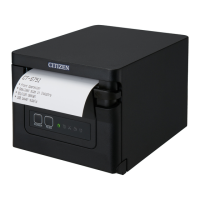
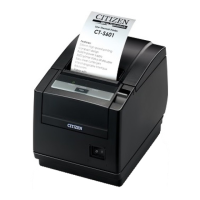
Part Names and Functions
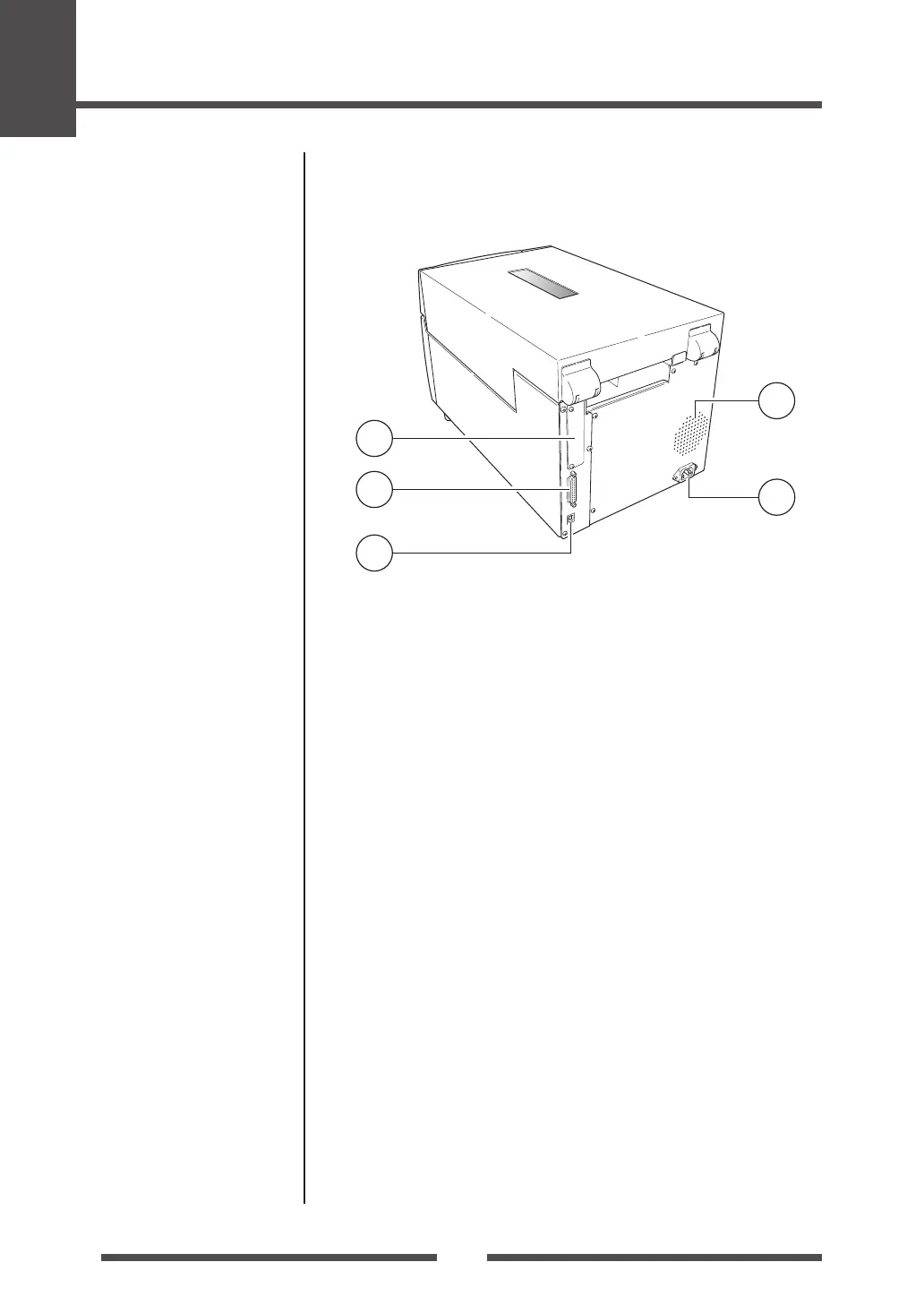
Rear View
1
Interface cover
Optional interface board can be installed by removing the interface
cover.
2
Serial interface (RS232C)
This receives serial transmission of data from a host computer.
3
USB interface
This receives USB transmission of data from a host computer.
4
Warm air opening
It allows warm air to vent from the printer.
Be sure not to block it with media etc.
5
Power cord inlet
The connector of the enclosed power cord is connected here.
Serial Interface (p.53)
Parallel Interface (p.55)
USB Interface (p.58)
Connection to Power (p.17)


 To Next Page
 Loading...