Use
20
7.
Use
7.1.
Operator interface
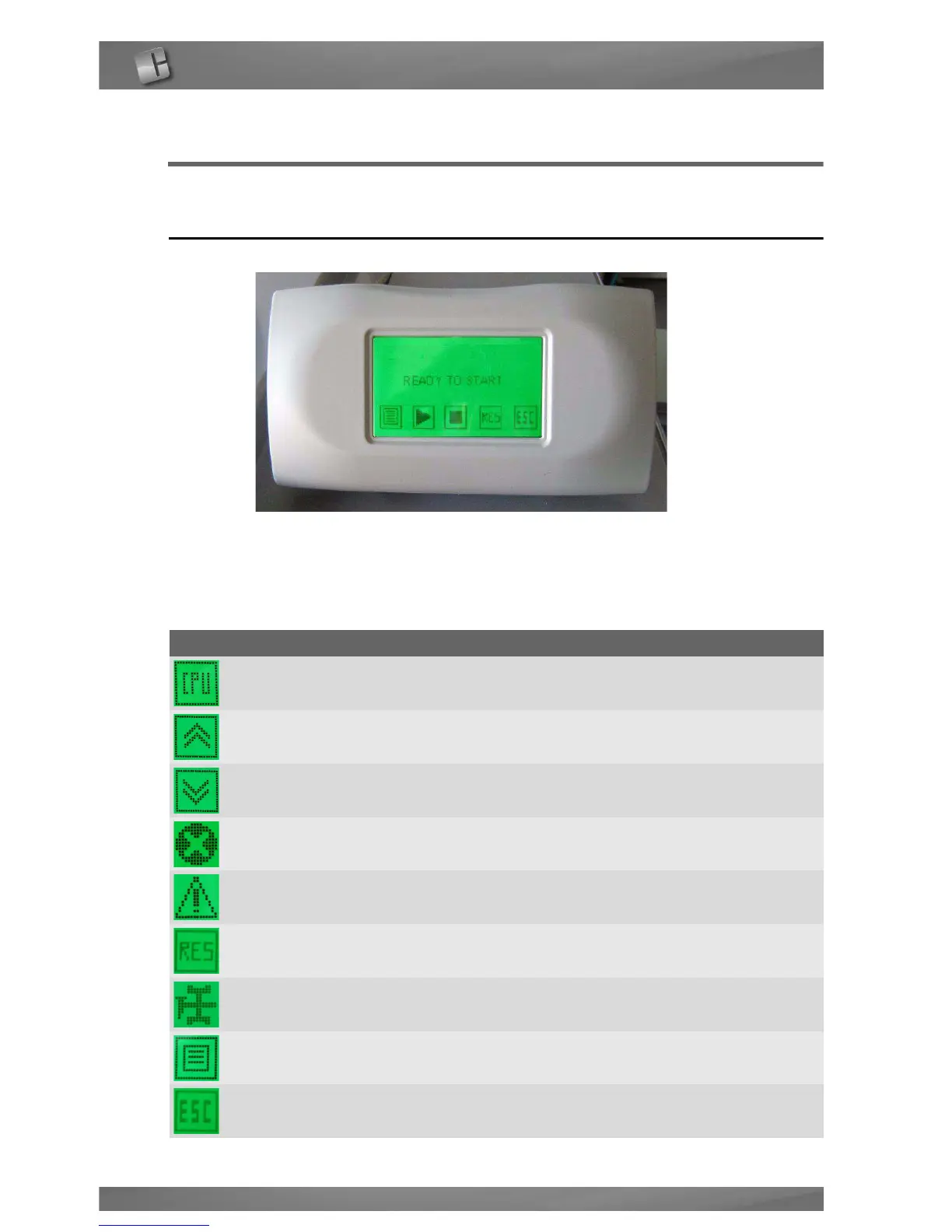
TOUCH SCREEN
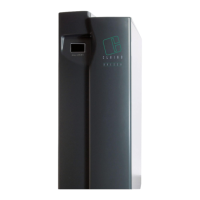
The CPU screen enables the user to interact with the generator, i.e. give specific
commands or display and set parameters.
The table shows the function of the various keys on the screen:
Key Function
CPU access to CPU menu
PREVIOUS go to previous page
NEXT go to following page
ALARM access to list of alarms
WARNING access to list of warnings
RESET reset of alarms and warnings
MAINTENANCE go to maintenance request description
MENU access to different menus
ESC exit from menu


 To Next Page