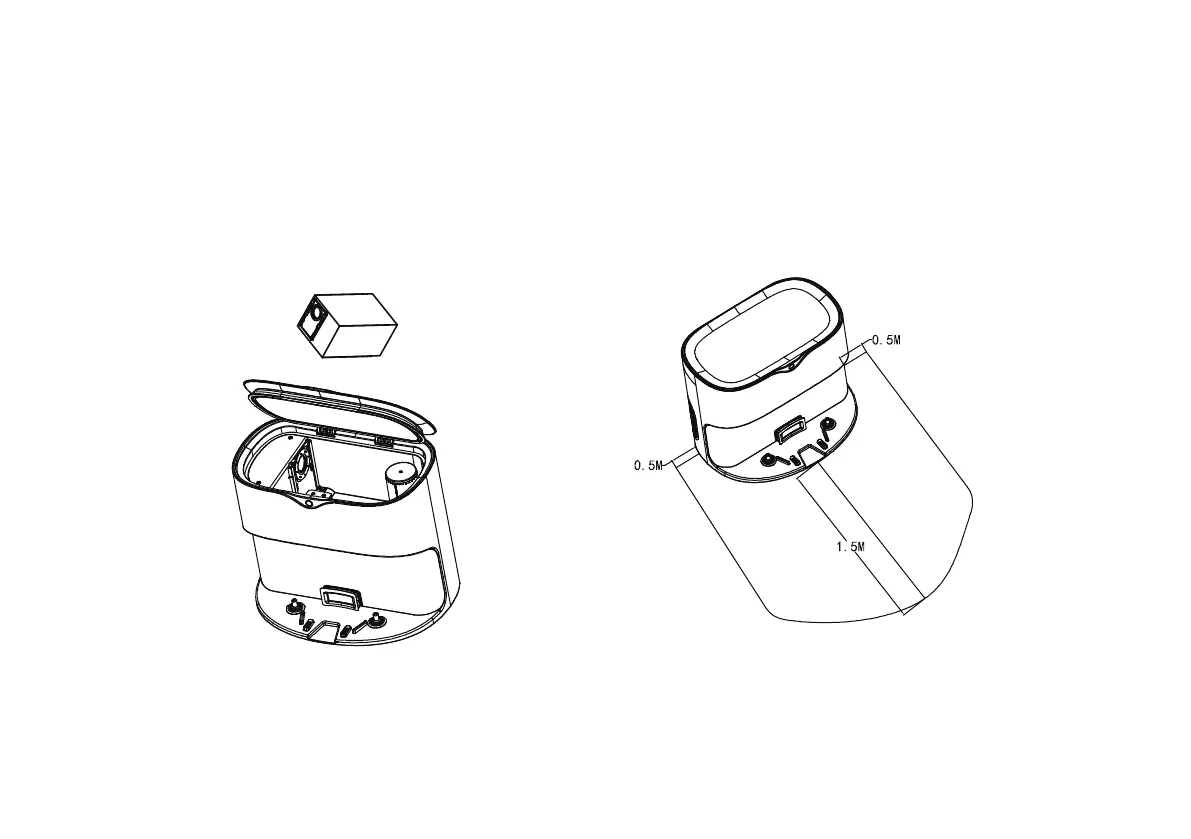
Place the dust collector and connect it to the
power supply (please place the charging stand
against the wall and place it on a flat ground,
keeping 0.5M on the left and right sides, and more
than 1.5M in the front)
Reminder: After the power is turned on, the status
indicator light of the dust collector is green. If
the light of the dust collectior is red, please
reconfirm whether the dust bag is placed
correctly.
Check the status of dust collector
Open the cover of the dust collector and check that
dust bags are placed in the correct way. (Continue to
the next step after packing the dust bag).
14



 To Next Page