First use
When building the map for the first time, please follow
behind the robot to see if the robot gets stuck.
For example, the main machine may get stuck in the low
part of furniture, which can be solved by referring to
the following methods.
1. If conditions permit, furniture can be raised;
2. Block the bottom of furniture and prevent the main machine
from entering;
3. Set up a virtual wall in APP to prohibit the host from entering.
After the robot finished working, it is recommended
not to shut down and keep the robot in the charging
state so as to better carry out the next work.
Double-click “ ” and the robot will automatically
return to the dust collection station.
Press “ ”
1
Start cleaning
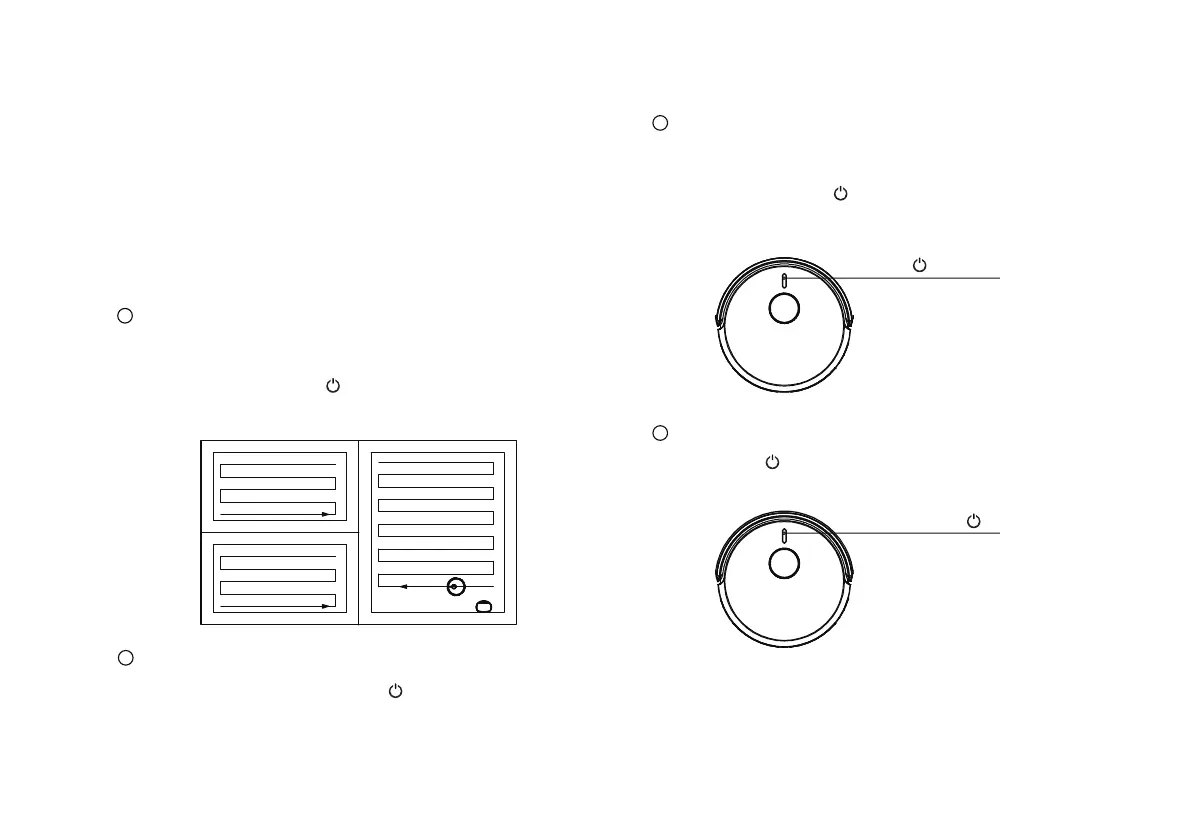
For the first time to start the cleaning work, please
make sure that the robot is on the dust collection station
and is fully charged. Click “ ” , and the robot will start to
build the map according to the method of cleaning along the
edge first and then bow. (Zig-Zag-mode)
3
Wake up from standby
Pause for more than 10 minutes, all indicators on the
robots panel go out. If you need to start the work
again, please press “ ” to wake up the robot
first. After the indicator light is on, you can start
the robot to continue the original working.
4
Return to Dust Collection Station
When the robot is working, press “ ” briefly to
pause the robot.
2
Pause
Double-click “ ”
19



 To Next Page