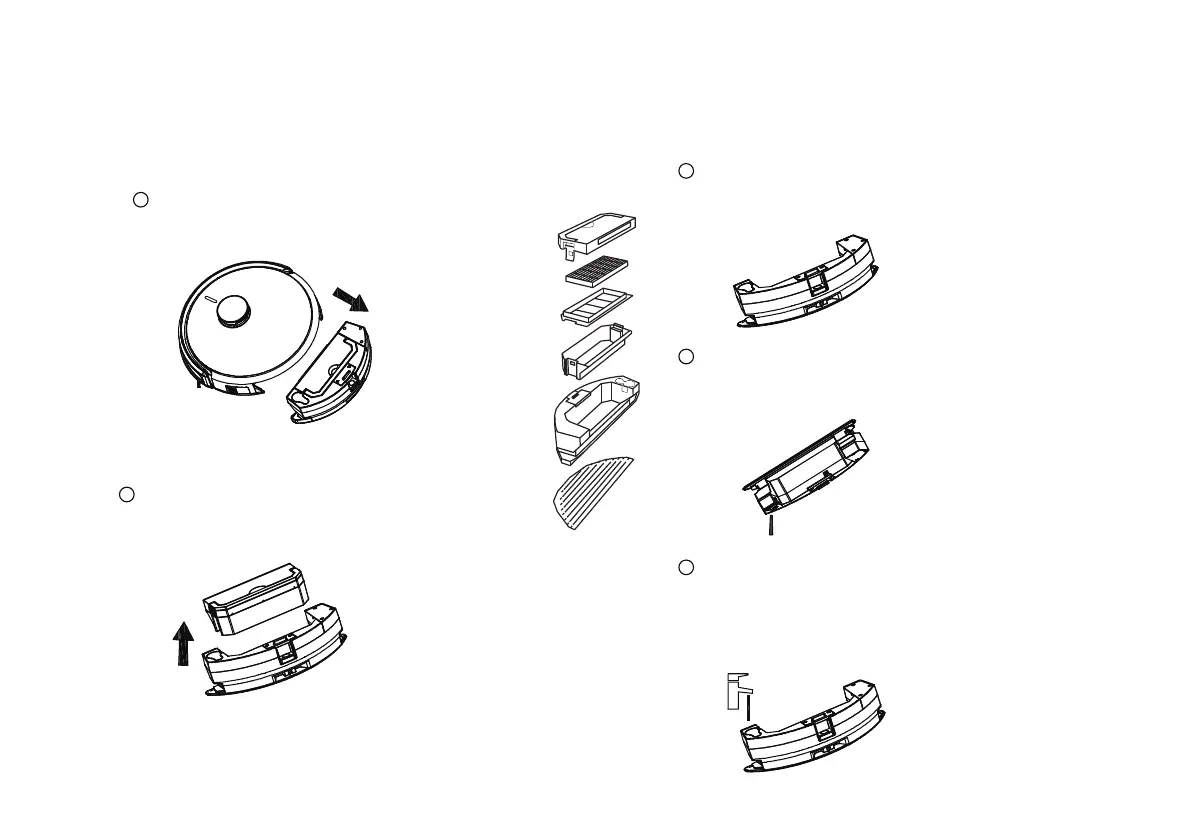
Cleaning water tank assembly
Water tank maintenance
Tip: Before maintaining the robot, turn the main engine power switch to "O" to turn it off.
Tip: Pull up the handle of the small dust
box to pull up dust box
* When wiping the water tank, please wipe it with
a clean cloth and do not rinse it with water
Remove the water tank
assembly on the robot
1
3
Wipe the water tank
* Open the plug of the water tank and pour the
water out of the tank.
4
Empty the water tank
5
Flushing the water tank
2
Take out the dust box from the water tank
24
*TIP: Flush through the water tank from
water deposits.



 To Next Page