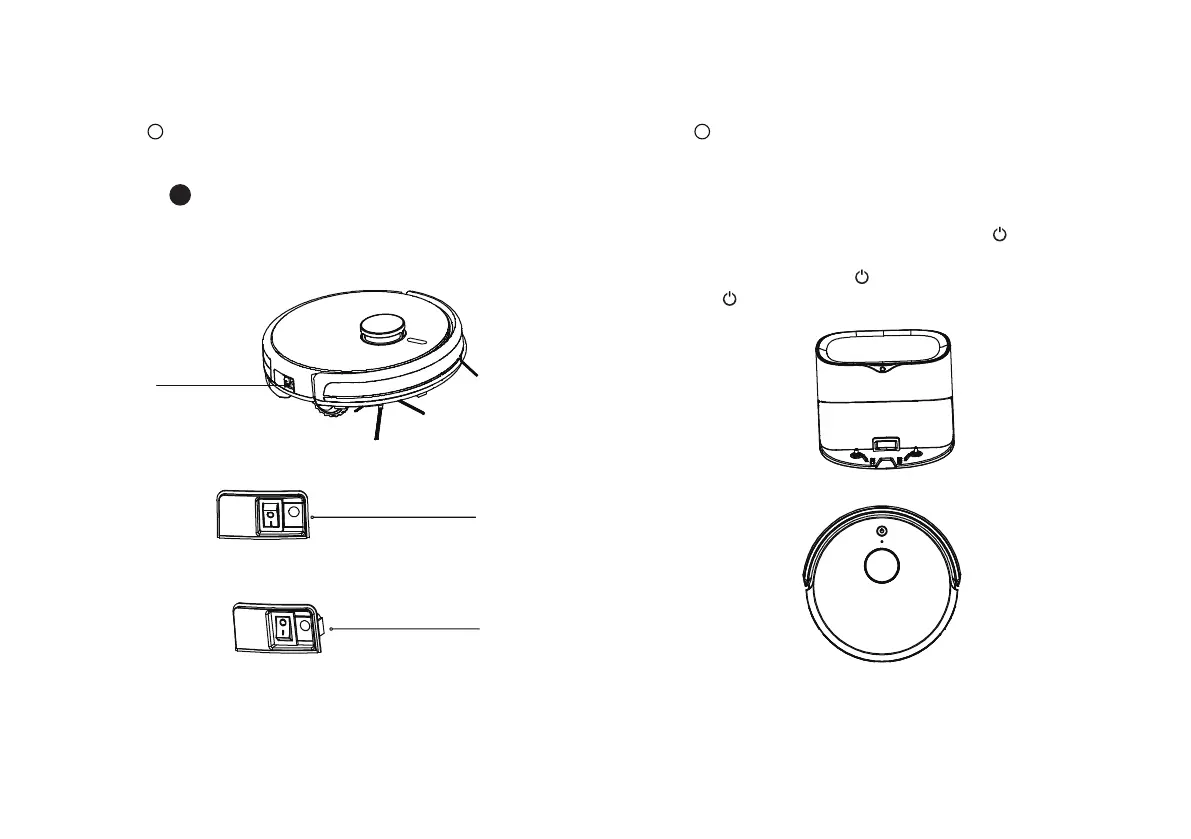
“ I ” -Indicates power on. “ O ”-Indicates shutdown
( please note that the host cannot be charged
with the power off)
Power-on
Power-off
Please place the machine on the dust collection
station to charge, make sure that the electrode
chip on the host is aligned with the chip on the
dust collection station, double-click “ ” to start
charging.
Tip: It takes more than 5 hours to charge for the first time
During charging, “ ” flashes; Charging ends,
“ ” goes out.
Operation charging
1
Turn on the side power switch on the robot
2
Charging
16
!
Power switch



 To Next Page