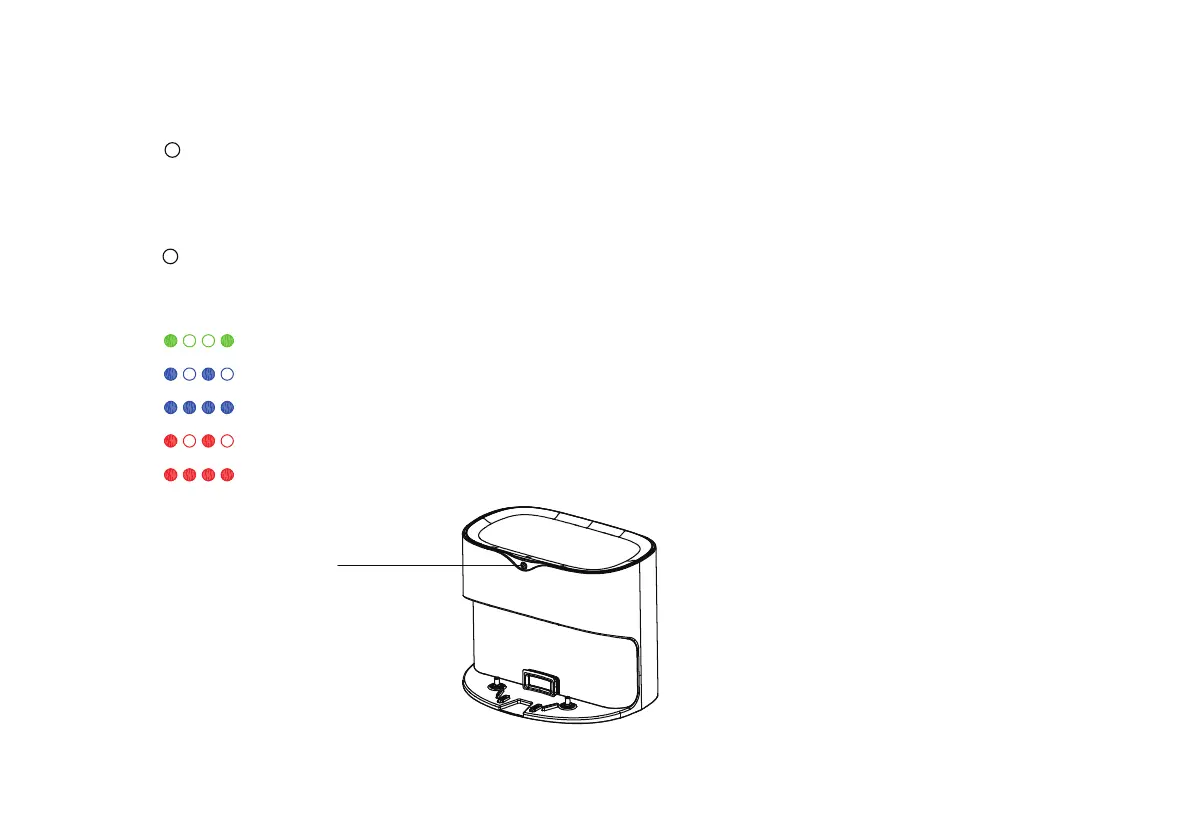
Status light
The green light slow flash
The blue light flashes
The blue light is always on
The red light flashes
The red light flashes
Dust collector is working normally
Machine is switching state
Machine is collecting dust
Sensor of the dust collector is abnormal
Dust bag needs to be replaced
Various states of the Dust Collector indicator
1
Dust collection mode
Function Description: Automatic dust collection after the host computer is finished;
More functions: choose auto recharge in Cleanmate APP or double-click the cleaning button on the
main panel.
2
Various statuses of the status light on the dust collector
Applicable scenario: After cleaning is completed.
22



 To Next Page