ClonerAlliance ViewPro User Manual
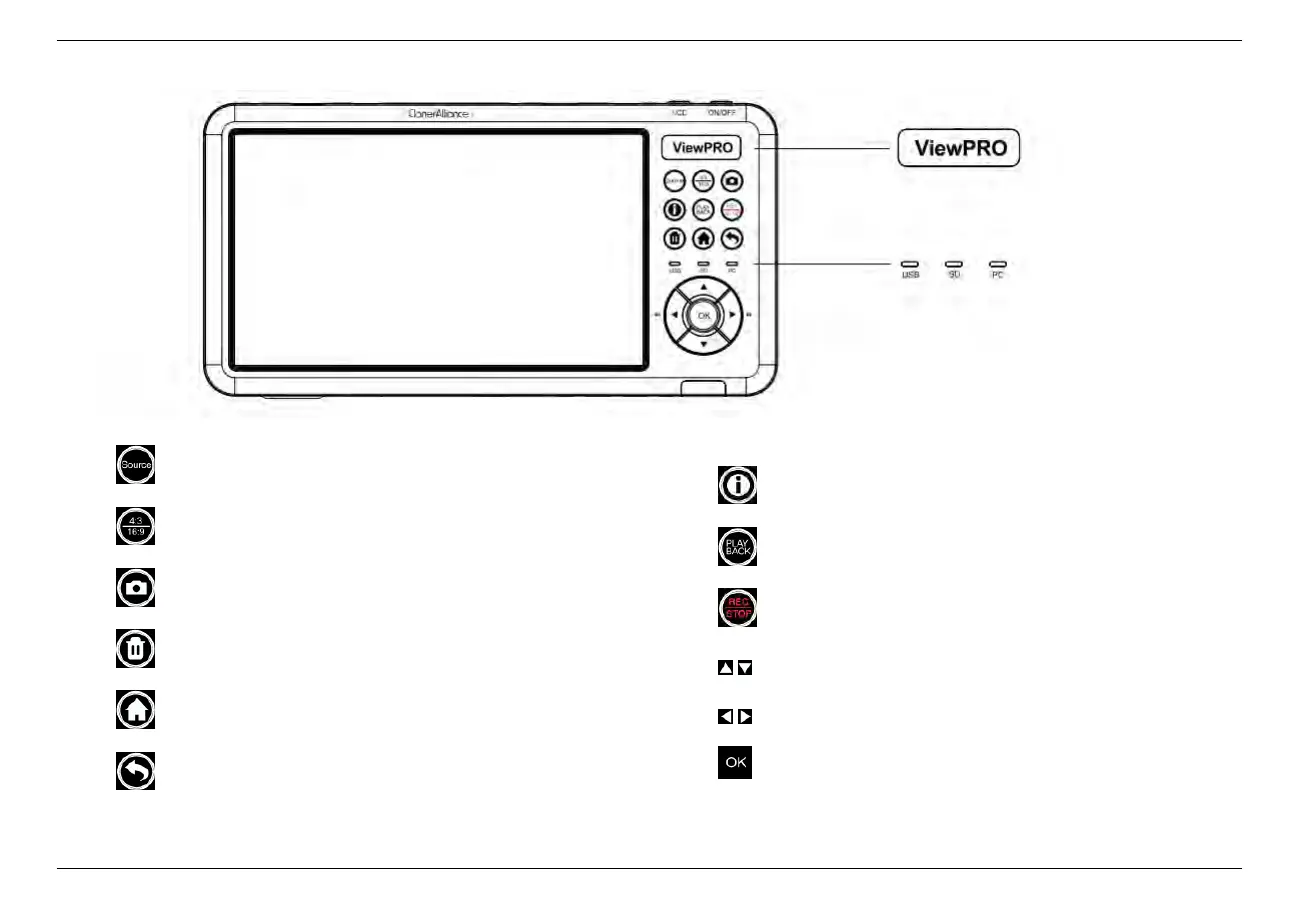
• Switch input sources
• Adjust the aspect ratio
• Take a snapshot
• Delete recorded files
• Show the menu to change settings
• Backward button
• Display the information about source and recording
• Playback the recorded files
• Start/Stop recording
• Make selections
• Fast-forward and fast-backward
• Confirm button or Go fullscreen while playing back files
1.2. Product Diagram 4
ViewPro Indicator
Storage Indicator



 To Next Page