ClonerAlliance ViewPro User Manual
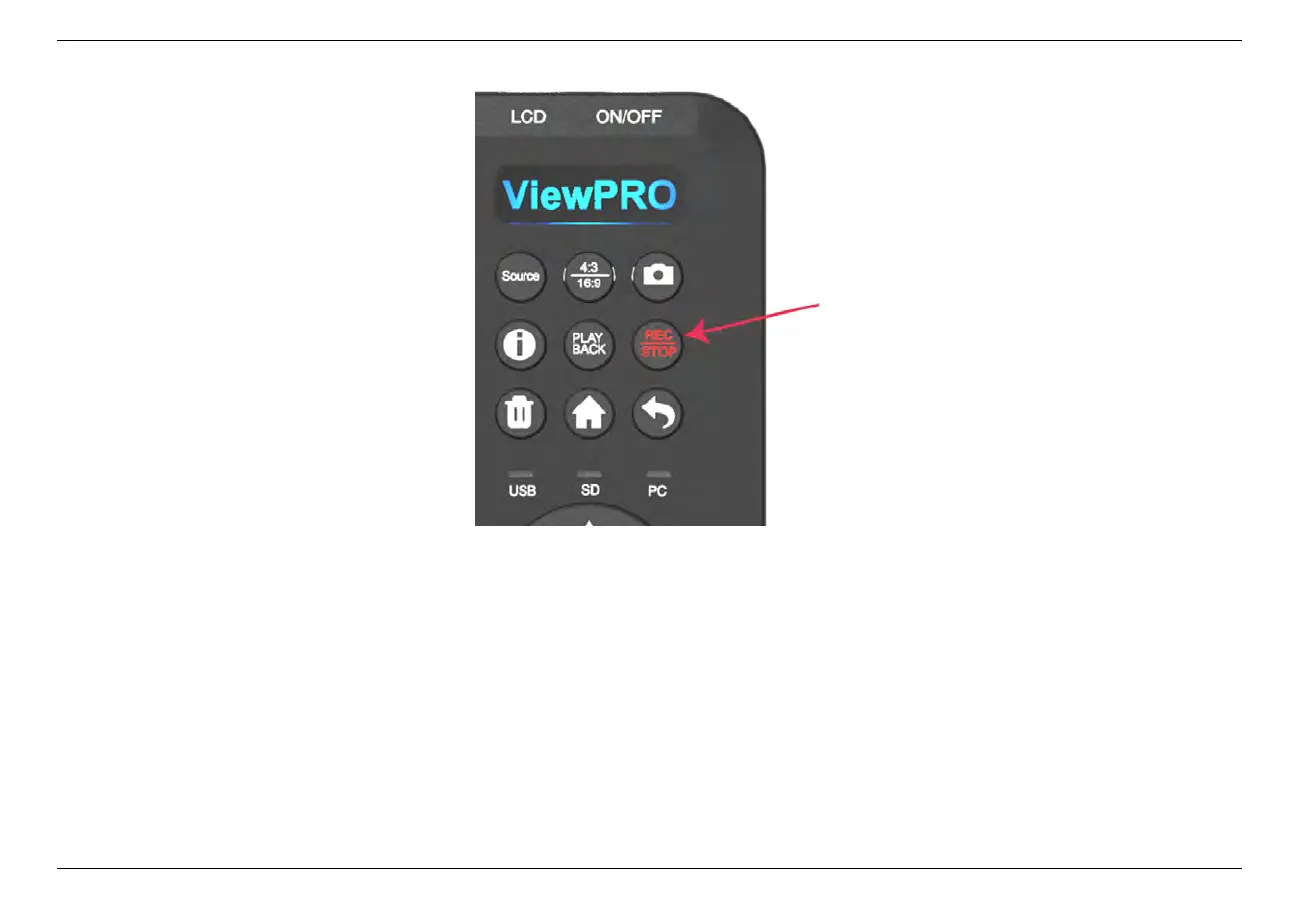
4. Press the Rec/Stop button again on ClonerAlliance ViewPro, check the status of storage indicators, when the LED turns
to solid blue or green, it indicates the videos have been saved.
5. You can playback the recorded files on ClonerAlliance ViewPro directly or on a PC or on a smart TV.
• Record videos with the remote included with ClonerAlliance ViewPro
1. Power on all devices, the video image from the video player will be displayed on the screen of ClonerAlliance ViewPro.
If a TV is connected to the OUT port of ClonerAlliance ViewPro, then the video will be displayed on the TV.
3.2. Record videos 18



 To Next Page