ClonerAlliance ViewPro User Manual
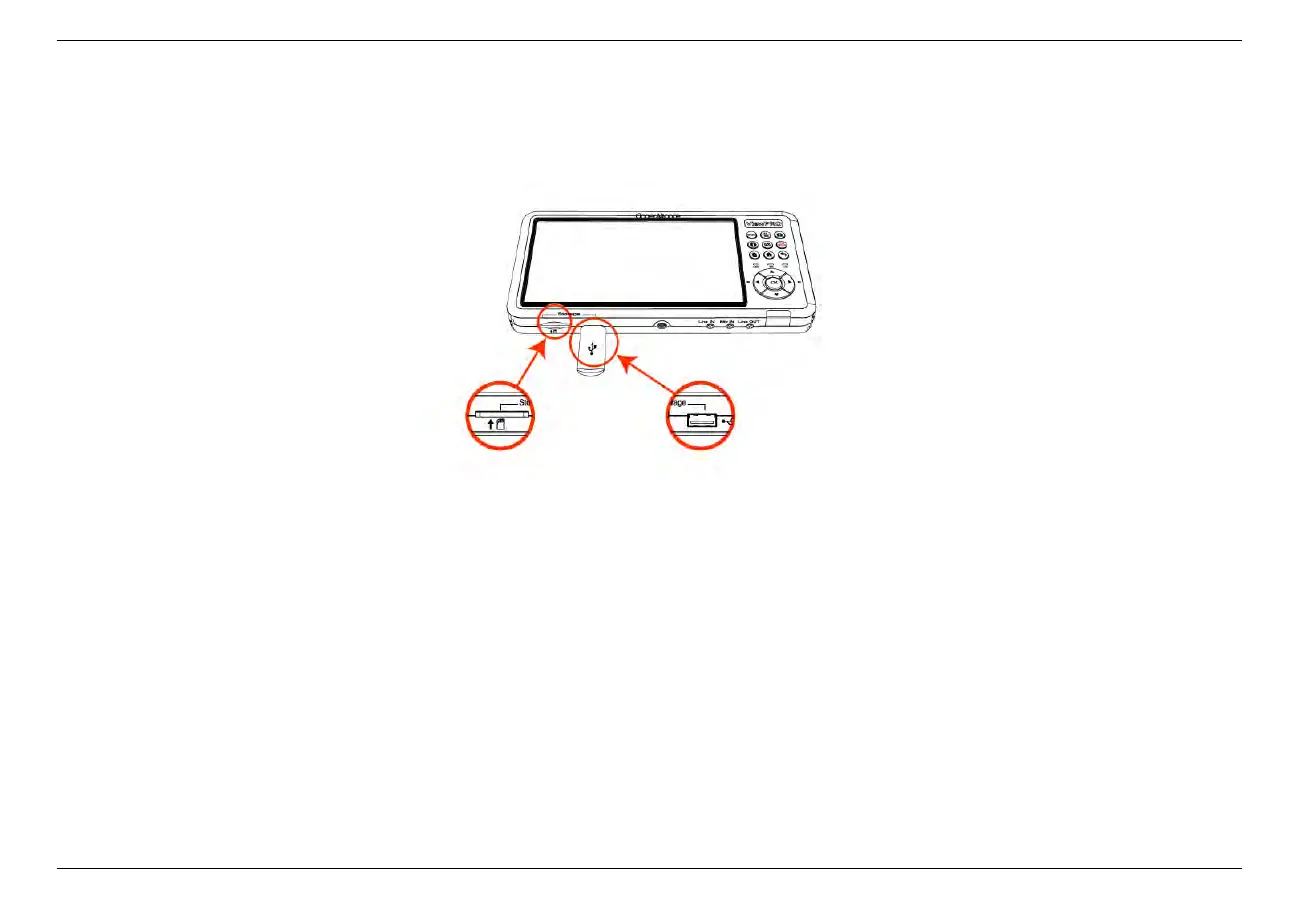
2. Before recording, please make sure that you have inserted a USB storage device or SD card to ClonerAlliance ViewPro
device.
3. Press the Rec button on the Remote of ClonerAlliance ViewPro, then the storage LED will blink blue or green, which
indicates ClonerAlliance ViewPro is in the process of recording.
3.2. Record videos 19



 To Next Page