B-31
Programming
GLC 353/503/553 MC3
P4 Programmieren eines Schweißprozessablaufs
Note: If you press and release the key Operating mode now, the display jumps back
to the value Gas preflow and shows the programmed value. You can modify the
values (using the keys Up and Down ) or jump to the next value by pressing the
Operating mode.
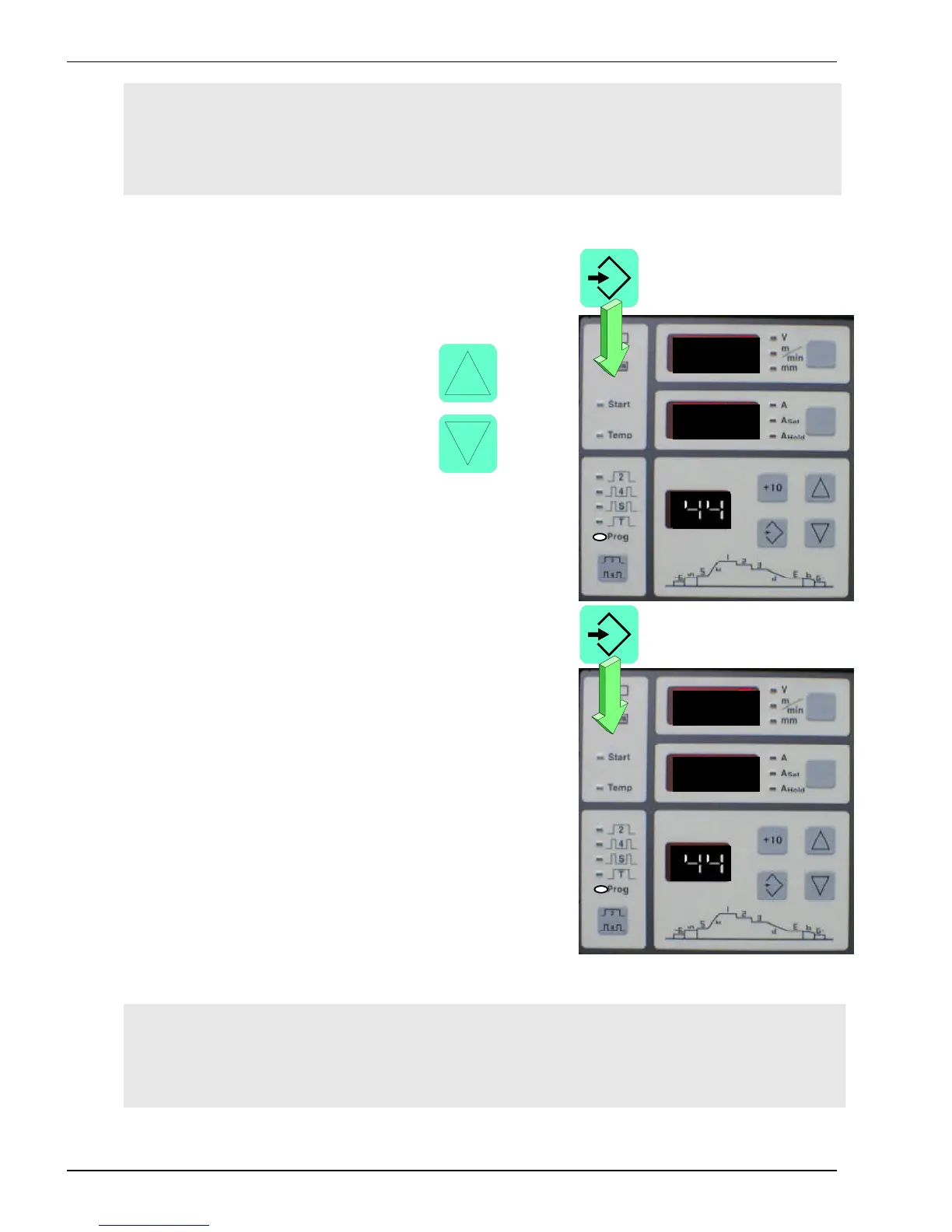
- Press and release the key Save.
The display on Display panel 3 flashes.
Use the keys Up or Down to
select a number between 1 and
50 (in the example 44) to save
the values which have been
programmed.
- Press and hold the key
Save until the display stops
flashing.
You have programmed a weld procedure
sequence under the number 44.
Note: If the values have been saved in mode Manual (two minus signs on display 3),
the programmed values are called up when working without Weld procedure
sequence.



 To Next Page