OPERATING MANUAL
800.749.2761 www.coachcomm.com
46
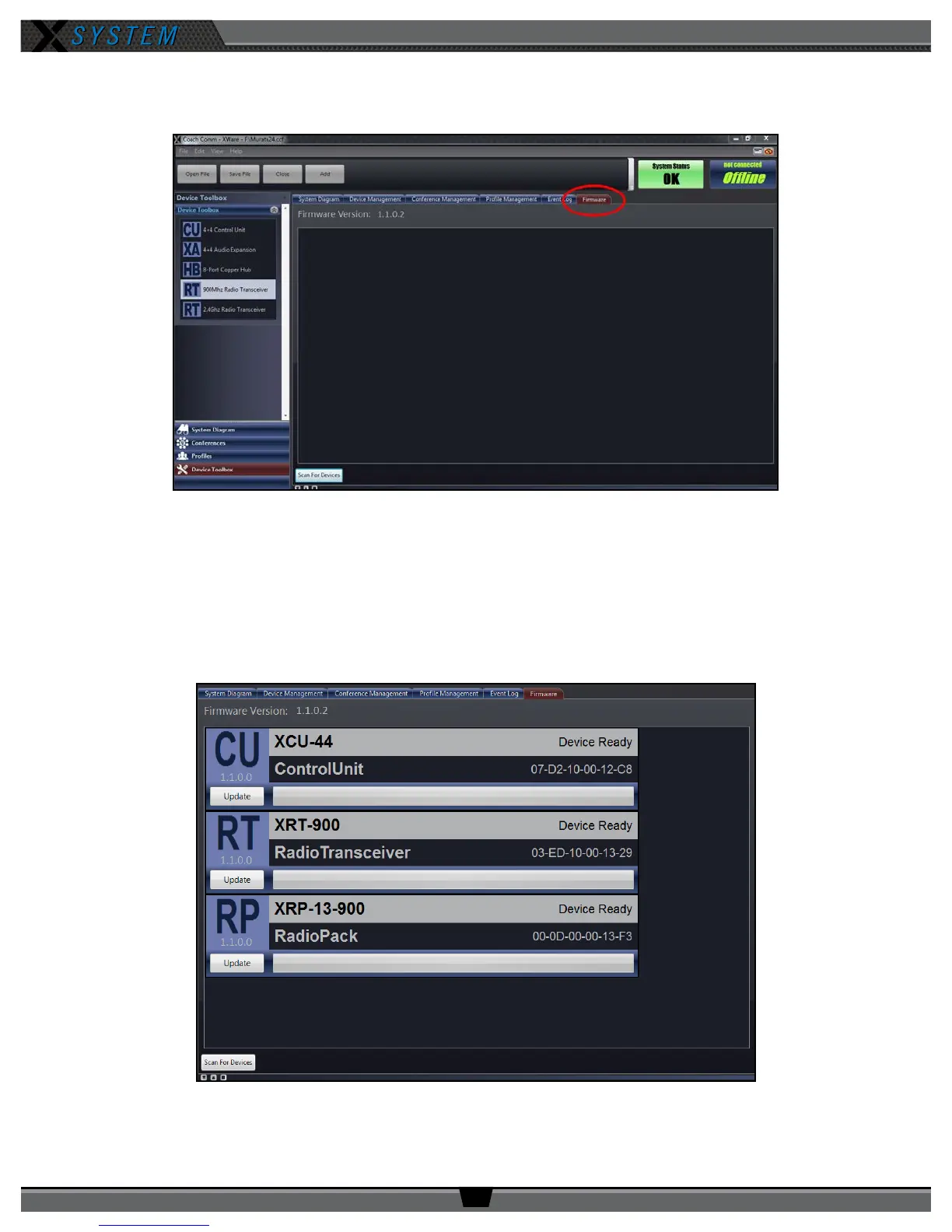
3. Navigate to the “Firmware” tab of the advanced settings.
4. Connect a USB to Micro USB cable from the PC to the device (micro end goes into X-System device).
NOTE: You can utilize a USB “hub” in order to do multiple devices at once; be sure all devices are connected
prior to Step 5.
5. Click the
Scan For Devices
button at bottom of the tab.
6. Each connected device will display in a list on the tab. This list will include each device’s current rmware
version.
Figure 62: X-Ware Firmware Tab
Figure 63: Connected Devices



 To Next Page