37
9-1 Overview
9.0 Troubleshooting
The following flow diagrams show the procedures to repair the typical failures. If the alarm is on and
the compressor is stopped, do not restart the operation until the cause is clearly addressed and
eliminated. Always turn the main power off, and remove the pressure from the compressor prior to a
repair and maintenance.
9-2 Flow Diagram for Troubleshooting
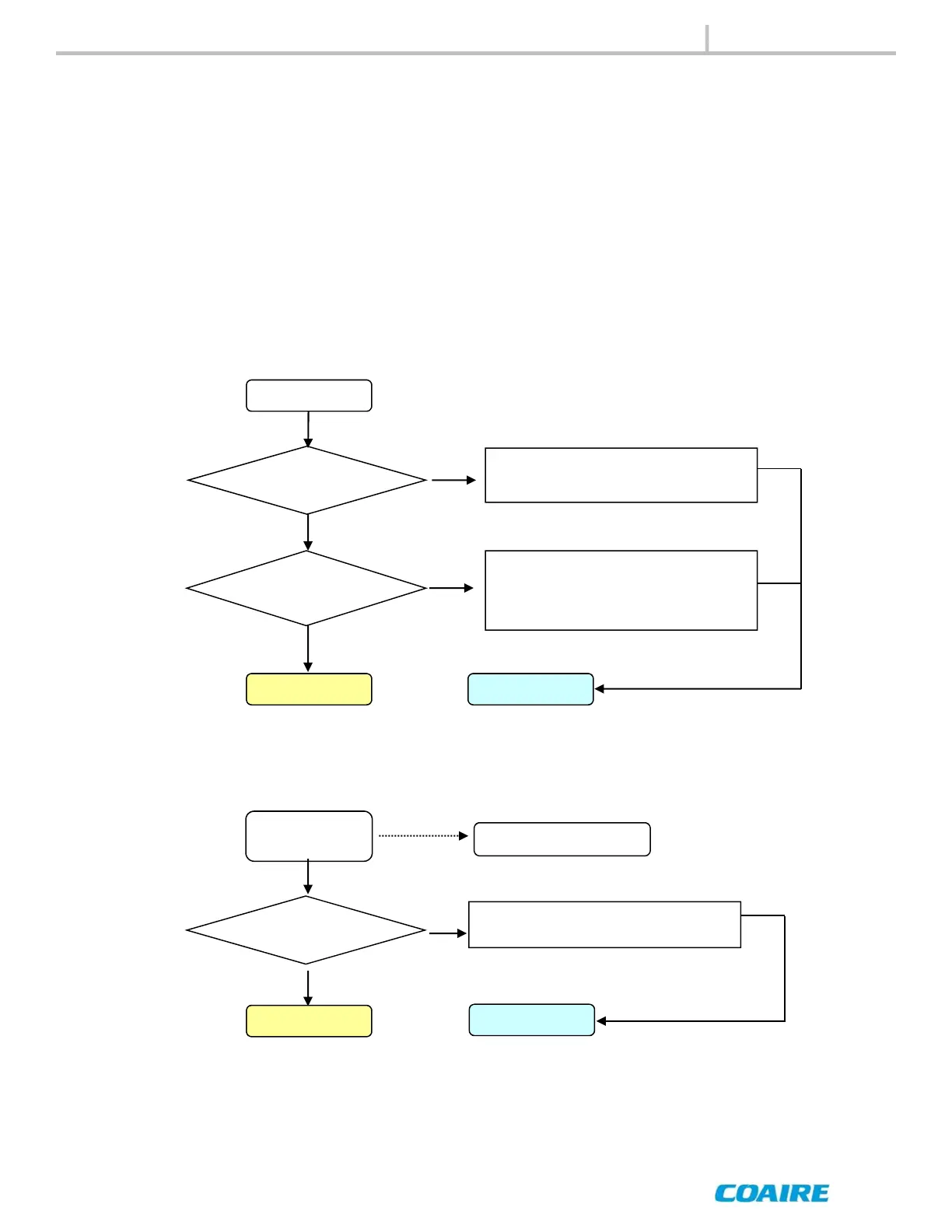
9-2-1 No Display
Negative-phase
operation
Poor connection
to power supply
Convert the phase for two of three
main power lines.
Abnormal noise
Start-Up
Request a service
No Display
Poor connection
to power supply
Yes
No
- Check the breaker switch
- Check the wiring
Yes
Failure of
controller
- Check the fuse
- Check the transformer
- The controller is defective
Yes
Start-Up Request a service
9-2- 2 Negative-Phase Operation
No
No
After eliminating the
cause
After eliminating the
cause
TROUBLESHOOTING


 To Next Page