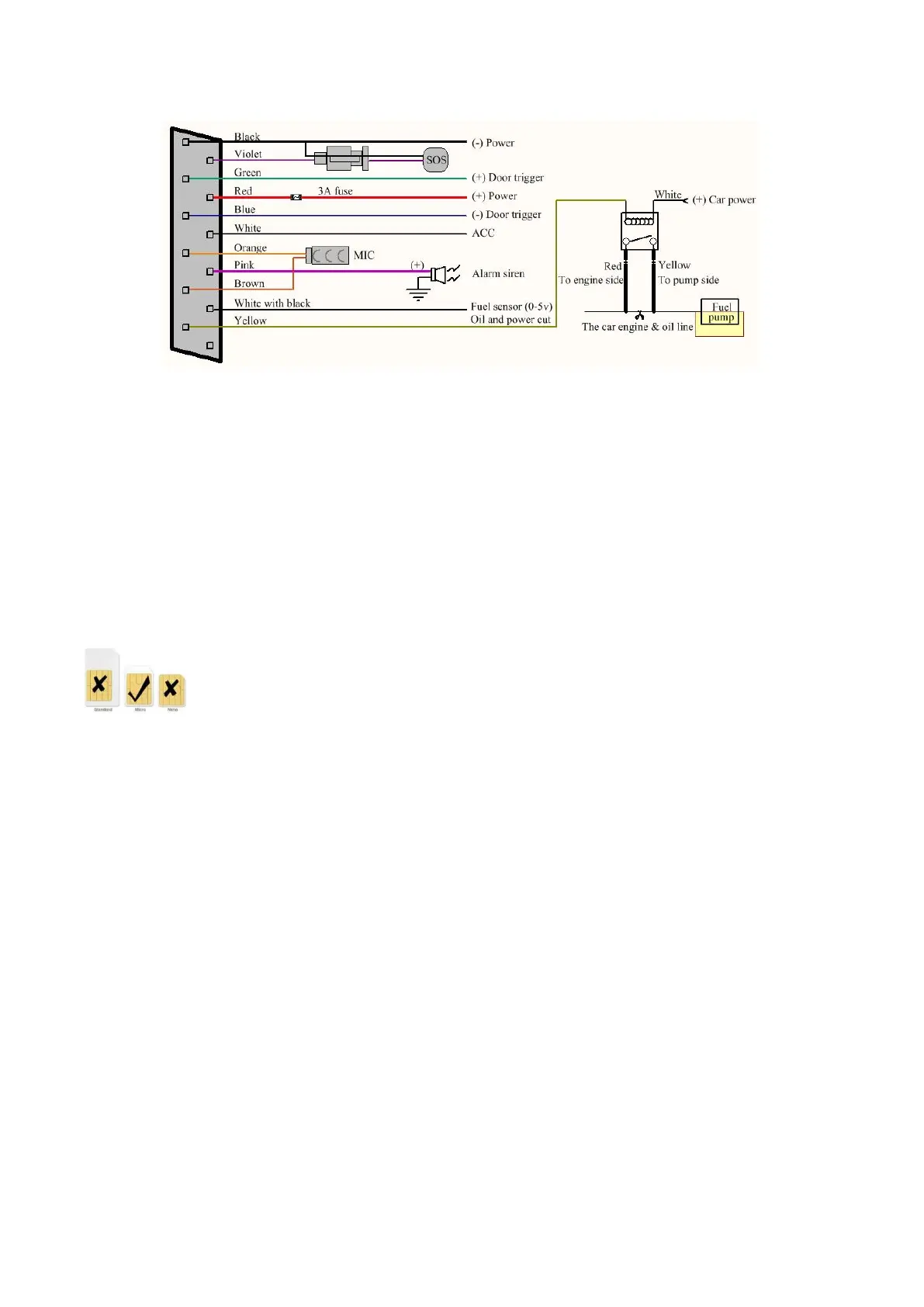
5. The pink wire can be connected to the original car alarm horn or the alarm horn purchased
together.
6. Understand that the vehicle door trigger type is positive trigger or negative trigger. Connected to
the green wire if it is positive trigger, and connected to the blue wire if it is negative trigger.
7. Please install the SOS button where the driver can touch it.
8. SIM card installation
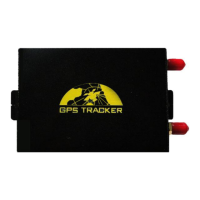
Please use the included screwdriver to open the case to insert the SIM card. If you intend to expand
the storage space, then please insert micro SD and then assemble the case.
Please be sure to confirm that the SIM card network frequency band is the network frequency band
supported by the device. Caller ID must be turned on and the PIN code must be turned off. The call
forwarding function cannot be turned on.
9. After inserting the SIM card, connect the positive and negative (red and black) wires of the
power supply to the 12V or 24V power supply of the car. Wait the device works normally After 1
minute of power-on, and then turn on the Backup battery switch.
4 Device Status Light
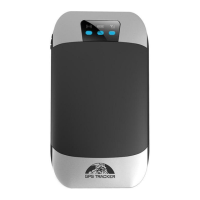
Red light: Always on when charging, and turns off after being fully charged. Red light flashes
quickly when battery is low.
Green light: Flashes every 1 second when GSM network signal normally, flashes every 3 seconds
when works in GPRS mode; always on when no GSM network.
Blue light: Flashes every 1 second when GPS signal is normal; flashes 3 times per second when GPS
signal is very good, and turns off if lost fix to satellites.
5 This GPS Tracker Supports Mobile APP, Web Server Platform
and SMS for Management in Multiple Ways
If you use the APP and web platform, you need a sim card to open a data plan or use a data card.
If you use SMS, you need a SIM card to enable SMS, voice calls, and caller ID.
6 Mobile APP


 To Next Page