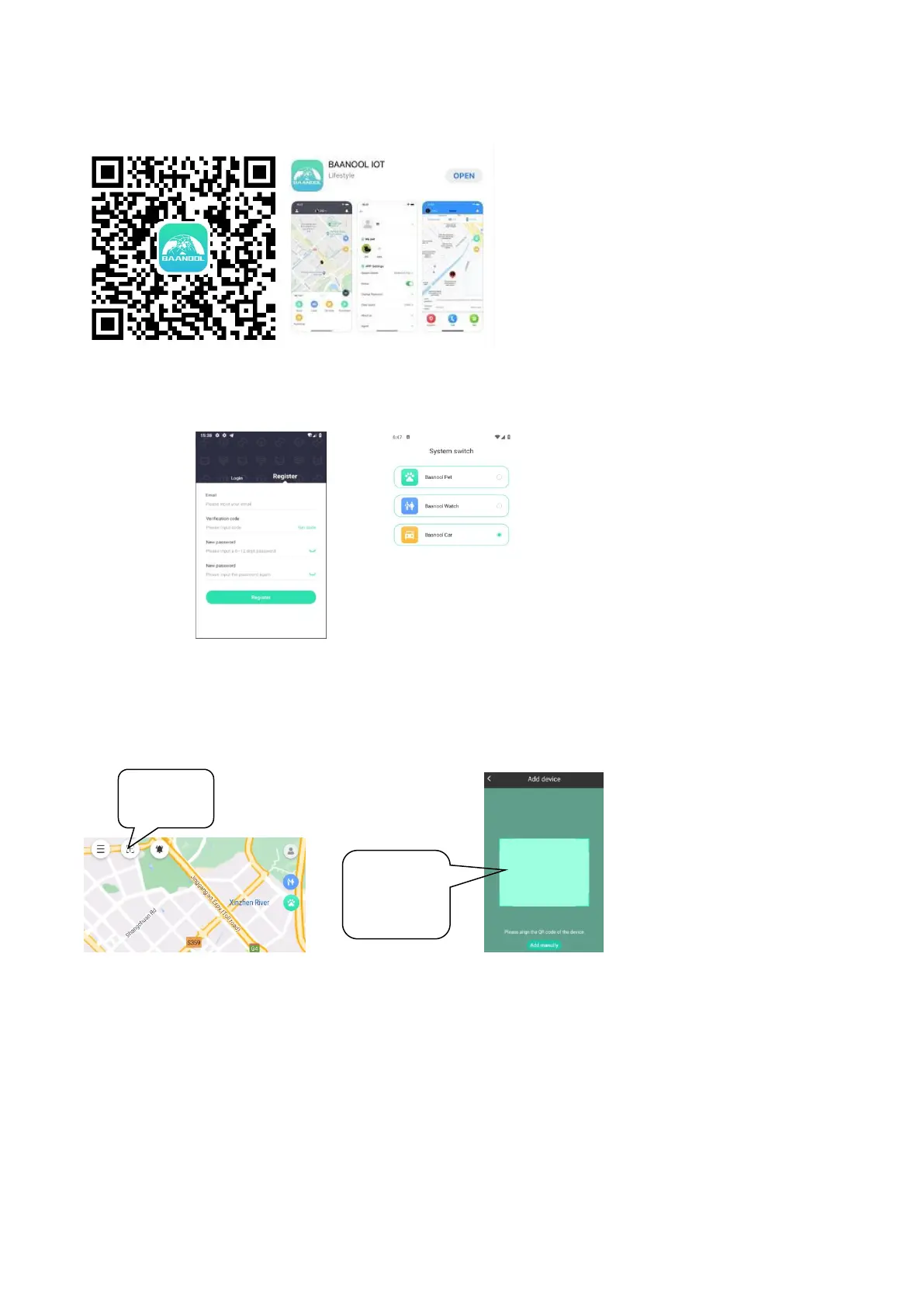
Scan the QR code to download APP
Google Play
、
App Store search “BAANOOL IOT” to download it
Register
Open BAANOOL IOT, register a new account and login, Choose “BAANOOL car “to enter it.
Bind Device
Click the ‘Add Device’ button on the home page and scan the IMEI number to bind a new device.
Note that the IMEI number is attached to the side of the device, and the IMEI of the device can also
be manually entered for binding.
Using tracker
Under normal circumstances, the device can automatically select the APN, username and password
without setting it. If the device is still offline after 3 minutes of binding, you need to set the APN and
username and password according to 10.17 and 10.18. After the device comes online, you can view
and manage the device.
7 BAANOOL IOT’s Web Version
Open www.baanooliot.com, the login account name and password are the same as phone app’s
Scan QR
CODE or enter
the IMEI


 To Next Page