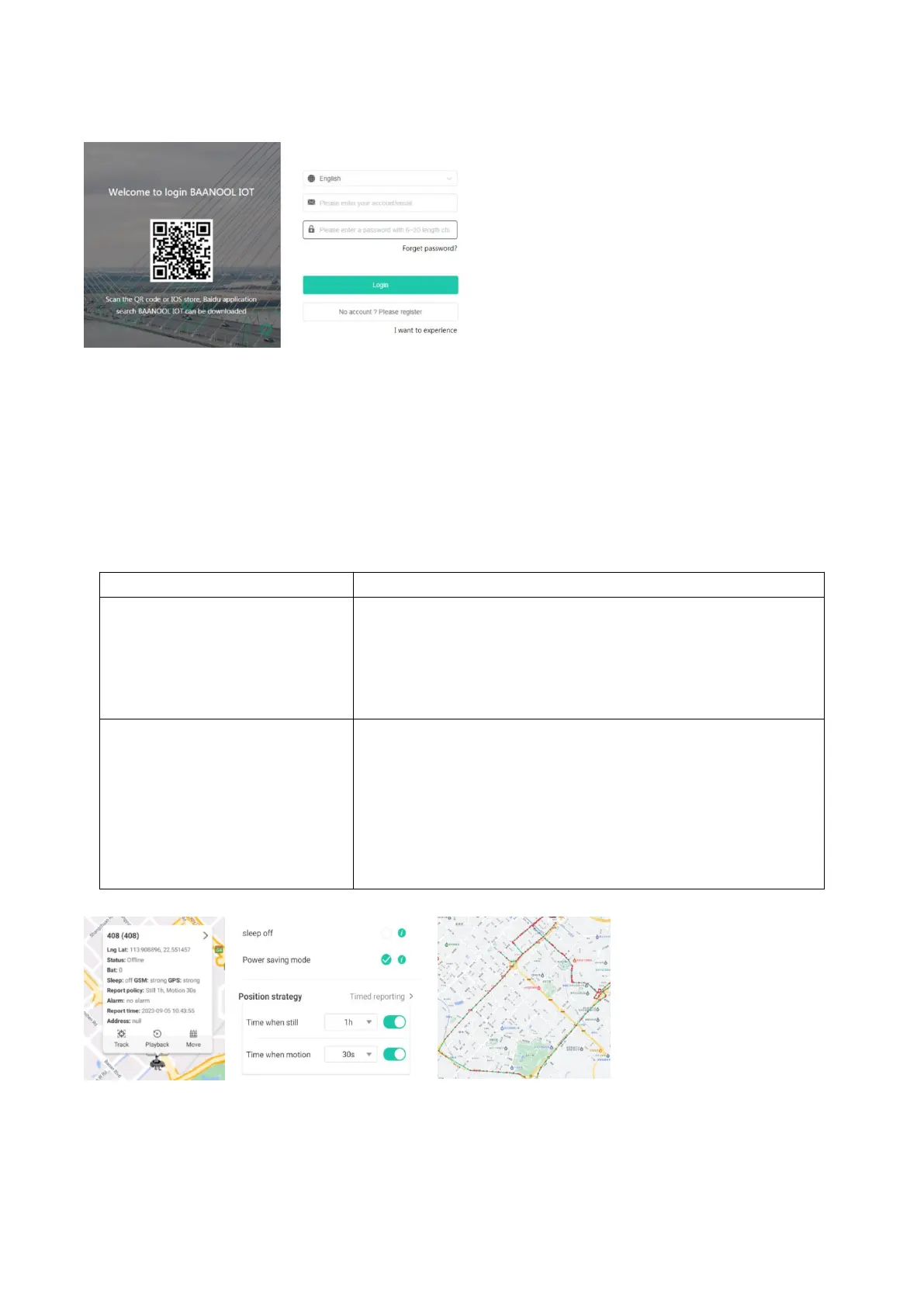
8 Mobile APP and BAANOOL IOT’s Web
8.1 Positioning strategy
You can click the positioning button to select the working mode and positioning strategy. When
stationary, you can set a longer period of time to report location information (such as 1 hours), and
when it moving, you can set a short period of time to report location information frequently (such as
10 second). When the tracker moves, the movement trajectory will be displayed.
8.1.1 Working mode
The device is online in real time and reports its location
according to the set motion/stationary intervals.
The device is online in real time by default and reports its
location at intervals of 10 seconds of movement and 1 hour
of inactivity.
Offline when stationary (phone calls, text messages, and
alarms can trigger the device to go online. After SOS, door
opening alarms, and ACC alarms are triggered, the device
will be online in real time until the alarm is lifted). Wake up
and go online when in motion. Regardless of whether it is
stationary or moving, the device will report at the set
interval. Location.
8.1.2 Positioning interval
8.2 Playback
You can click the playback button to view the historical track record


 To Next Page