2201R Mobile Tester User Guide
Chapter 3 Performing manual tests and measurements in GSM mode
47090/322
Copyright © 2015 Aeroflex Limited. All rights reserved.
64
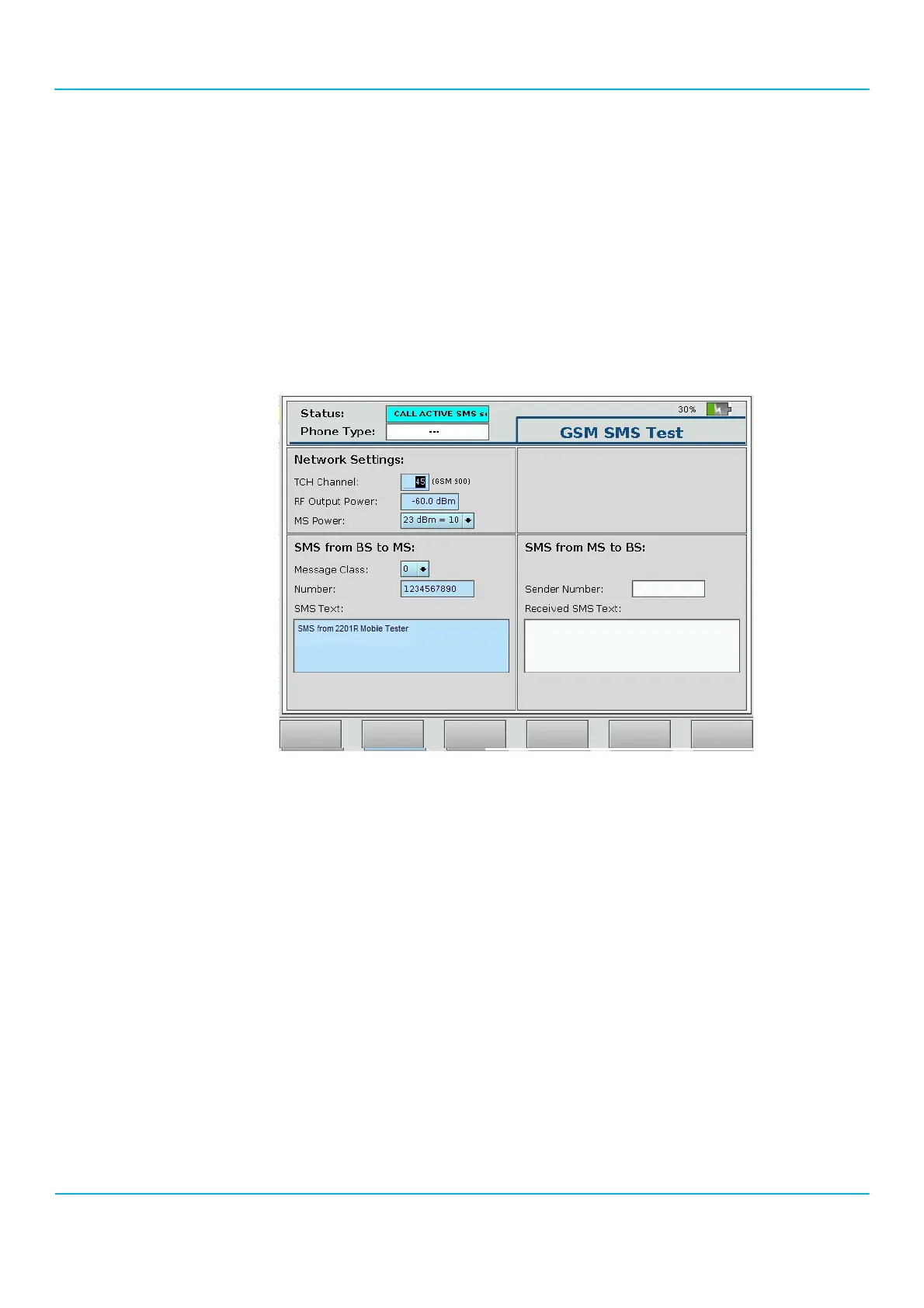
4. In order to send a message from the 2201R to the phone:
a Select a message class. Valid message classes are in the range 0 to 3 as follows:
0: Show message on display.
1: Store message in working memory.
2: Store message on SIM.
3: Store message on external device (for example, PDA).
b Enter a phone number from which the message seems to come from (this number is displayed in the phone under test as
sender number).
c Enter a text to be sent to the phone under test. (You may also keep the text example already given).
d Push the Send soft key.
The status field at the top of the 2201R display reads “CALL ACTIVE SMS sent”.
e Check if the message text, along with the sender number, has been received by the mobile phone: Depending on the
choice of message class, the contents is either displayed directly or can be fetched from memory.
5. Press esc to return to the GSM Tests menu.



 To Next Page