DIGIMINI AMERICAS REPEATERS
PRODUCT DESCRIPTION AND USER’S MANUAL
Cobham Wireless – Coverage Date: 6-Jul-17 www.cobham.com/wireless
Document number: 00031UM Rev. 6.3
Page |5-7
5.2.1 Band Pane and Tabs
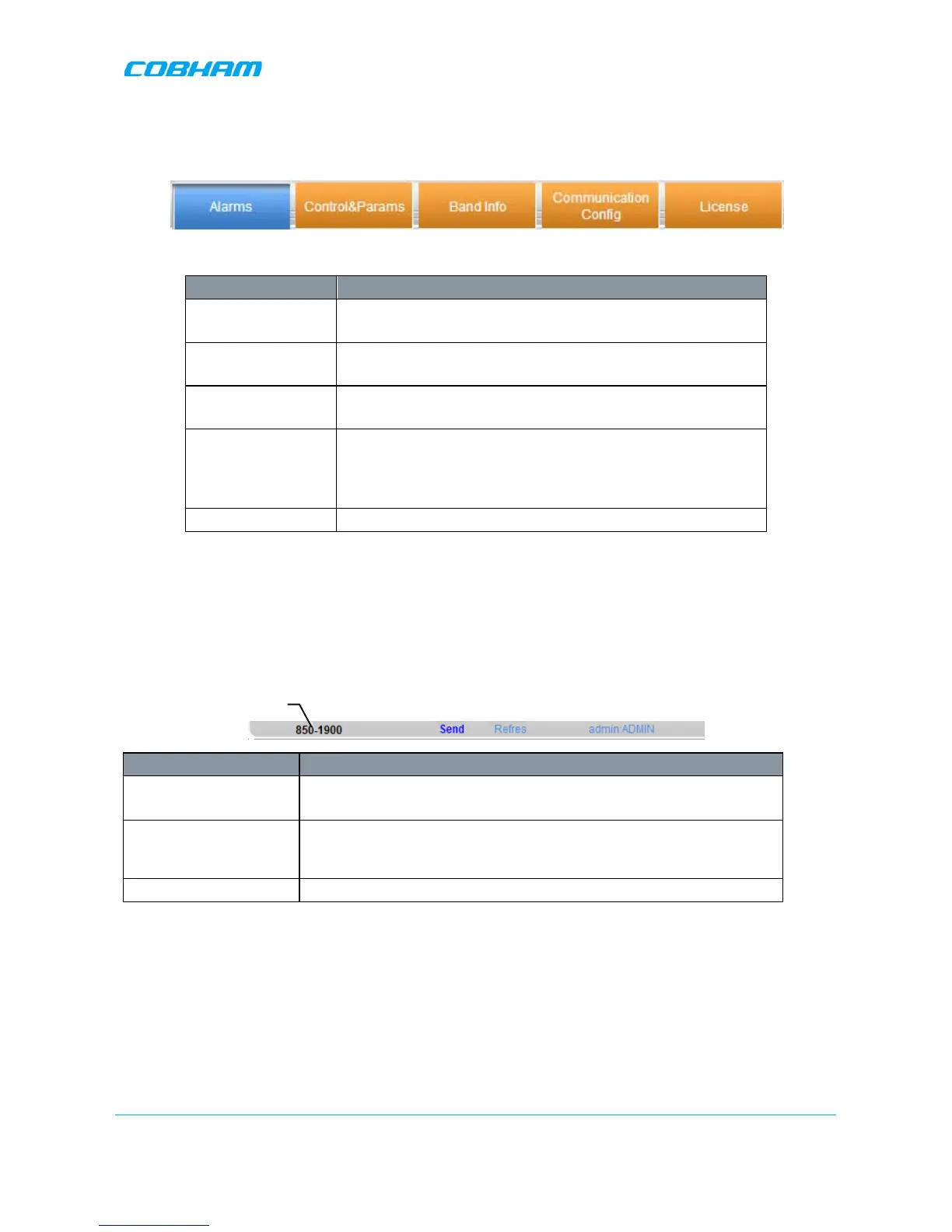
The upper area of each selected pane shows the tabs corresponding to that pane.
Item Description / Values
Alarms Displays various alarms generated by the Repeater and enables
monitoring. See details in section
6.2.1
Control and Params Used for adjusting RF parameters and channel configuration
(signal level, gain and bandwidth). See details in section
5.3
Band Info
Shows information on the selected band, including valid
definable bandwidth pre sub-band (see section 5.3.2).
Communication
Config
Relevant only if you have purchased the appropriate license
file.
If the option is supported – it provides IP Address definitions
and SNMP Destination addresses used for remote monitoring.
License Used to download licenses for additional options.
5.2.2 Operation Buttons
The following Operation buttons are available.
Item Description / Values
Selected Tree Item Shows the currently selected topology tree item.
Values: Band (e.g. 850-1900), Users
Send Click after completing the new data input and values update in any
screen in order to insert the new values into the Repeater, and
implement the changes
Refresh Click to refresh the current screen and update the displayed data
5.3 Signal Levels and Channel Configuration
This section provides a description of the RF Gain setting criteria (set via the Controls and Params Pane), the
criteria determining the number of available bands and a step-by-step procedure of the signal level and
channel configuration procedure.


 To Next Page