DIGIMINI AMERICAS REPEATERS
PRODUCT DESCRIPTION AND USER’S MANUAL
Cobham Wireless – Coverage Date: 6-Jul-17 www.cobham.com/wireless
Document number: 00031UM Rev. 6.3
Page |5-9
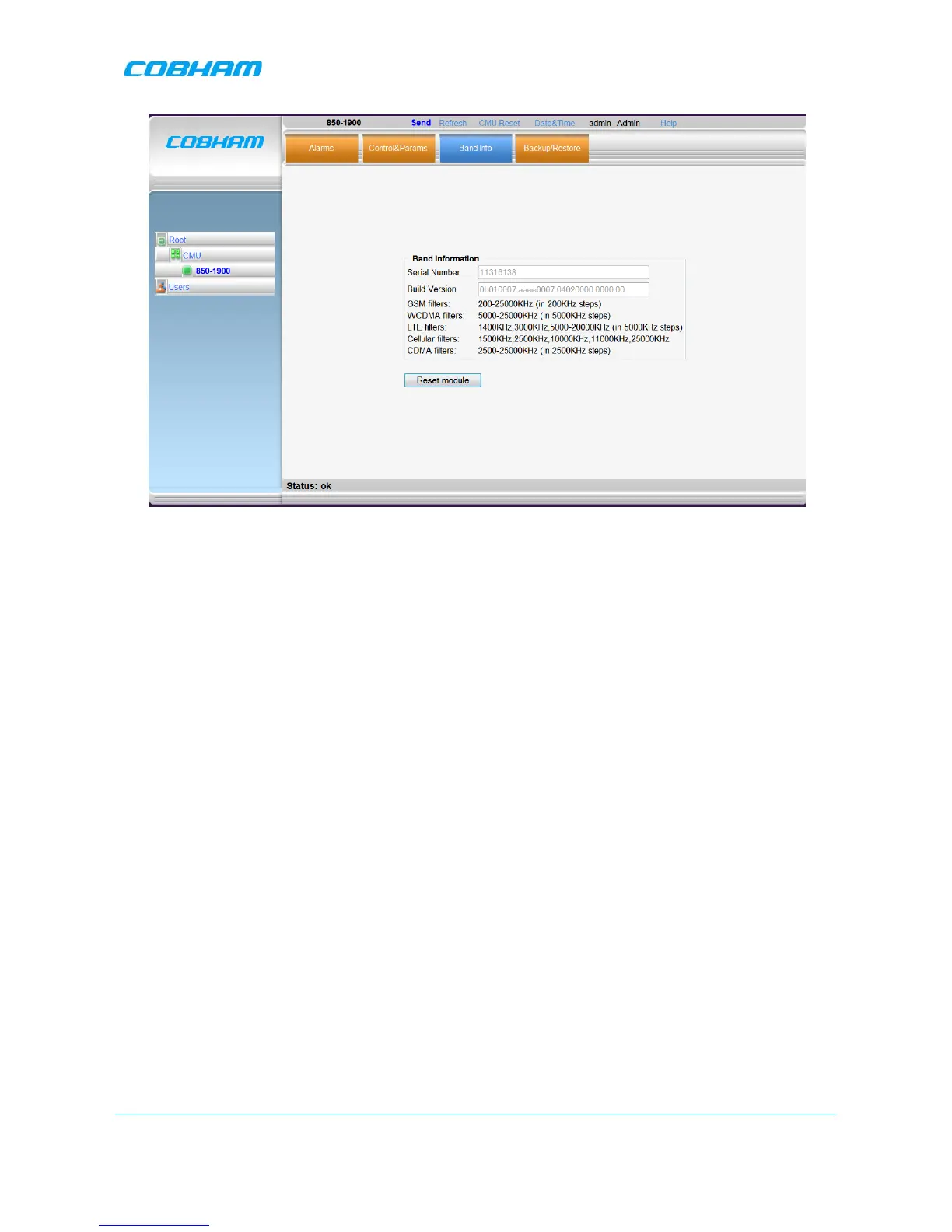
Figure 5-8. Info Tab
5.3.3 Adjusting the Signal Levels and Configuring Channels
The Control and Params (parameters) window is used to configure the sub-bands and Max UL/DL Power
for the selected band. A dedicated filter configuration dialog is provided for each band. The dialogs and
configuration procedures are identical for each band,
except for the parameter values
.
Up to eight sub-bands referred to as
filters
can be defined, where each sub-band is
individually
defined by
setting the following:
• Bandwidth - start and stop frequency - see appendices B and C for parallel GSM channels.
• Maximum power
• Maximum gain
• Gain delta
The defined sub-bands are displayed in the lower part of the screen for reference.


 To Next Page