Description of the system components
98-145510-E Chapter 2: Introduction 2-7
2.2.5 Web interface
The VSAT system has a built-in web interface, which has two levels:
• Mobile web interface, used for basic operations and status. Accessed from a
smartphone or tablet.
• Computer web interface, used for configuration, line-up, troubleshooting, extended
status information etc. Accessed from a computer.
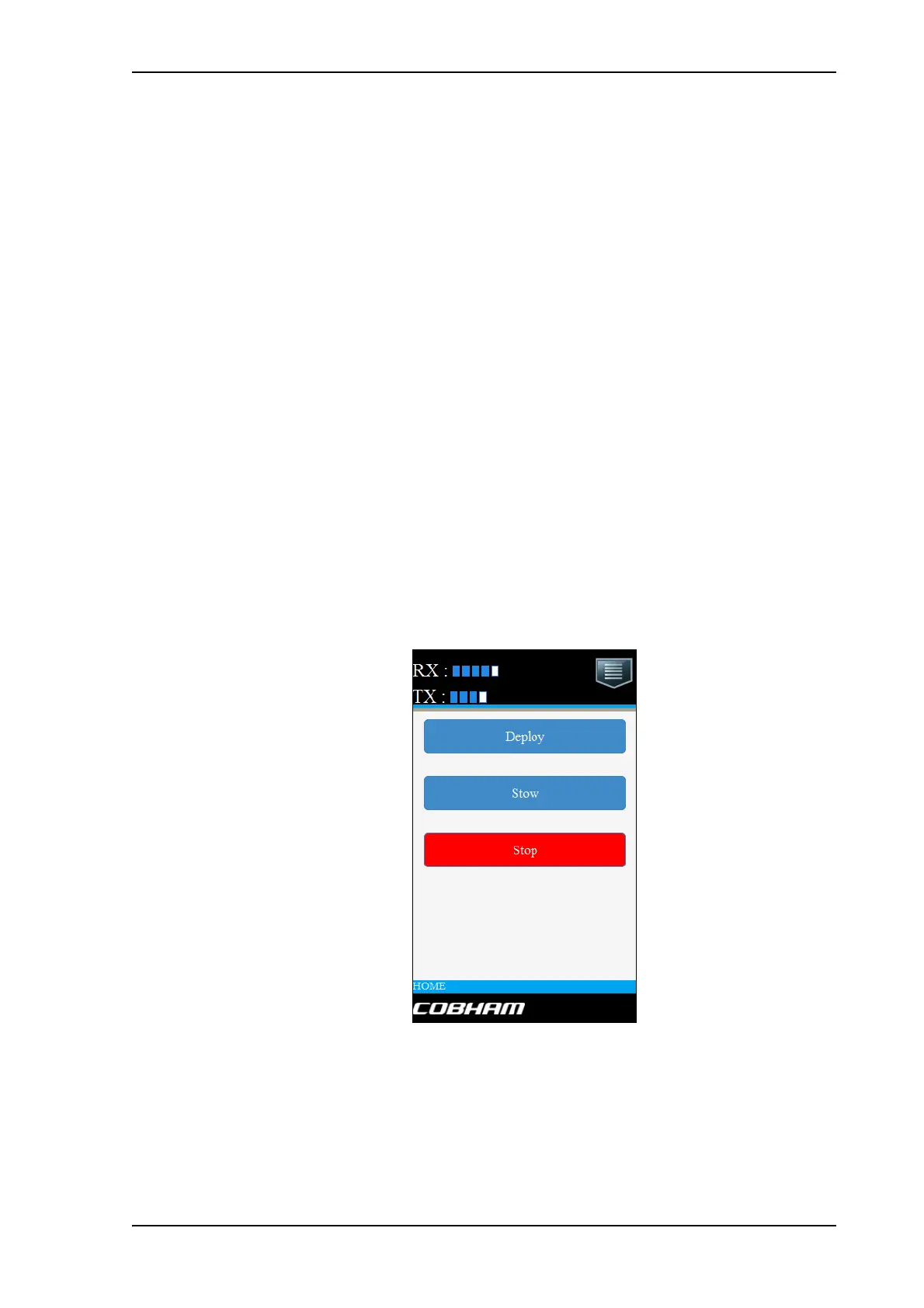
Mobile web interface
When you access the web interface from a smartphone or tablet you get access to the
mobile web interface, which offers the following basic operations and status:
• Deploy, Stow and Stop the antenna
• Activate satellite profile
• See status and events
• Access the full web interface
To access the mobile web interface:
1. Connect your smartphone or tablet to the WLAN access point of the ACU. For
information on WLAN setup see WLAN settings on page 6-16.
2. In the browser of your smartphone or tablet, type in the IP address for the web
interface. By default the IP address is http://192.168.0.1.
Figure 10: Mobile web interface, for basic operation



 To Next Page