98-145510-E 4-1
Chapter 4
Interfaces
4
This chapter is organized in the following sections:
• Interfaces of the Antenna Control Unit (ACU)
• Interfaces of the antenna
• Interfaces of the VSAT modem
4.1 Interfaces of the Antenna Control Unit (ACU)
4.1.1 WLAN interface
The ACU has a WLAN interface for wireless access to the system. To be able to use the
WLAN interface, you must first set it up in the web interface, from a computer connected
to the front LAN connector or LAN 1 in the connector panel of the ACU. For details, see To
configure the LAN network on page 6-14 and WLAN settings on page 6-16.
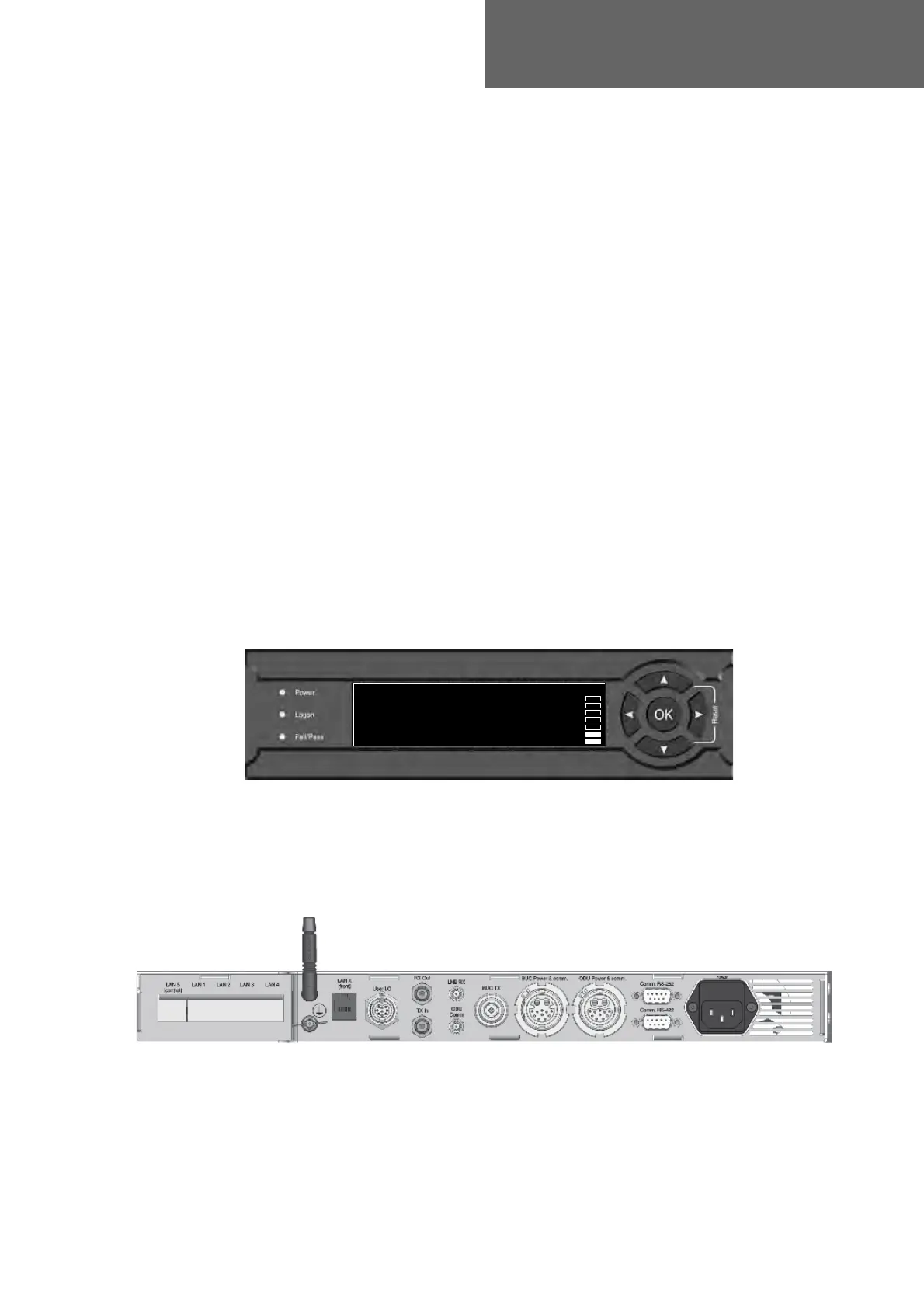
4.1.2 LEDs, display and keypad
4.1.3 ACU Connector panel — overview
The connector LAN on the front panel is internally connected to the LAN X connector in
the connector panel. Typically you connect LAN X to the service port at LAN 1 with a
straight Ethernet cable. Then you can access the service port from the front of the ACU.
Figure 1: ACU display and keypad and LEDs
0DLQ1$9*+/$1±
75$&.,1*
6$7:5;/+7;X0$&
Figure 2: ACU connector panel overview



 To Next Page