Interfaces of the Antenna Control Unit (ACU)
98-145510-E Chapter 4: Interfaces 4-2
4.1.4 AC Input connector
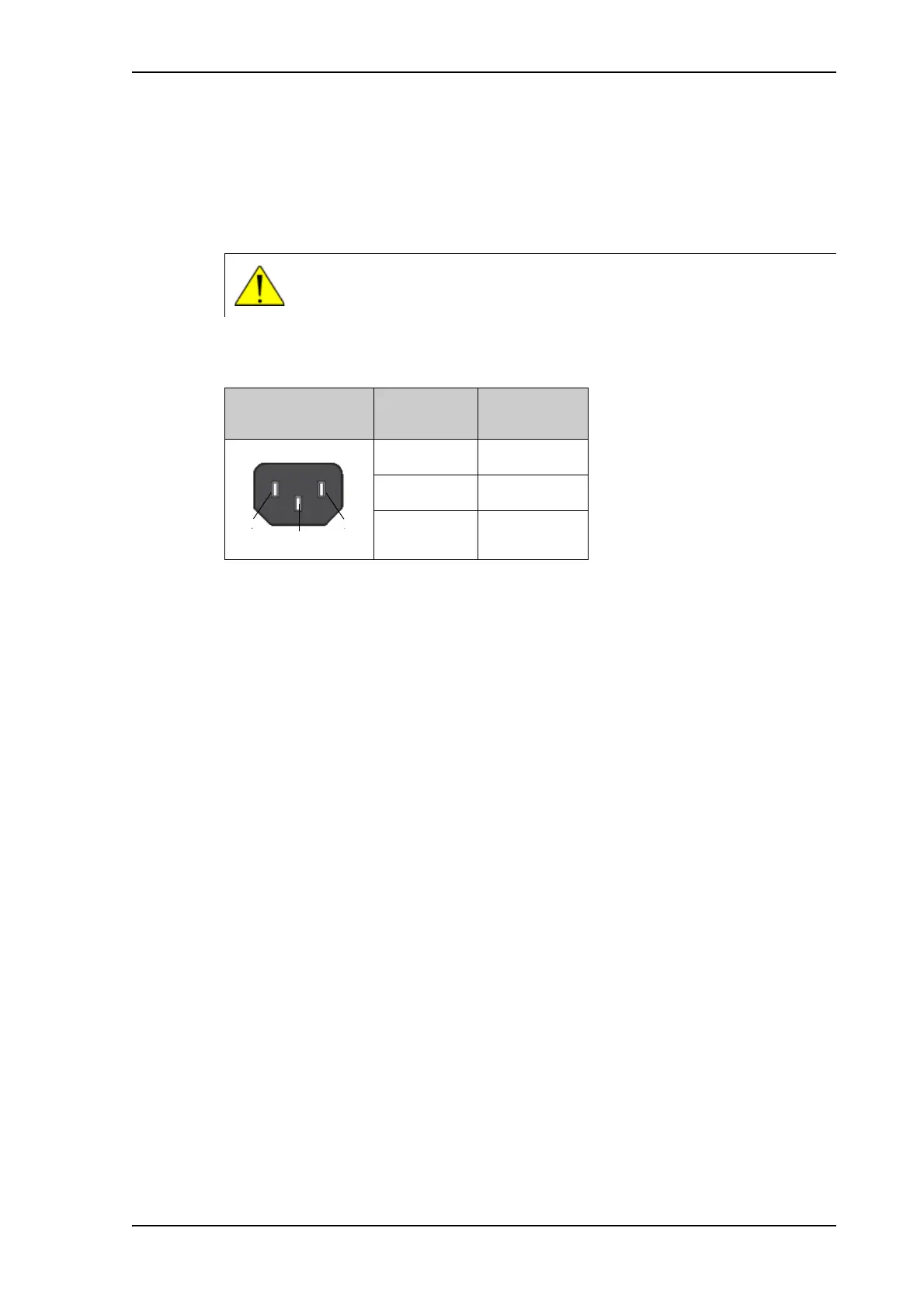
Provide AC power to the ACU from a standard 100-240 VAC supply using the cable
included in the delivery. First find a suitable connector for your AC Mains supply and mount
it on the cable according to the table below.
The AC connector on the ACU is an IEC320 connector for universal AC power input.
CAUTION! You must connect all three pins (Live, Neutral and Earth), in
order to meet the isolation requirements for the system.
Outline
(on the ACU)
Pin function Wire color
Live (L) Brown
Neutral (N) Blue
Earth (E) Green/Yellow
Table 4-3: ACU AC Input connector, pin assignment



 To Next Page