Status signalling with LEDs and status messages
98-145510-E Chapter 7: Service and maintenance 7-8
7.3.1 LEDs on the keypad of the ACU
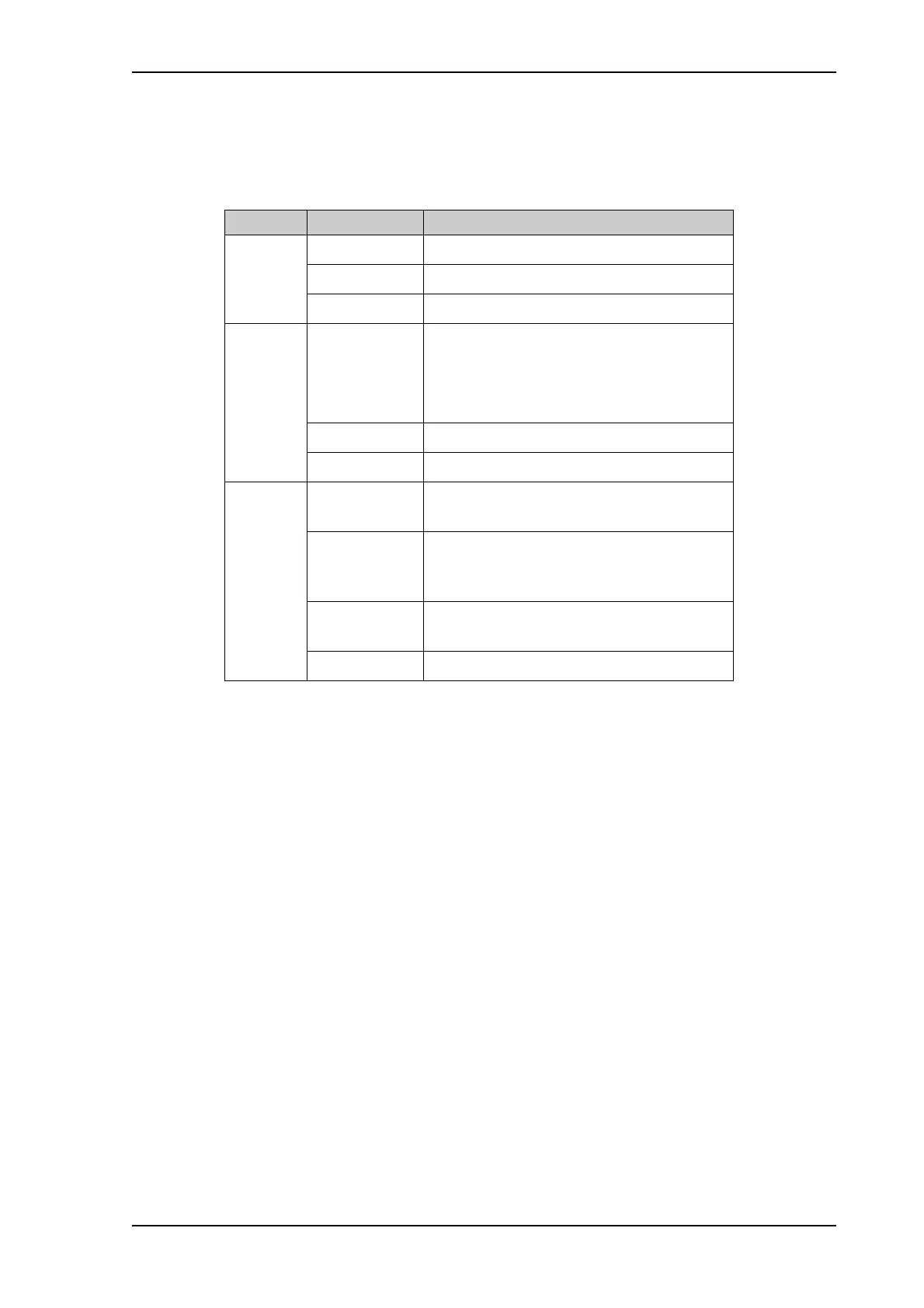
There are 3 LEDs: Power, Logon and Fail/Pass LED.
LED Behavior Description
Power Steady green Power supply OK
Steady red Power supply failure
Off No power
Logon Flashing green Current status is displayed:
• Searching satellite
• Identifying satellite
• Carrier lock & TX enabled from modem
Steady green Satellite link established
Off No satellite link acquired
Fail/Pass
LED
Steady red A fault which prevents operation is present
in the system (ACU, antenna, MODEM).
Flashing green A Power On Self Test (POST) or Person
Activated Self Test (PAST) in progress. The
current status is displayed.
Flashing red Active BITE failure or warning. The event is
shown in the ACU display.
Steady green No faults.
Table 7-4: LEDs on the ACU



 To Next Page