5
Chapter 2
22222
Operation
Operation 2
This chapter has the following sections:
• Getting started
• Connecting to the Internet
• Making a voice call
Getting started
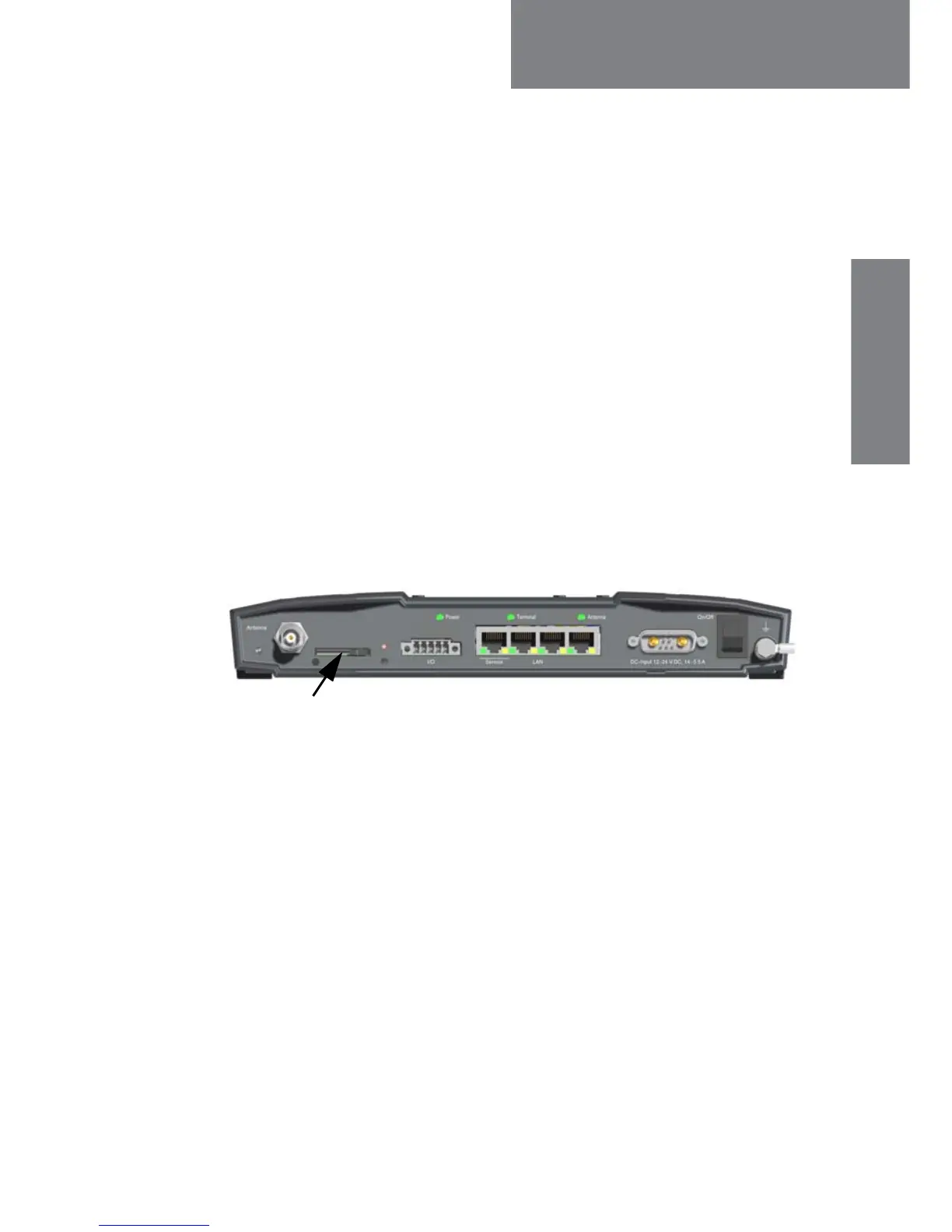
To insert the SIM card
To be able to use the terminal you must have a valid SIM card. The SIM
card is administrated by your airtime provider.
1. Locate the slot for the SIM card.
2. Slide the SIM card lock to free the SIM card slot.
3. Insert the SIM card with the chip side facing down.
4. Press gently until it clicks into place.
5. Slide the lock in front of the SIM card slot.














 To Next Page