Chapter 2: Operation
Getting started 7
22222
Operation
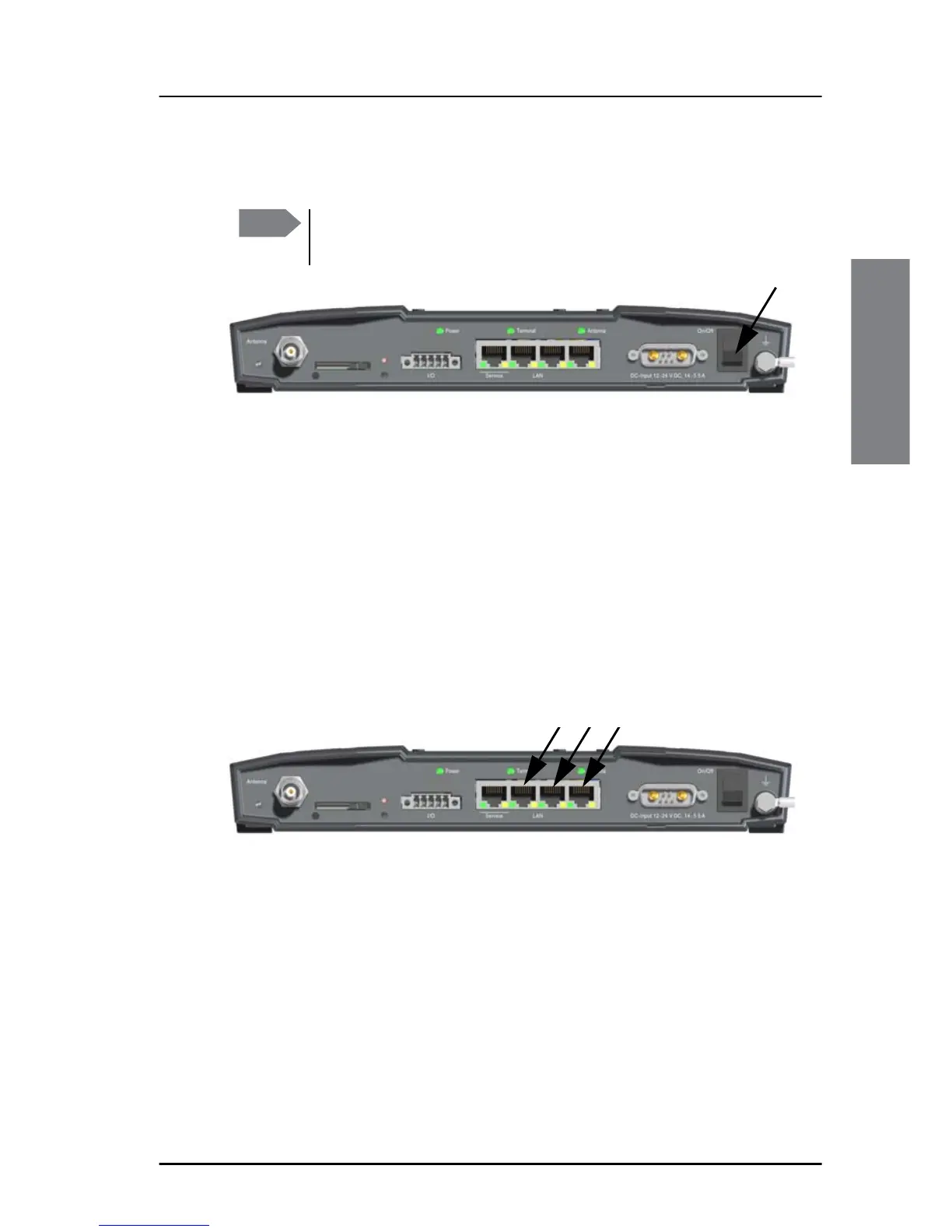
To power up the system, do as follows:
1. Power up the system, i.e. switch on the terminal.
2.
3. Wait until the LEDs at the rear of the terminal show that the system is
ready to be accessed.
• Power LED: Green
• Terminal: Steady green.
• Antenna: Steady green.
4. The system is ready for use.
To connect a PC and SIP phone
Connect your equipment to the Ethernet connector(s) marked LAN. You
need a straight LAN cable.
SIP telephony service
The SAILOR 4300 L-Band system has a built-in SIP server which provides up
to three voice lines to users connected to the BDU. To use this service you
need one or more VoIP-phone or soft-phone (mobile apps, PC software).
The effective number of available voice lines depends on the subscription.
Each voice line has a dedicated mobile number and is available through one
of the internal SIP user names line1, line 2 and line3. The mapping from
Note
The first couple of seconds there is no light in the Power LED.
Wait until there is light in the Power LED.














 To Next Page