Chapter 2: Operation
10 Connecting to the Internet
Connecting to the Internet
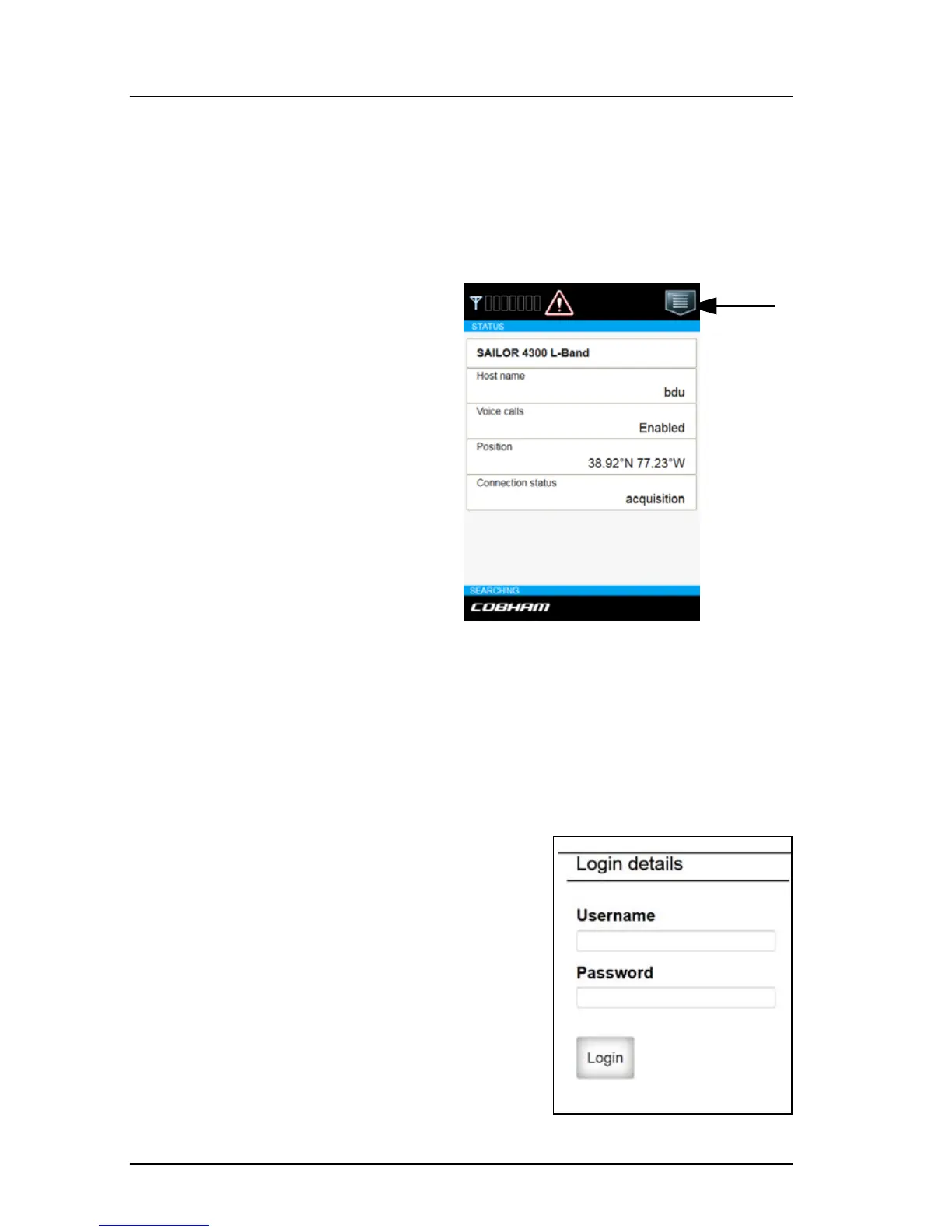
Mobile web interface
The purpose of the mobile web
interface is to use the SAILOR
4300 L-Band System for starting
and stopping data sessions and
view system events. To access
the mobile web interface use a
smartphone or tablet that is
connected to the terminal via
the user LAN ports. The mobile
web interface is intended for
users of mobile devices. It
consists of a subset of the
functions in the classic web
interface The mobile web
interface is available on the user
LAN ports.
Connecting to the mobile web interface
To connect to the mobile web interface, do as follows:
1. Connect a computer to one of the user LAN ports (standard Ethernet) or
through a smartphone via WLAN.
2. Open your Internet browser and enter
the IP address of the BDU User LAN
http://172.16.0.2 (default).
3. Enter the user name: guest, password:
guest.
Tap here
for menu














 To Next Page