Chapter 3: Service & maintenance
16 Troubleshooting
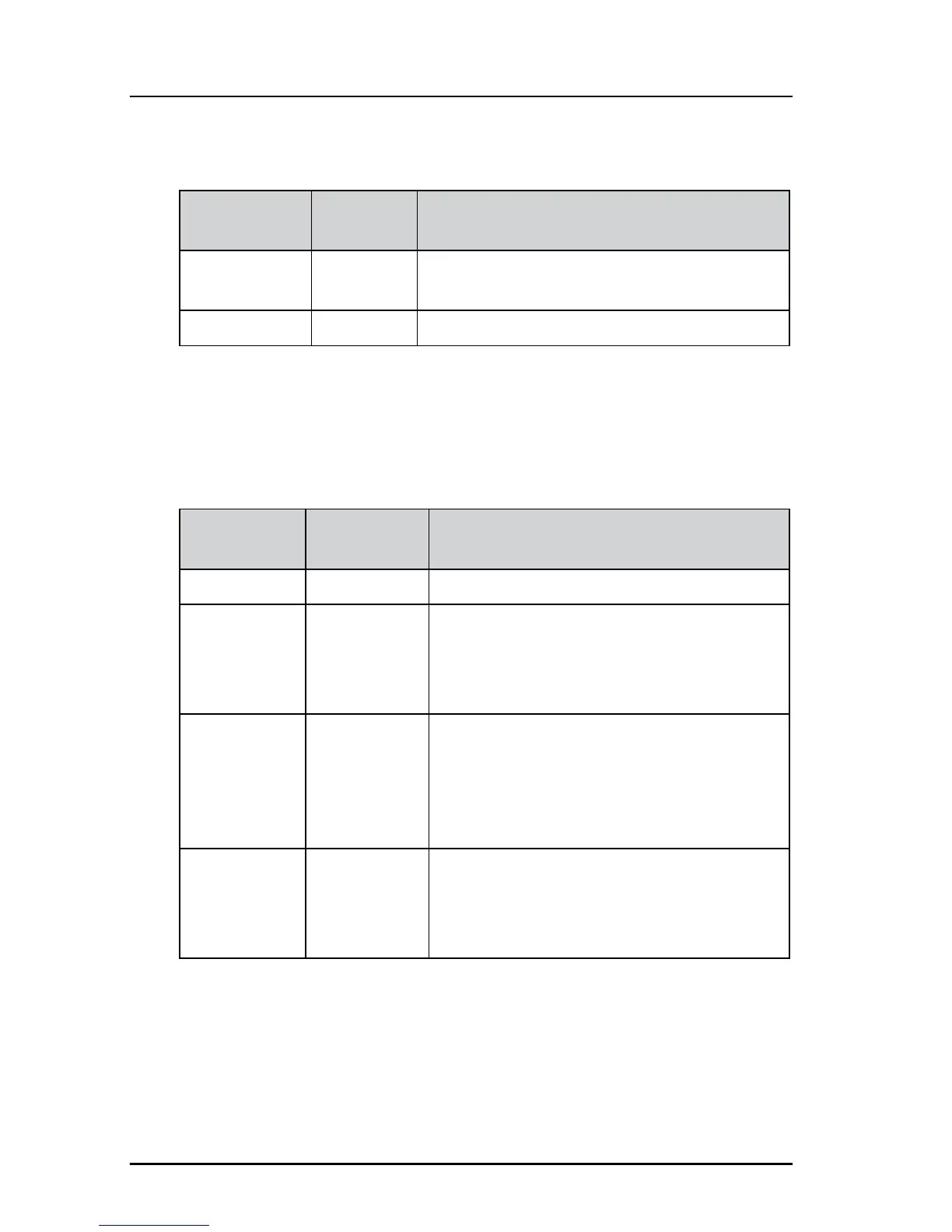
Power LED
Terminal LED
The terminal LED shows the status of the BDU, ADU and Iridium
modem. In case of an error (red), this could be an error in the BDU,
ADU or Iridium modem.
Indicator
pattern
State Remedy
Off Power off Check if power is present. See section Power
on on page 6.
On (Green) Power on Normal operation.
Indicator
pattern
State Remedy
Off Power off Check if power is present.
Blue System
initialization
The BDU initializes and powers the ADU.
The system waits until a successful
connection between BDU and ADU has
been established.
Green flashing Self-test
(BDU and
ADU POST)
The terminal and antenna is not yet ready
(while performing Power On Self Test). This
state may remain for approximately
60 seconds (it is not an error).
If the state persists restart the system.
Yellow steady Warning User
recoverable
User recoverable continuous warning event
detected, see active BITE event in the web
interface as described in the section BITE
events (warning sign) on page 19.














 To Next Page