Chapter 6: Maintenance and troubleshooting
98-141368-A 105
Extended status
To see the Extended status page, select HELPDESK > Extended status.
To see updated information on the Extended status page, click Refresh.
The Extended Status page shows the following information:
• The antenna Product ID (must always be TT-3050C-581).
• The status of the connection to the air interface (IAI-2). This field should normally show
“Registered”, unless the system is still in the startup process.
• Ongoing data sessions (IP address) and connection status, e.g. Active or Suspended.
• Ongoing calls and their connection status.
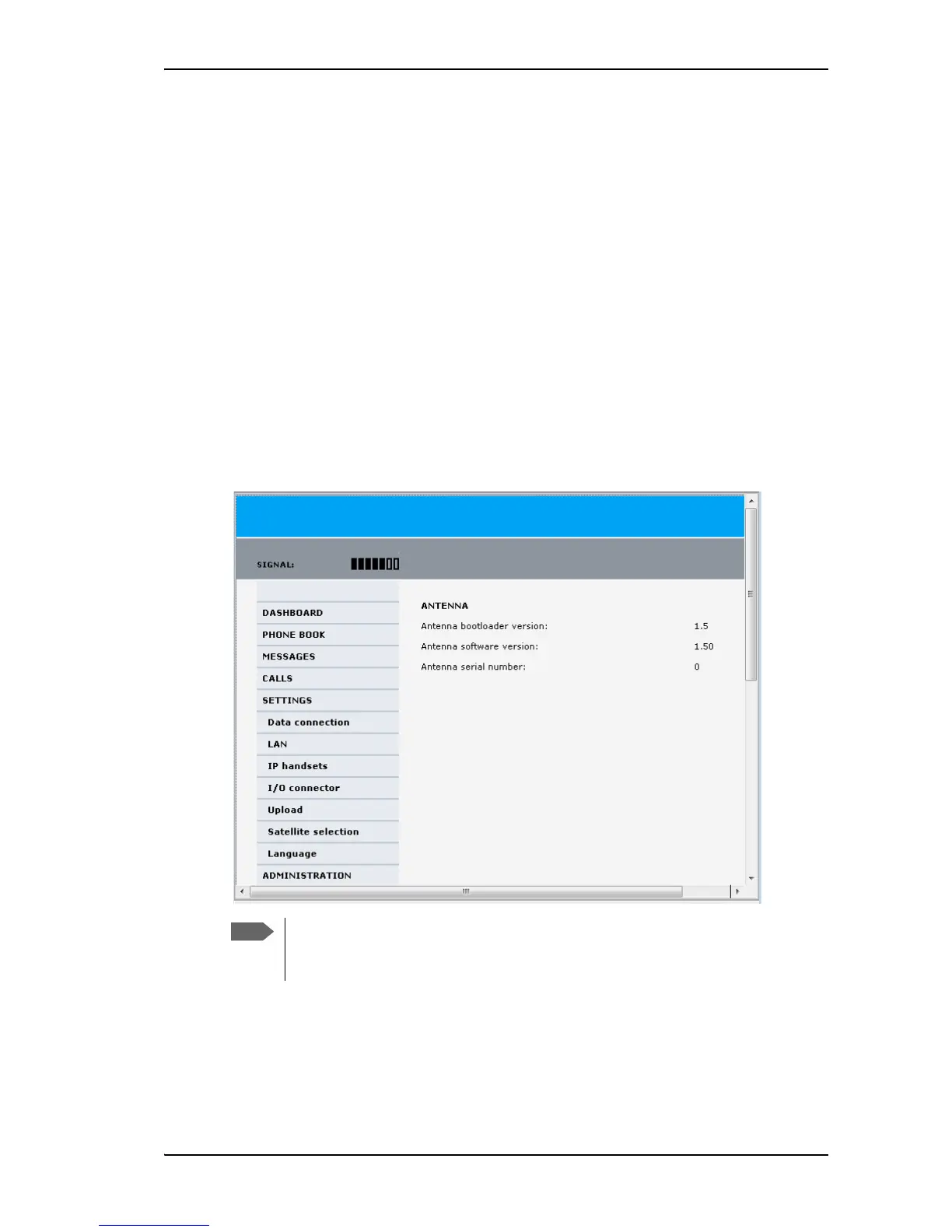
Antenna properties
Select SETTINGS from the left navigation pane. The SETTINGS page shows properties of the
connected antenna.
If the HPA module in the antenna has been exchanged, the Antenna serial number
field shows “0”. You can still see the antenna serial number on the label on the
underneath of the antenna.


 To Next Page