Chapter 5: Configuration
98-141368-A 89
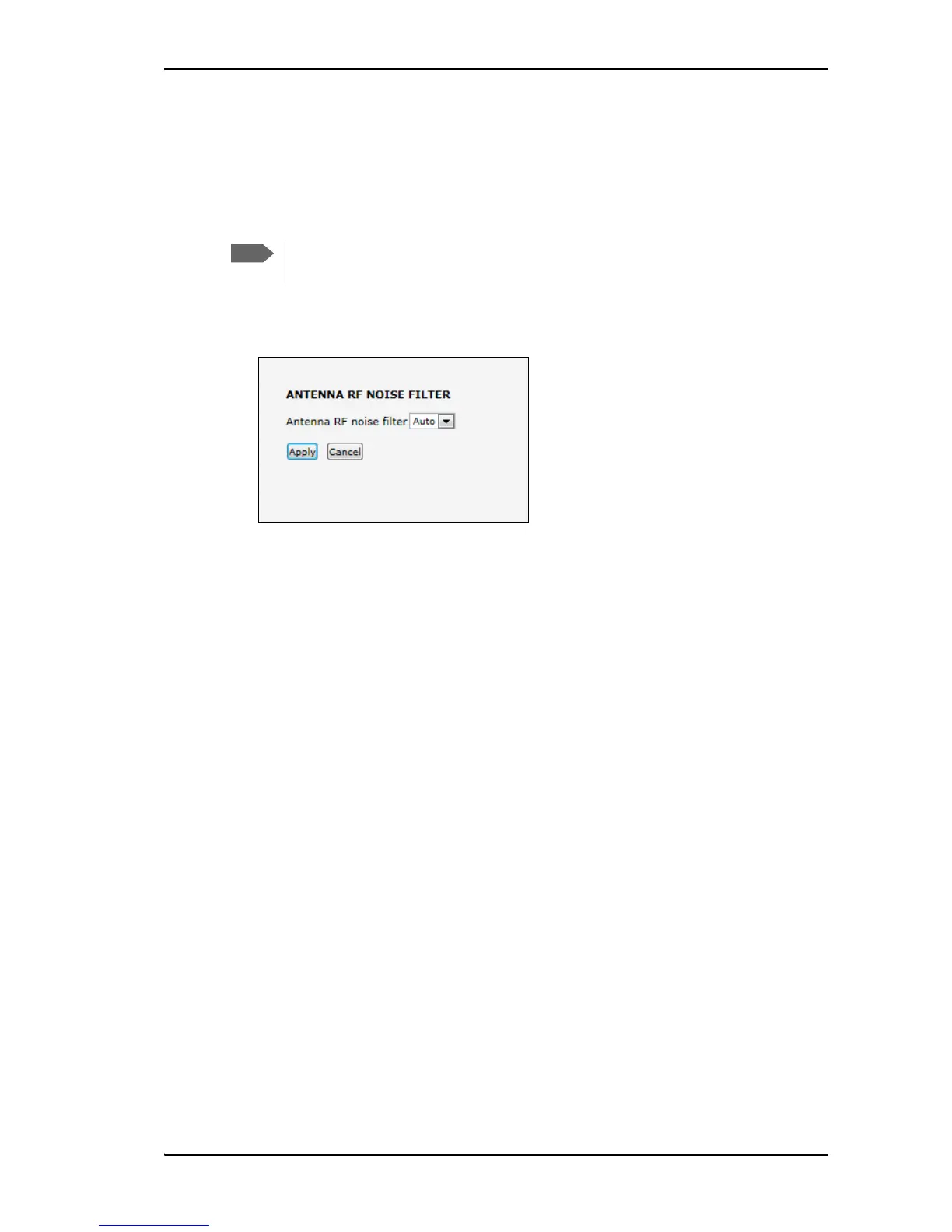
Antenna RF noise filter
The SAILOR Fleet One system has a built-in filter that makes it resilient to interference from
terrestrial mobile systems that operate inside the Inmarsat band and that may be located near
the coast.
To set up the Antenna RF noise filter, do as follows:
1. From the left navigation pane, select ADMINISTRATION > Antenna RF noise filter.
2. Select Auto, On or Off.
• Auto. The filter is automatically activated when the SAILOR Fleet One is subjected to
interference from terrestrial mobile systems.
• On. The filter is always active.
• Off. The filter is never active.
3. Click Apply.
We recommend leaving this setting as is (Auto). By default, the filter is automatically
activated when the SAILOR Fleet One system is subjected to interference.


 To Next Page